
Tailwind CSS
Tailwind CSS is a utility-first CSS framework for building modern websites with custom designs using utility classes. It offers performance optimization, responsive design, and dark mode support.
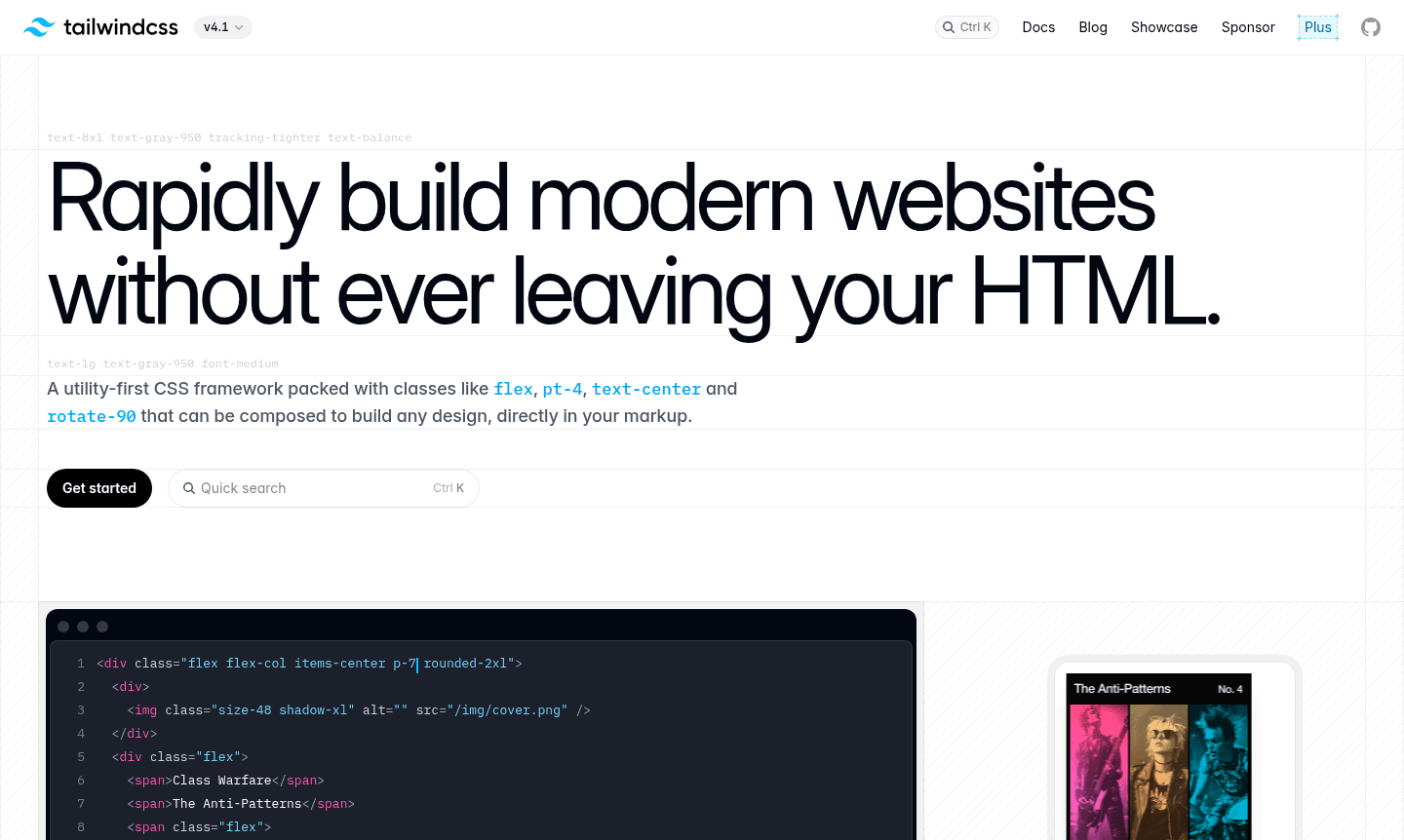
Overview of Tailwind CSS
Tailwind CSS is a utility-first CSS framework that enables developers to rapidly build modern, custom websites directly within their HTML markup. Unlike traditional UI kits like Bootstrap or Foundation, Tailwind doesn't impose pre-designed components or default themes, giving you complete creative control over your site's appearance. This approach makes it ideal for developers who want to implement unique designs with their own visual identity without fighting against framework-imposed design decisions.
As a development tool focused on Static Site Generator and Build Tool, Tailwind provides highly composable utility classes that can be combined to create any layout or design element. The framework automatically removes all unused CSS during production builds, resulting in exceptionally small final CSS bundles – typically under 10kB – ensuring fast loading times and optimal performance for your web projects.
How to Use Tailwind CSS
Getting started with Tailwind CSS involves installing it via npm or including it via CDN, then configuring your project through a JavaScript configuration file. You apply styling directly in your HTML using intuitive utility classes like flex, pt-4, text-center, and rotate-90. For responsive designs, simply prefix any utility with a screen size (like md: or lg:) to apply styles at specific breakpoints. The framework's PostCSS-based architecture allows for extensive customization of colors, spacing, breakpoints, and more through simple configuration changes.
Core Features of Tailwind CSS
- Utility-First Approach – Build any design using composable CSS classes without writing custom CSS
- Responsive Design – Apply utilities at specific breakpoints with intuitive screen size prefixes
- Dark Mode Support – Easily implement dark themes using dark: prefix for any color utility
- CSS Grid Integration – Create complex layouts directly in HTML with grid utilities
- Performance Optimization – Automatically removes unused CSS for minimal bundle sizes
Use Cases for Tailwind CSS
- Building custom component libraries and design systems
- Creating responsive web applications with React and Next.js
- Developing marketing sites with unique branding requirements
- Prototyping interfaces rapidly without context switching
- Maintaining consistent spacing and typography across projects
- Implementing dark mode functionality across entire applications
- Optimizing CSS bundle sizes for performance-critical projects
Support and Contact
For support, email contact@tailwindcss.com or visit the official website at tailwindcss.com. The framework maintains active community discussions and comprehensive documentation.
Company Info
Tailwind CSS is developed by Tailwind Labs, based in the United States. The framework follows open-source development principles with active maintenance and regular updates from the core team and community contributors.
Login and Signup
Access Tailwind CSS documentation and resources at tailwindcss.com. The framework itself requires no account creation or login, though additional services like Tailwind UI may have their own access requirements.
Tailwind CSS FAQ
What makes Tailwind CSS different from Bootstrap?
Tailwind CSS provides utility classes for custom designs, while Bootstrap offers pre-built components with fixed styling that requires overriding for customization.
How does Tailwind CSS handle responsive design?
Tailwind uses screen size prefixes like md: and lg: before utility classes to apply styles at specific breakpoints without leaving your HTML.
Is Tailwind CSS good for performance optimization?
Yes, Tailwind automatically purges unused CSS in production, resulting in bundle sizes typically under 10kB for optimal loading performance.
How to install Tailwind CSS?
Tailwind CSS can be installed via npm or included via CDN, with configuration through a JavaScript configuration file for customization.
Tailwind CSS Reviews0 review
Would you recommend Tailwind CSS? Leave a comment
Tailwind CSS Alternatives
The best modern alternatives to the tool
New Tools Releases
Recently added tools
