Tinkercad
Tinkercad is a free online platform for 3D design, electronics simulation, and coding. Ideal for STEM education and beginners, with kidSAFE certification and educational resources.
Overview of Tinkercad
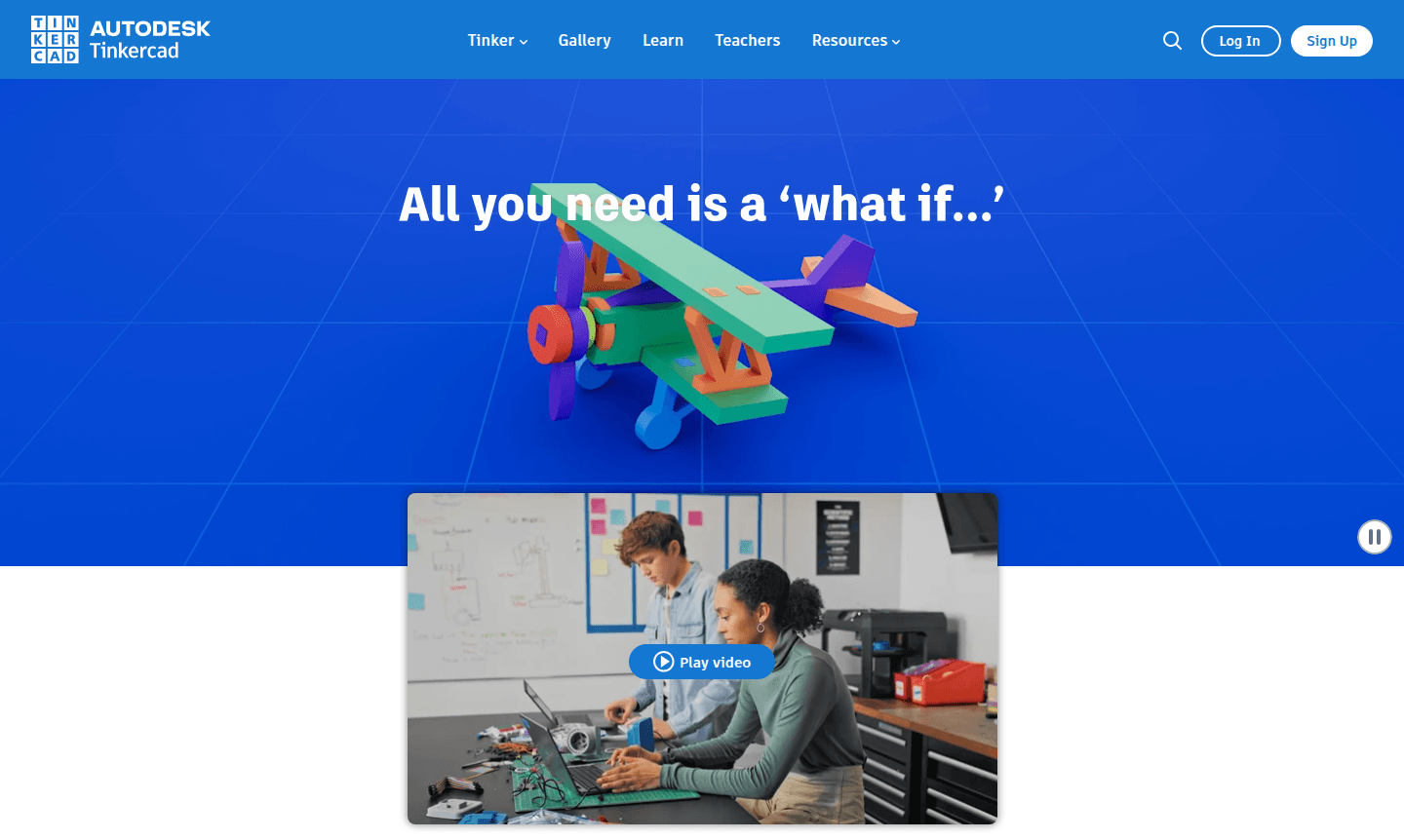
Tinkercad is a comprehensive free web application for 3D design, electronics simulation, and block-based coding, trusted by over 100 million users worldwide. This browser-based platform eliminates the need for downloads, making it instantly accessible for beginners and educators alike. With its kidSAFE COPPA certification and ad-free environment, Tinkercad provides a secure learning space that builds STEM confidence through hands-on project-based experiences.
The platform serves multiple educational domains including 3D Modeling, Classroom Tools, and Education, offering curriculum resources aligned with Common Core and NGSS standards. Tinkercad has empowered users to bring more than 600 million designs to life, from simple prototypes to complex electronic circuits, making it an essential tool for students, teachers, and hobbyists exploring digital fabrication and computational thinking.
How to Use Tinkercad
Getting started with Tinkercad requires only a web browser and internet connection. Users can immediately begin creating by visiting the website and clicking "Start Tinkering" to access the free account. The platform offers three main workspaces: 3D Design for creating printable models, Circuits for electronics simulation with virtual Arduino boards and components, and Codeblocks for visual programming that generates parametric 3D designs. Each workspace includes interactive tutorials and sample projects that guide users through the creation process, from basic shapes to complex assemblies, with real-time collaboration features for classroom environments.
Core Features of Tinkercad
- 3D Design Workspace – Intuitive drag-and-drop interface for creating printable 3D models and product prototypes
- Electronics Simulation – Virtual circuit building with Arduino compatibility and component libraries
- Block-Based Coding – Visual programming environment for generating parametric 3D designs
- Educational Resources – Standards-aligned lesson plans and project libraries for various subjects
- Classroom Management – Secure student accounts and project sharing tools for educators
Use Cases for Tinkercad
- STEM education and classroom instruction across multiple grade levels
- 3D printing preparation and prototype development for makers
- Electronics learning with virtual Arduino simulation and circuit design
- Coding fundamentals through block-based visual programming
- Architecture and product design projects for students and hobbyists
- Robotics programming and mechanical design exploration
- Art and 3D design integration in creative curriculum
Support and Contact
For assistance with Tinkercad, visit the official Tinkercad website for comprehensive help resources, tutorials, and community forums. You can also email contact@tinkercad.com for support inquiries. The platform provides extensive documentation and teacher resources to help users maximize their learning experience.
Company Info
Tinkercad is developed by Autodesk, a leading software company specializing in 3D design, engineering, and entertainment software. The platform represents Autodesk's commitment to accessible design education and digital fabrication tools for learners of all ages worldwide.
Login and Signup
Access Tinkercad by visiting the signup page to create a free account, or existing users can login directly through the main website. Educators can also use the class join feature for classroom management.
Tinkercad FAQ
Is Tinkercad completely free to use for students and teachers?
Yes, Tinkercad offers completely free access to all its 3D design, electronics, and coding features with no hidden costs or subscription fees.
What age group is Tinkercad suitable for in classroom settings?
Tinkercad is kidSAFE certified and designed for all ages, making it safe for elementary students through university level with appropriate project complexity.
Can Tinkercad be used for 3D printing preparation?
Absolutely, Tinkercad's 3D design workspace specifically supports creating printable models with export options for common 3D printing formats.
Does Tinkercad support collaborative projects?
Yes, Tinkercad includes real-time collaboration features that allow multiple users to work on designs together, ideal for group projects in educational settings.
Tinkercad Pricing
Current prices may vary due to updates
Free
Completely free web app for 3D design, electronics simulation, and block coding with no downloads required. Includes ad-free experience, kidSAFE certi
Tinkercad Reviews0 review
Would you recommend Tinkercad? Leave a comment
Tinkercad Alternatives
The best modern alternatives to the tool
New Tools Releases
Recently added tools
