
CapCut
CapCut: Free AI video editor with auto captions, text to speech, video upscaling, and background removal. Create professional videos for social media, marketing, and personal use.
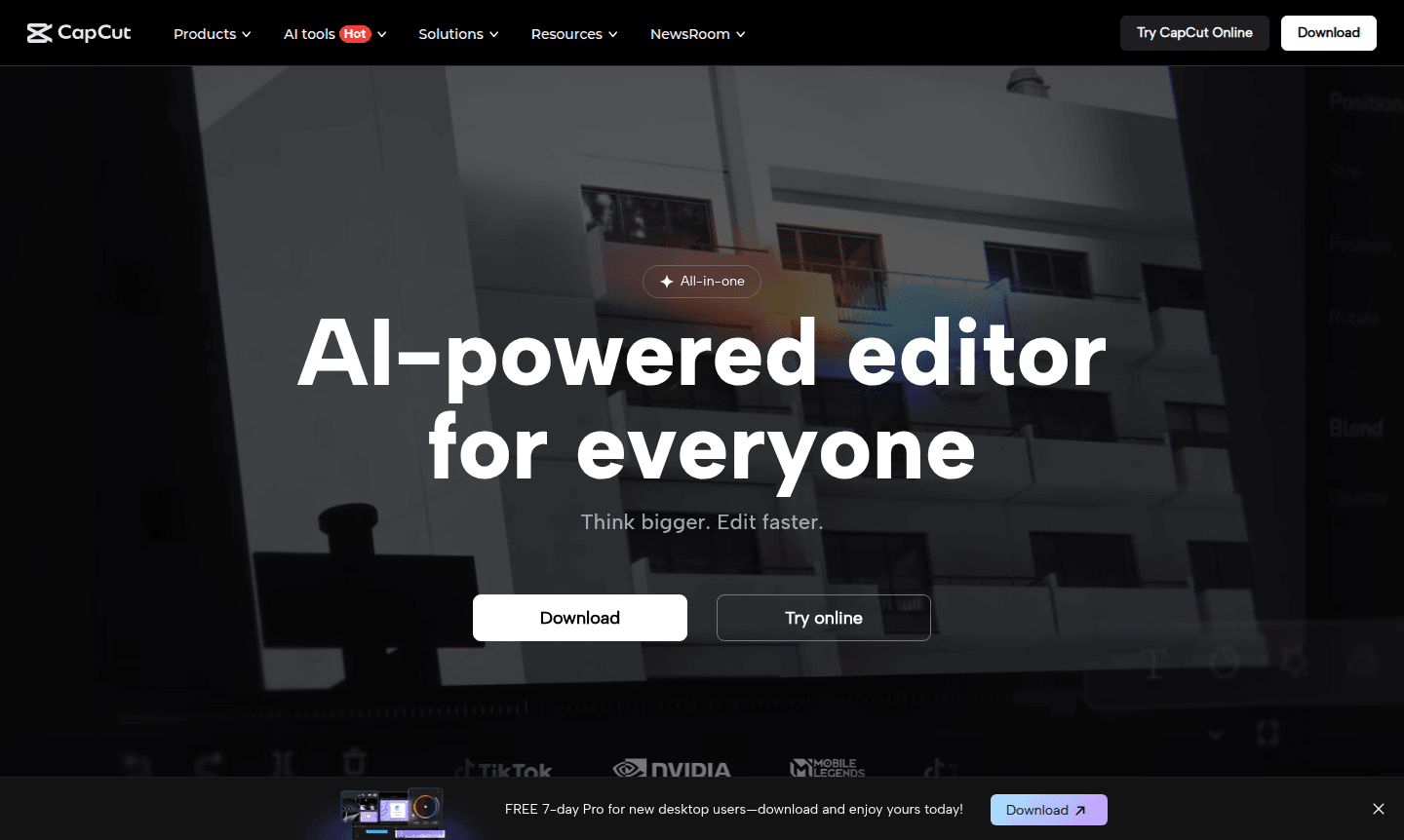
Overview of CapCut
CapCut is an all-in-one AI-powered video editor designed to make professional editing accessible to everyone. This comprehensive platform transforms complex video creation into a streamlined process, allowing users to think bigger while editing faster. Whether you're a social media creator, business marketer, or casual user, CapCut's intelligent tools handle everything from scripting to final production, eliminating the need for multiple applications. The platform's AI video maker capabilities ensure that even beginners can produce polished content with minimal effort, making it one of the best free video editing software options available today.
The tool's versatility extends across multiple platforms with dedicated web, desktop, and mobile applications, ensuring you can create anywhere, anytime. CapCut's auto captions feature and text to speech functionality make content more accessible and engaging for global audiences. With advanced capabilities like video upscaling, background removal, and AI color correction, this editor provides professional-grade results without the steep learning curve. Explore more creative tools in our Photo Editor and Animation Software categories.
How to Use CapCut
Getting started with CapCut is straightforward: simply download the desktop app, mobile application, or access the web version, then import your media files. The intuitive interface guides you through the editing process, where you can leverage AI tools like auto reframe to adapt content for different platforms, generate automatic captions in multiple languages, or use text to speech for natural voiceovers. For longer projects, the script to video AI feature transforms written content into complete videos with matching scenes and audio.
Core Features of CapCut
- AI Video Maker – Complete suite from scripting to final production with intelligent automation
- Auto Captions Generation – Multi-language subtitle creation without manual typing
- Text to Speech Conversion – Natural voiceovers in various languages and voice styles
- Video Enhancement Tools – Upscaling, stabilization, and color correction capabilities
- Content Transformation – Convert long videos to shorts and clips to cohesive stories
Use Cases for CapCut
- Social media content creation for platforms like TikTok and Instagram
- Professional marketing videos with automated captioning
- Educational content production with text to speech narration
- Restoring and enhancing old photos and blurry videos
- Multilingual video translation with lip sync technology
- Converting long-form content into engaging short clips
- Background removal and professional video stabilization
Support and Contact
For assistance with CapCut's features or technical support, email contact@capcut.com or visit the help section and contact page. The platform provides comprehensive online resources and community forums for troubleshooting and guidance.
Company Info
CapCut is developed by ByteDance, the same company behind TikTok, bringing extensive expertise in video creation and social media content. The platform reflects the company's commitment to making advanced video editing tools accessible to creators worldwide through intuitive AI-powered solutions.
Login and Signup
Access CapCut through their official website to login or signup for an account and start editing. New desktop users can benefit from the FREE 7-day Pro trial that includes advanced AI tools, premium effects, and cloud storage.
CapCut FAQ
Is CapCut completely free to use?
CapCut offers a robust free version with many features, plus a Pro trial with advanced AI tools and premium effects for new desktop users.
What AI features does CapCut include for video editing?
CapCut provides AI video maker tools, auto captions, text to speech, video upscaling, background removal, and intelligent color correction.
Can CapCut convert long videos into short social media clips?
Yes, CapCut's AI automatically identifies the best moments from long videos and converts them into optimized short-form content.
Does CapCut support video translation with lip sync?
Yes, CapCut includes AI-powered video translation that syncs lip movements for natural-looking results in multiple languages.
CapCut Pricing
Current prices may vary due to updates
Pro
FREE 7-day Pro for new desktop users – download and enjoy yours today! Includes advanced AI tools, premium effects, and cloud storage for enhanced vid
CapCut Reviews0 review
Would you recommend CapCut? Leave a comment
CapCut Alternatives
The best modern alternatives to the tool
New Tools Releases
Recently added tools
