
ActivityWatch
ActivityWatch is a free, open-source time tracking app that monitors your computer and mobile usage locally. It's a privacy-focused alternative to RescueTime, perfect for tracking productivity and digital habits without cloud data.
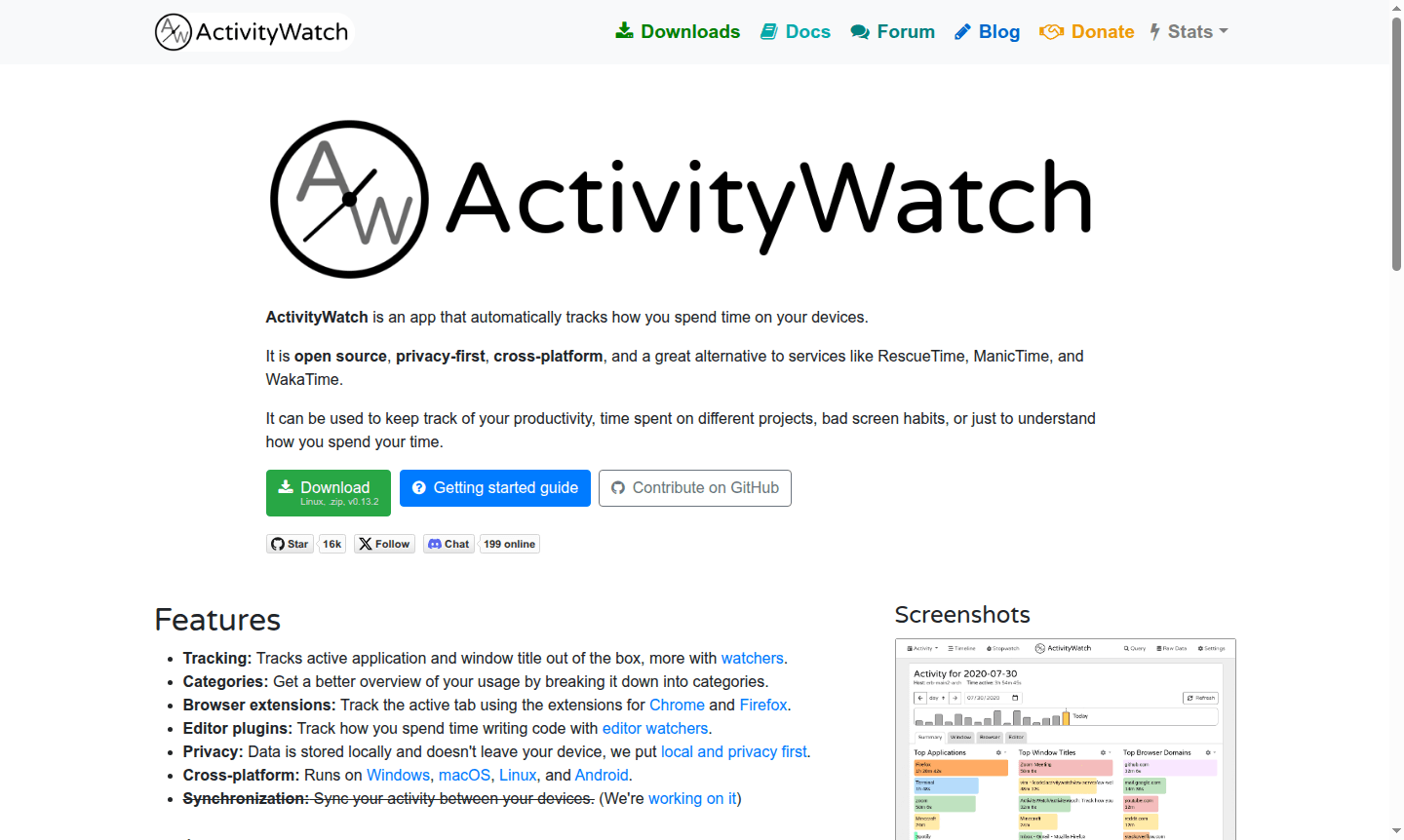
Overview of ActivityWatch
ActivityWatch is an innovative open-source time tracking application that automatically monitors how you spend time across your digital devices. Designed with privacy as a core principle, this cross-platform tool captures your computer and mobile usage without sending data to external servers, keeping all information stored locally on your devices. It serves as an excellent alternative to commercial time tracking services like RescueTime, ManicTime, and WakaTime, offering similar functionality while maintaining complete data ownership and privacy control for users.
This powerful productivity tool helps individuals and teams gain valuable insights into their digital habits across various domains including Time Tracking, Productivity, and Privacy Checker. Whether you're a developer tracking coding sessions, a freelancer monitoring project hours, or someone seeking better work-life balance, ActivityWatch provides comprehensive analytics about your application usage, website visits, and overall screen time patterns to help optimize your digital workflow and improve time management.
How to Use ActivityWatch
Getting started with ActivityWatch is straightforward – simply download and install the application on your Windows, macOS, Linux, or Android device from the official website. Once installed, the application runs quietly in your system tray or background, automatically tracking your activity without requiring manual input. To view your analytics, open your web browser and navigate to localhost:5600 where you'll find the intuitive web-based interface displaying detailed reports about your computer usage, application patterns, and time distribution across different categories and projects.
Core Features of ActivityWatch
- Automatic Time Tracking – Monitors active applications and window titles automatically without user intervention
- Privacy-First Architecture – All data stored locally on your device with no cloud transmission required
- Cross-Platform Compatibility – Runs seamlessly on Windows, macOS, Linux desktop and Android mobile devices
- Browser Extension Support – Tracks active browser tabs using Chrome and Firefox extensions for web activity
- Developer Tool Integration – Specialized editor watchers monitor coding time in various development environments
Use Cases for ActivityWatch
- Monitor productivity levels and identify time-wasting applications or websites
- Track time spent on different client projects for accurate billing and reporting
- Analyze work-life balance by categorizing professional vs personal computer usage
- Identify and manage unhealthy screen habits and digital addiction patterns
- Gain self-knowledge through quantified self-analysis of digital behavior
Support and Contact
For technical support and community assistance, visit the official ActivityWatch website at activitywatch.net. As an open-source project maintained by volunteers, support is primarily provided through community forums and documentation resources. For research inquiries or collaboration opportunities, you can reach the development team through their social media channels on Facebook and X (formerly Twitter).
Company Info
ActivityWatch is maintained by brothers Erik and Johan Bjäreholt and the open-source community. It was created as a privacy-focused alternative to commercial time trackers, developed by volunteers committed to local-first software and data ownership.
Login and Signup
ActivityWatch requires no account creation or login process since it operates as a local application. Simply download the software from the official website and begin tracking your activity immediately. The privacy-focused design means you never need to create an account or provide personal information – your data remains entirely on your own devices.
ActivityWatch FAQ
How does ActivityWatch protect my privacy compared to other time trackers?
ActivityWatch stores all your data locally on your device and never sends it to external servers, ensuring complete privacy and data ownership unlike cloud-based alternatives.
What platforms does ActivityWatch support for time tracking?
ActivityWatch runs on Windows, macOS, Linux desktop systems and Android mobile devices, providing comprehensive cross-platform time tracking capabilities.
Is ActivityWatch completely free to use for personal and commercial purposes?
Yes, ActivityWatch is completely free and open-source software with no hidden costs or subscription fees for both personal and commercial time tracking needs.
How can I view my tracked data in ActivityWatch?
You can view your analytics by opening your web browser and navigating to localhost:5600, where the web-based interface displays detailed reports.
ActivityWatch Reviews0 review
Would you recommend ActivityWatch? Leave a comment
ActivityWatch Alternatives
The best modern alternatives to the tool
New Tools Releases
Recently added tools
