
Mullvad Browser
Free, open-source browser by Mullvad and Tor Project for privacy. Blocks trackers, resists fingerprinting, works on Windows, Mac, Linux. Use with or without VPN.
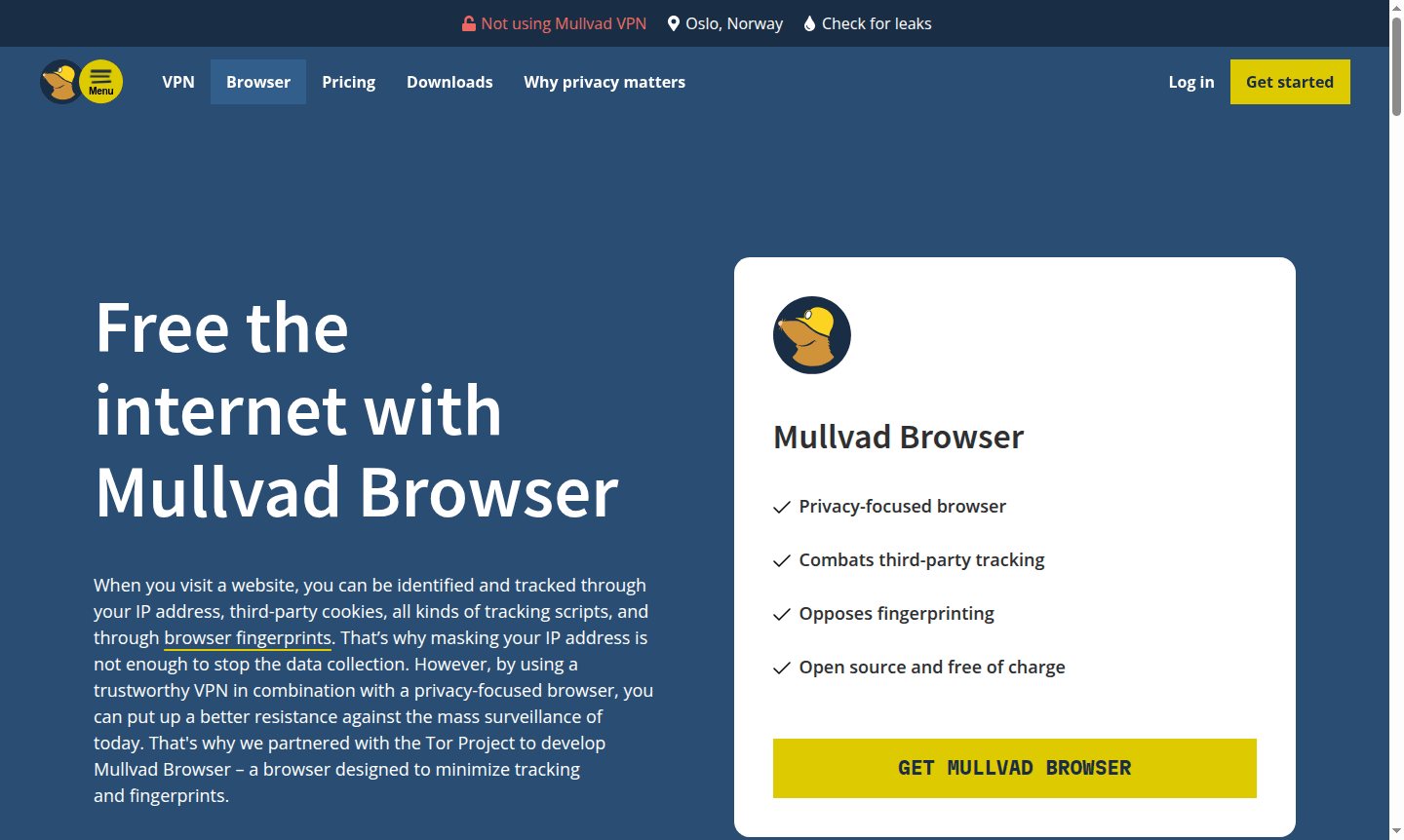
Overview of Mullvad Browser
Mullvad Browser is a privacy-focused web browser developed in partnership with the Tor Project to combat online tracking and fingerprinting. While VPNs mask your IP address, they don't stop data collection through cookies, tracking scripts, and browser fingerprints – that's where Mullvad Browser provides essential protection. This open-source browser is designed to make all users appear similar, effectively hiding individuals within the crowd to resist mass surveillance and data collection by big tech companies, authorities, and data brokers.
The browser is completely free of charge and can be used with or without a VPN, though combining it with a trustworthy VPN provides the most comprehensive privacy protection. Available for Windows, macOS, and Linux, Mullvad Browser represents a significant advancement in Secure Browser technology and Anti-tracking Tool. It's particularly valuable for users concerned about Data Privacy and those seeking alternatives to mainstream browsers that prioritize user tracking over privacy.
How to Use Mullvad Browser
Getting started with Mullvad Browser is straightforward: download the browser from the official website, install it on your Windows, macOS, or Linux system, and launch it like any other browser. The browser comes pre-configured with privacy protections enabled by default, including tracker blocking through uBlock Origin and private mode activation. For optimal privacy, users can combine Mullvad Browser with a trustworthy VPN service to mask their IP address while the browser handles fingerprinting resistance and tracker blocking. No special configuration is needed – the browser works immediately with its privacy features active, though users can explore advanced settings for additional customization.
Core Features of Mullvad Browser
- Tracker Blocking – Blocks third-party trackers using uBlock Origin to prevent data collection.
- Fingerprinting Resistance – Uses letterboxing and other methods to make all users appear similar.
- Private Mode by Default – No cookies saved between sessions; third-party cookies isolated.
- No Telemetry Collection – Removes all browser telemetry and performance data collection.
- Open Source & Free – Free and open-source with transparent code, no hidden costs.
Use Cases for Mullvad Browser
- Anonymous browsing without leaving digital fingerprints
- Protection against third-party tracking and data collection
- Secure online research and sensitive information access
- Privacy-focused web development and testing
- Journalism and whistleblowing activities requiring anonymity
- Academic research on privacy and surveillance resistance
- General web browsing with enhanced privacy protections
Support and Contact
For questions and support, contact the Mullvad team at support@mullvadvpn.net. Additional resources and documentation are available on the official Mullvad Browser website.
Company Info
Mullvad Browser is developed by Mullvad VPN, a privacy-focused company known for its commitment to user anonymity and data protection. The browser represents their partnership with the Tor Project to create accessible privacy tools.
Login and Signup
No login or signup required – simply download and use Mullvad Browser directly from the official download page.
Mullvad Browser FAQ
Why do I need Mullvad Browser if I already use a VPN?
VPNs only hide your IP address, while Mullvad Browser also blocks trackers and resists browser fingerprinting for complete privacy protection.
Can I use Mullvad Browser without a VPN service?
Yes, Mullvad Browser works independently, but using it with a VPN provides the most comprehensive privacy by masking your IP address too.
Is Mullvad Browser really free with no hidden costs?
Yes, Mullvad Browser is completely free and open-source, with no subscriptions, hidden fees, or data collection for monetization.
What is Mullvad Browser's business model?
Mullvad Browser is free and open-source; revenue comes from their VPN service, not the browser, ensuring no hidden costs.
On which platforms is Mullvad Browser available?
Mullvad Browser is available for Windows, macOS, and Linux, supporting all major desktop operating systems.
What are the grey bars around websites in Mullvad Browser?
The grey bars are letterboxing, a technique to resist browser fingerprinting by standardizing window size and enhancing privacy.
Mullvad Browser Pricing
Current prices may vary due to updates
Mullvad Browser
A completely free, open-source privacy browser with tracker blocking, fingerprinting resistance, private mode by default, and no telemetry. Compatible
Mullvad Browser Reviews0 review
Would you recommend Mullvad Browser? Leave a comment
Mullvad Browser Alternatives
The best modern alternatives to the tool
New Tools Releases
Recently added tools
