
AIMP Audio Player
Free AIMP audio player for Windows and Android with customizable skins, plugins, equalizer, and playlist management. High-quality sound and regular updates.
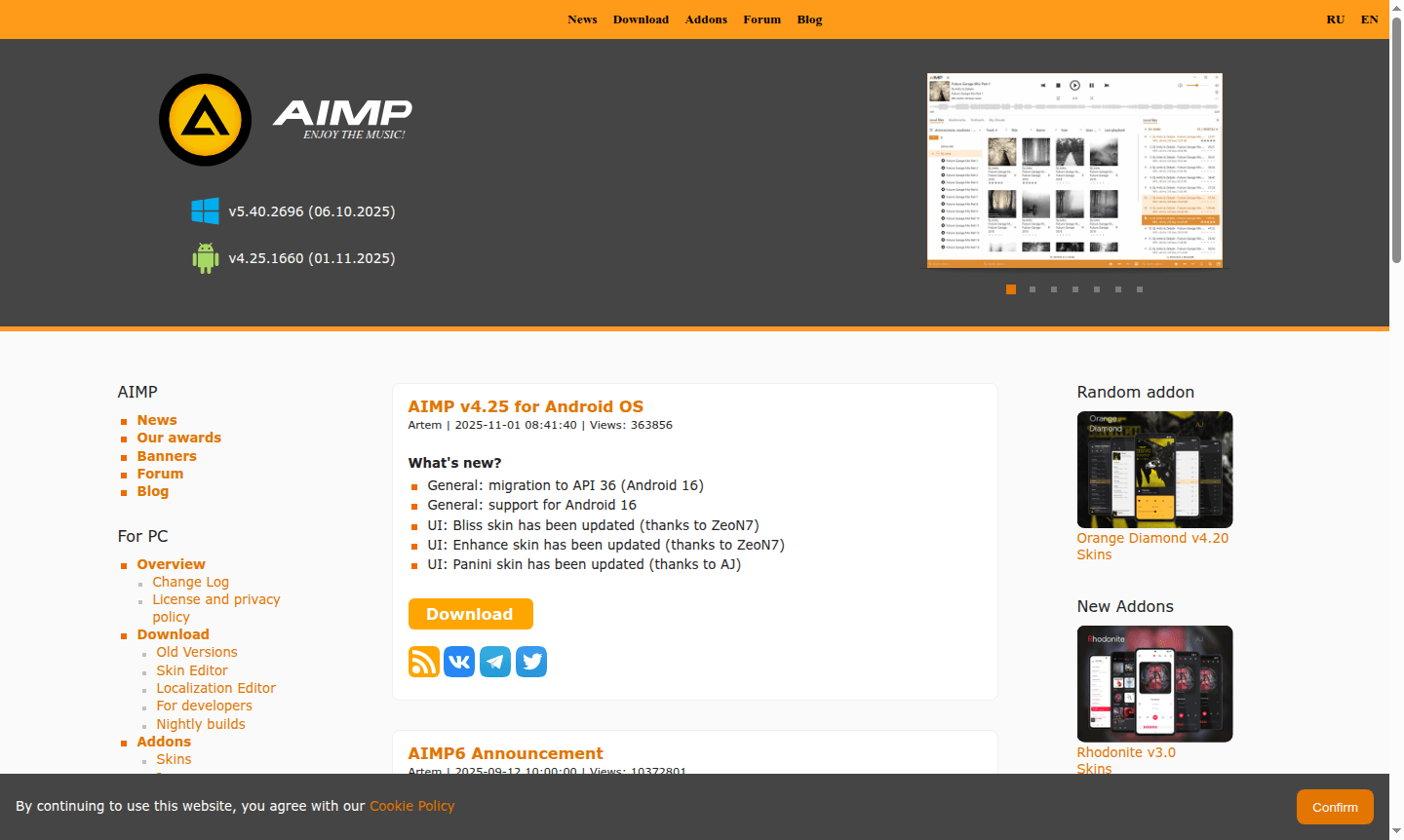
Overview of AIMP Audio Player
AIMP is a powerful, free audio player available for both PC and Android platforms, offering extensive customization options through skins, plugins, and addons support. This versatile music player has been actively developed since 2006, celebrating its 19th anniversary in 2025, demonstrating its longevity and commitment to providing users with a reliable audio playback solution. With regular updates across both desktop and mobile versions, AIMP continues to evolve while maintaining its core focus on high-quality audio reproduction and user customization.
The player appeals to music enthusiasts who value sound quality and personalization, supporting a wide range of audio formats and featuring advanced sound processing capabilities. AIMP's extensive plugin ecosystem allows users to extend functionality with encoders, visualizations, and audio effects, while the skinning system enables complete interface customization. As a Music Player and Audio Converter, it serves users seeking alternatives to mainstream media players with more control over their listening experience.
How to Use AIMP Audio Player
Getting started with AIMP is straightforward – download the application for your preferred platform (Windows or Android), install it, and begin adding your music library. The player automatically scans for audio files and organizes them into a comprehensive music library. Users can create and manage playlists, apply equalizer settings for optimal sound quality, and customize the interface with available skins. For advanced functionality, browse the extensive addons catalog to install plugins for additional audio processing, format support, or visual enhancements to tailor the player to your specific needs.
Core Features of AIMP Audio Player
- Cross-Platform Support – Available for Windows desktop and Android mobile devices with consistent functionality
- Extensive Customization – Support for skins, plugins, and addons to personalize appearance and features
- Advanced Audio Processing – Built-in equalizer, sound effects, and support for multiple audio formats
- Music Library Management – Comprehensive organization of audio files with metadata support
- Regular Updates – Continuous development with new features and platform compatibility improvements
Use Cases for AIMP Audio Player
- High-quality music playback for audiophiles seeking superior sound reproduction
- Customizable audio environment for users wanting personalized player interfaces
- Mobile music listening with Android Auto integration for in-car entertainment
- Audio file management and organization for large music collections
- Extended functionality through plugins for specific audio processing needs
- Alternative to mainstream media players with more control options
- Legacy audio format support for vintage music collections
Support and Contact
For technical assistance and user support, contact the AIMP team via email at support@aimp.ru. Additional resources and community discussions are available through the official website at official AIMP website where users can find documentation, forums, and the latest updates.
Company Info
AIMP is developed by Artem Izmaylov and team, with development primarily based in Russia. The project maintains an active development cycle with regular updates for both desktop and mobile versions, supported by a dedicated community of users and contributors who help with testing, bug reporting, and skin creation.
Login and Signup
AIMP does not require user accounts or registration for basic functionality. Users can download the application directly from the official website at AIMP download page and begin using it immediately. The free audio player operates without mandatory login requirements, providing instant access to all core features upon installation.
AIMP Audio Player FAQ
Is AIMP completely free to use without any hidden costs?
Yes, AIMP is entirely free with no subscription fees or hidden costs, offering full functionality for both PC and Android versions.
What audio formats does AIMP music player support?
AIMP supports numerous audio formats including MP3, FLAC, WAV, WMA, and many others through its extensible plugin system.
Can I customize the appearance of AIMP audio player?
Yes, AIMP offers extensive skinning options and a large catalog of user-created skins to completely customize the player's interface.
AIMP Audio Player Reviews0 review
Would you recommend AIMP Audio Player? Leave a comment
AIMP Audio Player Alternatives
The best modern alternatives to the tool
New Tools Releases
Recently added tools
