
Windows 11
Explore Windows 11, Microsoft's latest OS with AI Copilot, improved security, and gaming enhancements. Learn about features, requirements, and free upgrades.
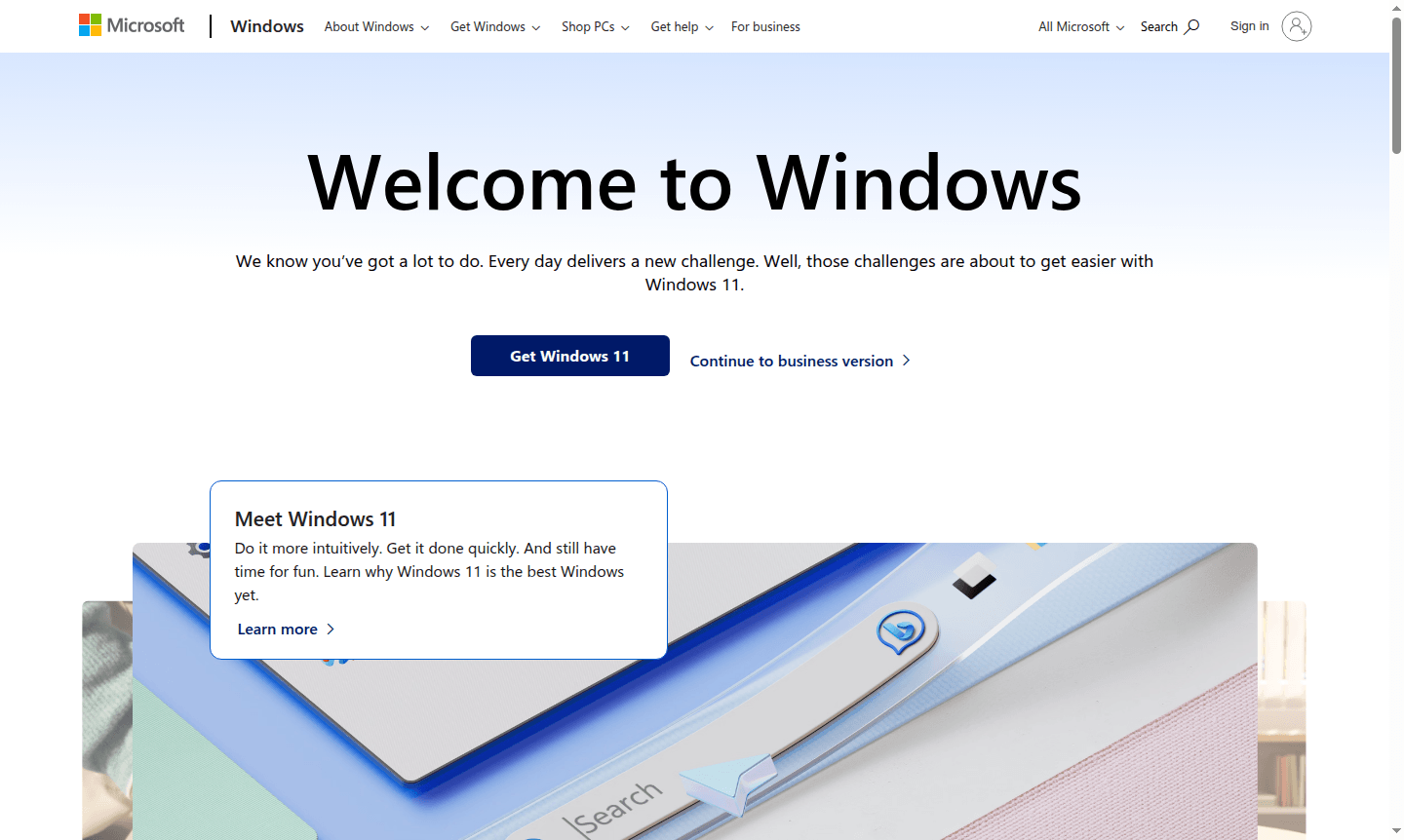
Overview of Windows 11
Windows 11 is Microsoft's latest operating system, designed to provide a more intuitive and productive computing experience for users worldwide. As the successor to Windows 10, it introduces a refreshed interface with centered Start menu, improved multitasking capabilities through Snap Layouts, and enhanced performance optimizations. This operating system serves as the foundation for personal computers, offering built-in security features, accessibility tools, and seamless integration with Microsoft's ecosystem of services and applications.
The platform caters to diverse user needs, from casual home users and creative professionals to business environments and gaming enthusiasts. With its focus on productivity, creativity, and entertainment, Windows 11 represents a significant evolution in personal computing. Users can explore related tools in categories like Desktop Environment and System Info Tool for complementary utilities that enhance their Windows experience.
How to Use Windows 11
Getting started with Windows 11 typically involves upgrading from a compatible Windows 10 system or purchasing a new PC with the operating system pre-installed. The setup process guides users through account creation, privacy settings, and personalization options. Once installed, users can navigate the streamlined Start menu, organize windows with Snap Layouts for efficient multitasking, and access Microsoft Store for applications. The operating system supports both touch and traditional input methods, with voice commands available through Cortana integration for hands-free operation.
Core Features of Windows 11
- AI-Powered Copilot – AI assistant in taskbar for task help and recommendations.
- Enhanced Security – Protection against threats with biometric authentication and hardware security.
- Phone Link Integration – Connect PC to Android/iOS for calls, texts, notifications.
- Gaming Optimization – DirectX 12, Auto HDR, DirectStorage for better gaming.
- Accessibility Tools – Voice access, live captions, visual enhancements for user needs.
Use Cases for Windows 11
- Professional productivity with Microsoft Office integration and Teams collaboration
- Creative work including photo editing, video production, and digital art creation
- Gaming with support for next-generation titles and backward compatibility
- Remote work through secure VPN connections and virtual desktop functionality
- Educational purposes with learning applications and parental controls
- Home entertainment with streaming services and media playback capabilities
- Development work using Windows Subsystem for Linux and coding environments
Support and Contact
For technical assistance and customer support, contact contact@microsoft.com or visit the official Windows Support website. Microsoft provides online resources including troubleshooting guides, community forums, and virtual agent support. Enterprise customers can access dedicated business support through Microsoft's enterprise services portal.
Company Info
Windows 11 is developed by Microsoft Corporation, a multinational technology company headquartered in Redmond, Washington, United States. Founded in 1975, Microsoft has grown to become one of the world's largest software companies, known for its Windows operating systems, Office productivity suite, Azure cloud services, and various hardware products including Surface devices and Xbox gaming consoles.
Login and Signup
Access Windows 11 features by signing in with your Microsoft account at Microsoft Account Portal. New users can create an account directly through the Windows setup process or via Microsoft's website. The same credentials provide access to Microsoft Store, OneDrive cloud storage, Office applications, and other Microsoft services across devices.
Windows 11 FAQ
What are the system requirements for Windows 11?
Windows 11 requires a compatible 64-bit processor, 4GB RAM, 64GB storage, UEFI firmware with Secure Boot, TPM 2.0, and DirectX 12 compatible graphics.
Is Windows 11 a free upgrade from Windows 10?
Yes, Windows 11 is available as a free upgrade for eligible Windows 10 devices that meet the minimum system requirements through Windows Update.
How does Windows 11 improve gaming performance?
Windows 11 includes DirectX 12 Ultimate, Auto HDR, and DirectStorage technology for faster load times, improved graphics, and enhanced gaming experiences.
What is Windows Copilot and how to use it?
Windows Copilot is an AI assistant built into the taskbar that helps with tasks, answers questions, and provides recommendations through natural language interaction.
Windows 11 Reviews0 review
Would you recommend Windows 11? Leave a comment
Windows 11 Alternatives
The best modern alternatives to the tool
New Tools Releases
Recently added tools
