
Bark
Bark's AI-powered parental controls monitor texts, social media, and online activity. Protect kids from cyberbullying, manage screen time, track location, with free trials available.
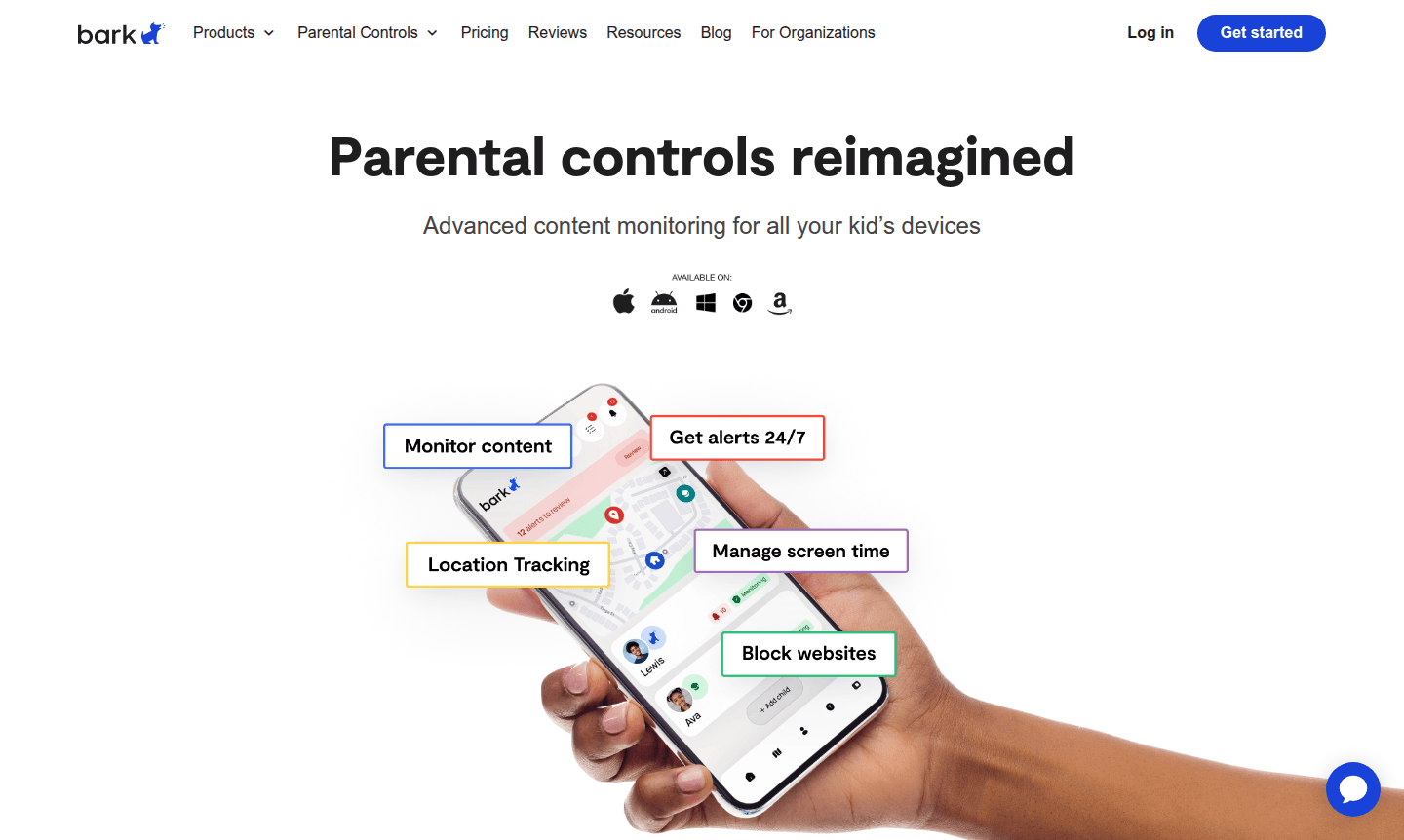
Overview of Bark
Bark redefines parental controls with advanced content monitoring that protects children across all their devices. This comprehensive platform has already safeguarded over 7.3 million children, detecting 4.4 million severe self-harm situations and 7.2 million severe bullying incidents through its sophisticated monitoring system. Bark provides parents with unparalleled visibility into their child's digital world, scanning text messages, 30+ social media platforms, web browsers, emails, and other online activities to ensure comprehensive protection.
The platform utilizes AI-powered safety alerts across more than 29 categories, going beyond simple device mirroring to actively scan texts, social media content, images, videos, and audio for potential threats like cyberbullying and inappropriate content. Parents receive personalized insights and expert recommendations with every alert, better equipping them to handle challenging situations. Bark's approach to Parental Control makes it an essential tool for modern parenting in the digital age.
How to Use Bark
Getting started with Bark involves selecting the appropriate product for your family's needs, whether it's the Bark Phone for younger children, the Bark Watch for basic communication and location tracking, the Bark App for comprehensive device monitoring, or Bark Home for managing screen time across household devices. After choosing your product, you'll set up monitoring preferences, configure safety alerts for concerning content, establish screen time schedules, and customize website and app blocking rules. The system then continuously monitors your child's digital activity, sending you immediate alerts when potential issues are detected while providing you with tools to manage their online experience effectively.
Core Features of Bark
- Comprehensive Content Monitoring – Scans texts, social media, emails, and web activity across 30+ platforms
- AI-Powered Safety Alerts – Detects threats across 29+ categories including cyberbullying and self-harm
- Screen Time Management – Creates custom schedules and allows internet pausing for healthy boundaries
- Location Tracking – Provides live GPS, location alerts, and check-in features for peace of mind
- Content Filtering – Blocks inappropriate websites and apps while filtering harmful content
Use Cases for Bark
- Monitoring children's text messages and social media interactions
- Detecting cyberbullying and self-harm situations early
- Managing screen time limits and creating healthy digital habits
- Tracking children's location during school and activities
- Blocking inappropriate websites and filtering harmful content
- Monitoring multiple children across various devices simultaneously
- Creating internet-free zones and schedules for family time
Support and Contact
For assistance with Bark parental controls and monitoring services, contact support at contact@bark.us or visit the contact page. Customer service is available for setup, troubleshooting, and answering questions about Bark's products and features.
Company Info
Bark Technologies specializes in developing advanced parental control solutions that leverage artificial intelligence to protect children in digital environments. Learn more on the about page.
Login and Signup
Access your Bark account or create a new one through the official Bark website. New users can start with a 7-day free trial to experience the platform's monitoring capabilities.
Bark FAQ
How much does the Bark Watch cost for parental monitoring?
The Bark Watch costs $7/month for 24 months for the device plus $15/month for cell service and parental controls, totaling $22/month with no activation fee.
What is the difference between Bark Premium and Bark Jr plans?
Bark Premium ($14/month) offers comprehensive monitoring across social media, phones, and computers, while Bark Jr ($5/month) focuses on screen time management and basic location tracking.
How much does the Bark Phone cost with parental controls?
The Bark Phone is $10/month for 24 months for the device plus wireless plans starting at $29/month, including Bark Premium subscription and built-in parental controls.
Does Bark offer a free trial?
Yes, Bark provides a 7-day free trial for new users to test its parental control features before subscribing.
Bark Pricing
Current prices may vary due to updates
Bark Premium
Bark Premium offers comprehensive parental control monitoring across social media, phones, tablets, and computers with AI-powered safety alerts, scree
Bark Jr
Bark Jr provides basic parental controls including screen time management, website and app blocking, content filtering, and location tracking with GPS
Bark Phone
The Bark Phone is a kid-safe device with built-in parental controls, monitoring, alerts, tamper-proof controls, screen time limits, contact approvals,
Bark Reviews0 review
Would you recommend Bark? Leave a comment
Bark Alternatives
The best modern alternatives to the tool
New Tools Releases
Recently added tools
