BleachBit
BleachBit is a free, open source system cleanup tool that frees disk space and protects privacy. Clean cache, cookies, temporary files, and shred sensitive data for Windows and Linux.
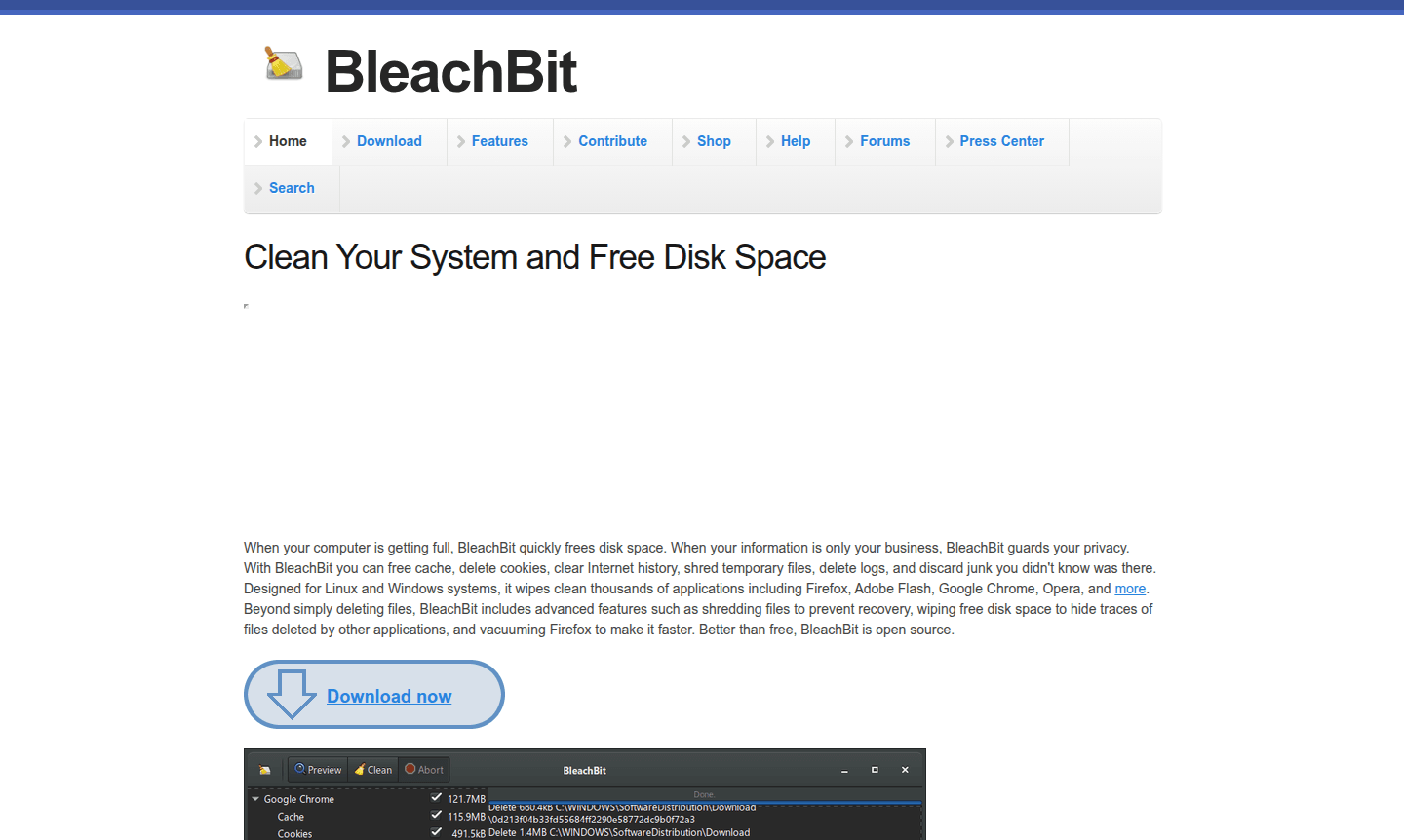
Overview of BleachBit
BleachBit is a powerful system cleanup tool designed to free up valuable disk space while protecting your digital privacy. When your computer starts running low on storage, this free disk space cleaner efficiently removes unnecessary files and temporary data that accumulate over time. Available for both Linux and Windows systems, BleachBit offers comprehensive privacy cleaning capabilities that go beyond basic file deletion. The software supports thousands of popular applications including Firefox, Google Chrome, Opera, and Adobe Flash, ensuring thorough cleaning across your entire system.
What sets BleachBit apart from other system optimization tools is its commitment to both performance optimization and security. As an open source system cleaner, it provides complete transparency about its operations while delivering professional-grade cleaning features. Beyond simply deleting files, BleachBit includes advanced security features like file shredding to prevent recovery and free disk space wiping to eliminate traces of previously deleted files. For Firefox users, the vacuuming feature can significantly improve browser performance by optimizing database files.
How to Use BleachBit
Using BleachBit is straightforward – simply download and install the software, then launch the application to access its intuitive interface. Begin by selecting which applications and system areas you want to clean, such as browser cache, cookies, temporary files, or application logs. You can choose individual items or select entire categories for comprehensive cleaning. For enhanced privacy protection, enable the shredding feature to securely delete sensitive files, or use the free space wiping option to ensure no recoverable data remains on your drive. The vacuum feature specifically targets Firefox optimization to speed up your browsing experience.
Core Features of BleachBit
- Comprehensive System Cleaning – Removes cache, cookies, temporary files, and logs from thousands of applications
- Advanced Privacy Protection – Securely shreds files and wipes free disk space to prevent data recovery
- Browser Optimization – Vacuum feature specifically enhances Firefox performance and speed
- Cross-Platform Compatibility – Fully supports both Windows and Linux operating systems
- Open Source Transparency – Complete visibility into software operations with community-driven development
Use Cases for BleachBit
- Free up disk space on crowded Windows or Linux systems
- Protect privacy by securely deleting sensitive files and browsing history
- Clear browser cache and cookies from Firefox, Chrome, and Opera
- Remove temporary files and application logs that accumulate over time
- Speed up Firefox performance through database optimization
- Prevent file recovery with advanced shredding capabilities
- Maintain system cleanliness with regular automated cleaning
Support and Contact
For support inquiries, please visit the official BleachBit website at bleachbit.org. As an open source project, community support is available through forums and documentation. For direct assistance, check the project's official channels for the most current contact information.
Company Info
BleachBit is developed as an open source project with contributions from developers worldwide. The project maintains an active community and continues to evolve with regular updates and feature enhancements. More information about the development team and project roadmap can be found on the official website.
Login and Signup
BleachBit does not require any account creation or login process. Simply download the software from the official website and begin using it immediately. The application runs locally on your computer without needing cloud services or user registration.
BleachBit FAQ
Is BleachBit completely free to use?
Yes, BleachBit is completely free and open source software with no hidden costs or premium versions.
Can BleachBit securely delete sensitive files?
Yes, BleachBit includes file shredding features that prevent recovery of deleted sensitive files.
Which browsers does BleachBit support for cleaning?
BleachBit supports Firefox, Chrome, Opera, and many other browsers for cache and cookie cleaning.
How does BleachBit protect user privacy?
BleachBit uses file shredding and free space wiping to securely delete data and prevent recovery, ensuring your privacy is maintained.
BleachBit Pricing
Current prices may vary due to updates
Free
Complete access to all BleachBit features including system cleaning, privacy protection, file shredding, disk space wiping, and browser optimization f
BleachBit Reviews0 review
Would you recommend BleachBit? Leave a comment
BleachBit Alternatives
The best modern alternatives to the tool
New Tools Releases
Recently added tools