
Speedtest
Accurately test internet speed with Speedtest by Ookla. Measure download, upload, and ping across broadband, WiFi, and mobile. Compare providers and troubleshoot issues with the trusted speed testing platform.
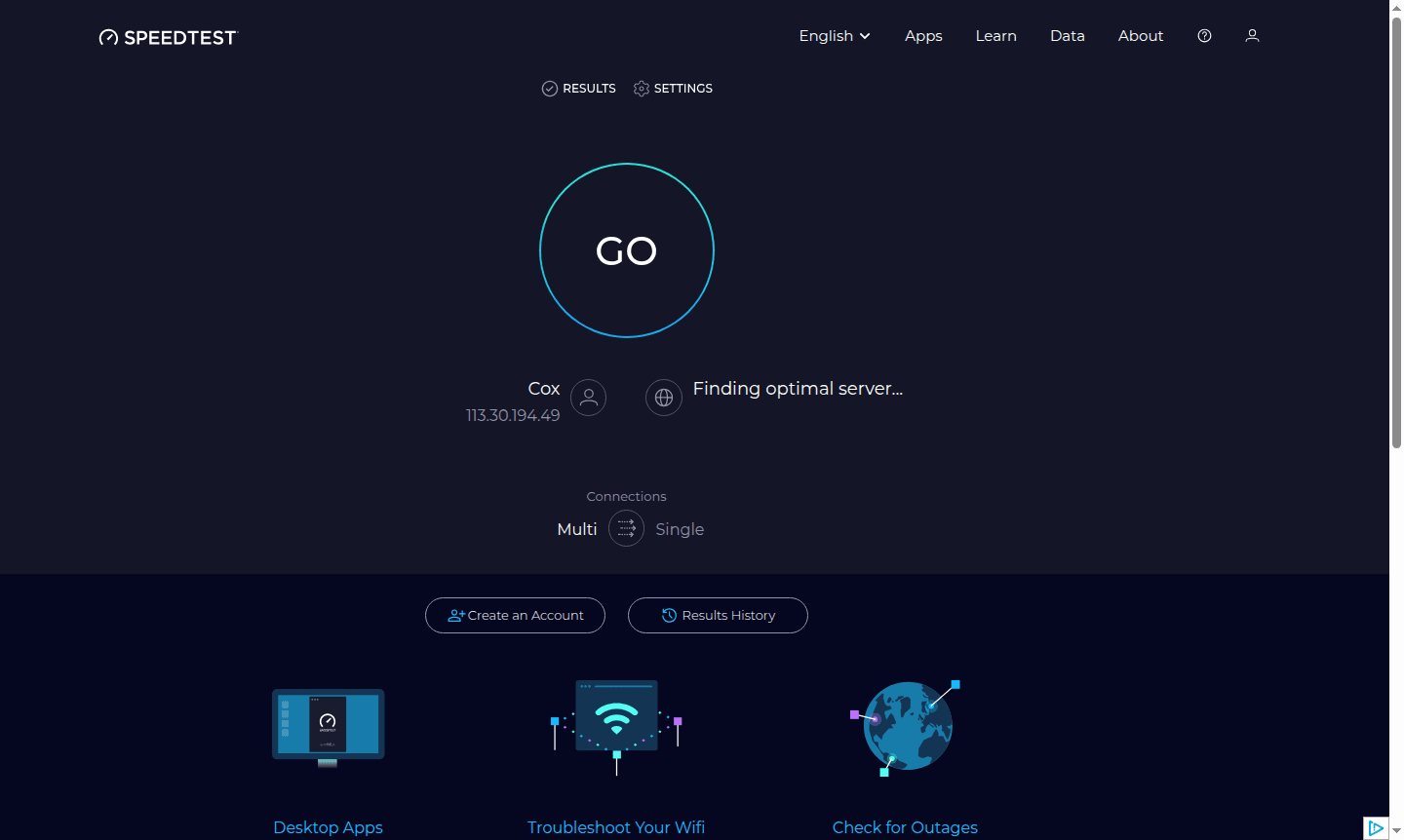
Overview of Speedtest
Speedtest by Ookla is the world's leading internet performance testing platform, trusted by millions to measure and analyze broadband and mobile network speeds. This comprehensive tool provides accurate measurements of download speed, upload speed, and ping latency, helping users understand their actual internet performance across various connections including WiFi, broadband, and mobile data. Whether you're troubleshooting slow connections, comparing internet service providers, or simply curious about your network capabilities, Speedtest delivers reliable metrics in seconds through its user-friendly interface available on web browsers, desktop applications, and mobile apps.
Beyond basic speed testing, Speedtest offers valuable resources for internet optimization and provider comparison. Users can access historical results tracking, global performance rankings through the Speedtest Global Index, and localized ISP recommendations based on zip code. As a premier tool in the Speed Test and Bandwidth Meter categories, Speedtest provides essential tools for anyone seeking to maximize their internet experience and make informed decisions about their connectivity needs.
How to Use Speedtest
Using Speedtest is remarkably straightforward – simply visit the website or open the mobile app and click the prominent 'Go' button to initiate the test. The platform automatically selects the optimal server based on your location and begins measuring three key metrics: ping (latency), download speed, and upload speed. During the test, you'll see real-time visualizations of your connection performance as Speedtest communicates with the server to determine maximum throughput capabilities. After completion, you receive detailed results that can be saved to your account history for future reference, allowing you to track performance trends over time and identify patterns in your internet service quality.
Core Features of Speedtest
- Comprehensive Speed Analysis – Measures download, upload, and ping metrics with precision
- Multi-Platform Accessibility – Available as web tool, desktop apps, and mobile applications
- Results History Tracking – Stores past tests for performance comparison and trend analysis
- Global Performance Data – Access worldwide internet speed rankings and regional comparisons
- ISP Recommendation Engine – Suggests local providers based on geographic location and performance
Use Cases for Speedtest
- Troubleshooting slow internet connections and identifying network issues
- Comparing internet service providers before making switching decisions
- Testing WiFi performance across different locations in your home or office
- Verifying mobile data speeds for cellular network quality assessment
- Monitoring internet performance consistency over extended periods
- Preparing evidence for discussions with internet service providers about service quality
- Educational purposes to understand broadband technology and network capabilities
Support and Contact
For assistance with Speedtest services, contact contact@speedtest.net or visit the official website at speedtest.net for comprehensive support resources and documentation. The platform provides extensive help documentation and community forums where users can find solutions to common issues and learn about optimizing their testing experience.
Company Info
Speedtest is developed by Ookla, a global leader in internet testing and network diagnostics. The company specializes in providing accurate, reliable internet performance measurement tools used by consumers, businesses, and internet service providers worldwide to understand and improve network connectivity.
Login and Signup
Access your Speedtest account or create a new one through the official website at speedtest.net. Account registration enables features like results history storage, personalized ISP recommendations, and ad-free testing experience for comprehensive internet performance management.
Speedtest FAQ
How accurate is Speedtest for measuring internet speed?
Speedtest provides highly accurate measurements by connecting to optimized servers and using advanced algorithms to calculate true download, upload, and ping performance.
Can Speedtest help me choose the best internet provider?
Yes, Speedtest offers localized ISP recommendations based on your zip code and maintains global performance data to help you compare provider quality in your area.
Does Speedtest work on mobile devices?
Absolutely, Speedtest offers dedicated mobile apps for both iOS and Android devices, allowing you to test cellular data and WiFi performance anywhere.
How does Speedtest ping test help my internet experience?
Ping measures latency, which is crucial for online gaming, video calls, and real-time applications where quick response times are essential for smooth performance.
Speedtest Reviews0 review
Would you recommend Speedtest? Leave a comment
Speedtest Alternatives
The best modern alternatives to the tool
New Tools Releases
Recently added tools
