
Firefox Developer Edition
Download Firefox Developer Edition, a free browser for web developers with CSS Grid tools, JavaScript debugger, network monitor, and responsive design testing. Includes inactive CSS detection and multi-line console editing.
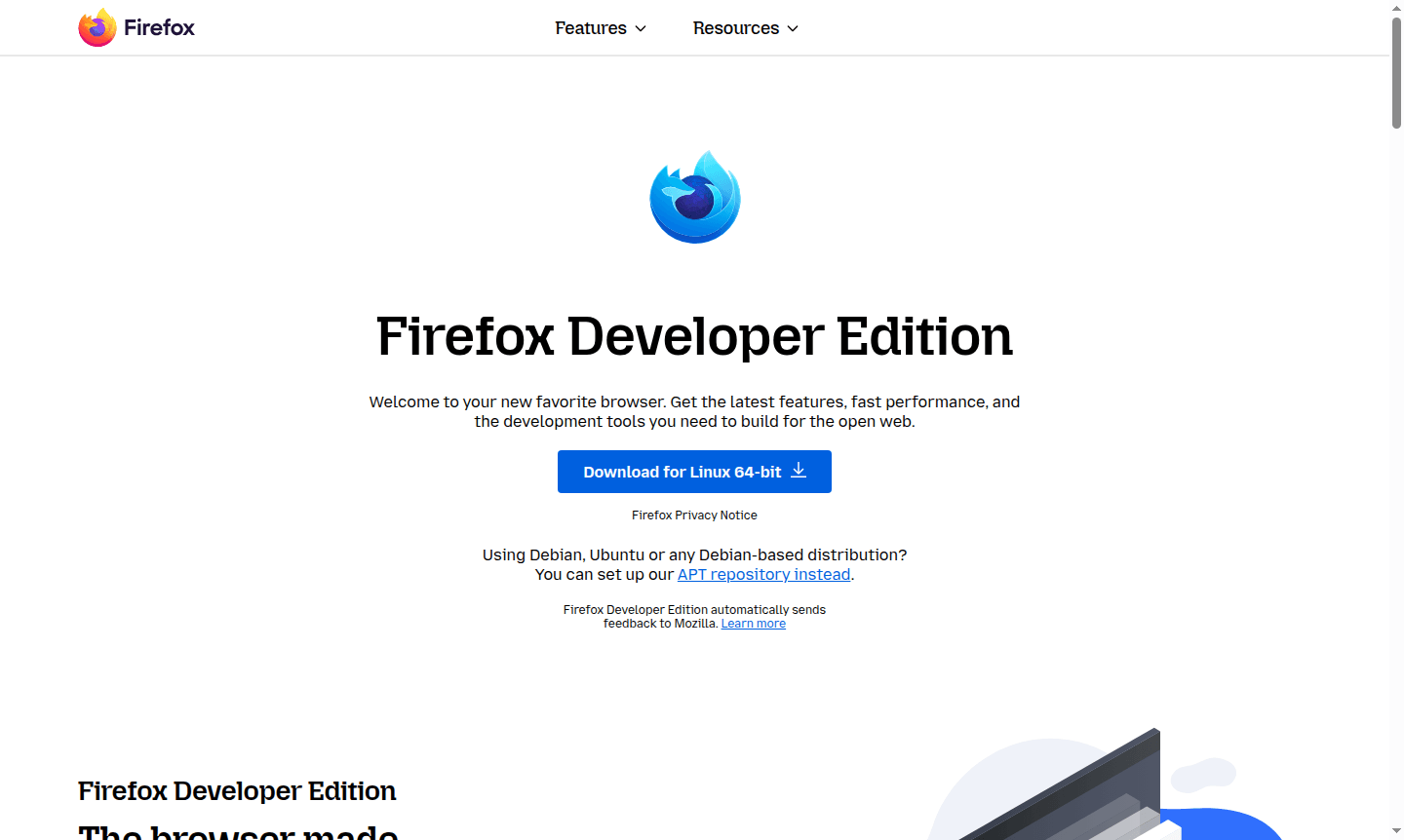
Overview of Firefox Developer Edition
Firefox Developer Edition is a specialized web browser designed specifically for developers, offering cutting-edge tools and features to streamline the web development workflow. This browser provides all the latest developer tools in beta, including innovative capabilities like the Multi-line Console Editor and WebSocket Inspector, making it an essential tool for modern web development. With a separate profile and path configuration, developers can easily run Firefox Developer Edition alongside standard Firefox releases without conflicts.
Tailored specifically for web development needs, Firefox Developer Edition comes with developer-focused preferences enabled by default, including browser and remote debugging capabilities, a built-in dark theme, and dedicated developer toolbar buttons. The browser serves as the perfect environment for Web Browser development and Dev Tools testing, providing comprehensive solutions for front-end developers working with modern web technologies.
How to Use Firefox Developer Edition
Getting started with Firefox Developer Edition is straightforward – simply download and install the browser, then begin exploring its powerful development tools. The browser automatically configures with developer-optimized settings, enabling remote debugging and providing immediate access to the complete suite of Firefox DevTools. Developers can inspect and modify web pages in real-time, debug JavaScript across multiple frameworks, monitor network performance, and test responsive designs across various device emulations, all within a single integrated environment designed specifically for building and perfecting websites.
Core Features of Firefox Developer Edition
- Advanced CSS Grid Tools – Exclusive visualization tools for building and designing with CSS Grid layouts
- Powerful JavaScript Debugger – Multi-browser compatible debugger built with React and Redux
- Comprehensive Network Monitor – Track and analyze network requests affecting site performance
- Responsive Design Mode – Test websites across emulated mobile devices and screen sizes
- Inactive CSS Detection – Automatically identifies and explains unused CSS declarations
Use Cases for Firefox Developer Edition
- Front-end web development and debugging complex JavaScript applications
- CSS Grid layout design and responsive web design testing
- Performance optimization and memory leak detection for web applications
- Cross-browser compatibility testing and debugging sessions
- Website inspection and real-time code refinement for pixel-perfect layouts
- Network request monitoring and website performance bottleneck identification
- Progressive web app development and modern web technology implementation
Support and Contact
For technical support and developer assistance, visit the official Firefox Developer Edition documentation and community forums. Direct contact options include the Mozilla support portal at https://support.mozilla.org and the developer community resources available through the main Firefox website at https://firefox.com/developer/.
Company Info
Firefox Developer Edition is developed by Mozilla Corporation, a global technology company committed to an open and accessible internet. Mozilla, based in the United States, creates products that put people first and champion privacy and security on the web through their various browser and internet technology offerings.
Login and Signup
Firefox Developer Edition requires no account creation or login for basic usage. Developers can download and use the browser immediately from the official download page at https://firefox.com/developer/. Optional Firefox Sync features are available for those wishing to synchronize bookmarks, history, and settings across multiple devices.
Firefox Developer Edition FAQ
Is Firefox Developer Edition completely free to use for web development?
Yes, Firefox Developer Edition is completely free with all developer tools included – no subscriptions or payments required for full access to all features.
Can I run Firefox Developer Edition alongside regular Firefox browser?
Absolutely – Firefox Developer Edition uses separate profiles and paths, allowing seamless parallel installation with standard Firefox releases.
What makes Firefox Developer Edition different from Chrome DevTools?
Firefox Developer Edition offers exclusive tools like CSS Grid visualization and inactive CSS detection, plus multi-browser JavaScript debugging capabilities.
What operating systems support Firefox Developer Edition?
Firefox Developer Edition is available for Windows, macOS, and Linux, providing a consistent development experience across platforms.
Firefox Developer Edition Pricing
Current prices may vary due to updates
Firefox Developer Edition
Completely free web development browser with all developer tools included – inspector, debugger, console, network monitor, CSS grid tools, fonts panel
Firefox Developer Edition Reviews0 review
Would you recommend Firefox Developer Edition? Leave a comment
Firefox Developer Edition Alternatives
The best modern alternatives to the tool
New Tools Releases
Recently added tools
