
Google Contacts
Google Contacts is a free contact management tool that syncs across devices. Organize, backup, and access contacts with Gmail integration, Android app, and import/export features.
Overview of Google Contacts
Google Contacts is Google's comprehensive contact management solution that serves as the central address book for millions of users worldwide. Available as both a standalone service and integrated within Gmail, this powerful tool helps individuals and businesses organize, sync, and access their contact information across multiple devices and platforms. Whether you're managing personal connections or professional networks, Google Contacts provides a reliable foundation for maintaining your important relationships while seamlessly integrating with Google's broader ecosystem of productivity applications.
As part of Google's suite of web applications, this contact manager offers robust synchronization capabilities that ensure your address book remains current whether you're accessing it through the web interface, mobile app, or integrated within Gmail. The platform supports various user scenarios from personal contact organization to business-oriented contact management within Google Workspace environments. For users seeking similar functionality, explore related tools in Task Manager and Calendar App categories.
How to Use Google Contacts
Getting started with Google Contacts is straightforward – simply sign in with your Google Account to access your existing contacts or begin building your address book from scratch. The platform allows you to import contacts from various sources including CSV files, vCards, or other email providers, then organize them with custom labels and groups. Once your contacts are imported, you can easily edit details, add photos, merge duplicate entries, and set up automatic backup to ensure your valuable connection information remains secure and accessible across all your Android devices and web browsers.
Core Features of Google Contacts
- Cross-Platform Sync – Automatic synchronization between web, Android, and integrated Gmail interfaces
- Contact Import/Export – Support for multiple file formats including CSV and vCard for easy migration
- Duplicate Management – Intelligent detection and merging of duplicate contact entries
- Google Integration – Seamless connection with Gmail, Calendar, and other Google services
- Mobile Accessibility – Dedicated Android app with offline access capabilities
Use Cases for Google Contacts
- Personal contact organization and address book management
- Business contact synchronization across team members
- Backup and restoration of important contact information
- Integration with Gmail for enhanced email communication
- Mobile contact access through Android applications
- Contact sharing and collaboration within organizations
- Migration from other contact management systems
Support and Contact
For assistance with Google Contacts, visit the official Google support page at Google Contacts Help. You can also contact us at contact@google.com for general inquiries. While no direct support email is provided for this free service, comprehensive documentation and community forums are available through Google's support ecosystem.
Company Info
Google Contacts is developed by Google, the multinational technology company headquartered in Mountain View, California, United States. As part of Google's extensive portfolio of web applications and services, Contacts benefits from the company's robust infrastructure and continuous innovation in cloud-based productivity tools. Learn more about Google's products and services at Google About.
Login and Signup
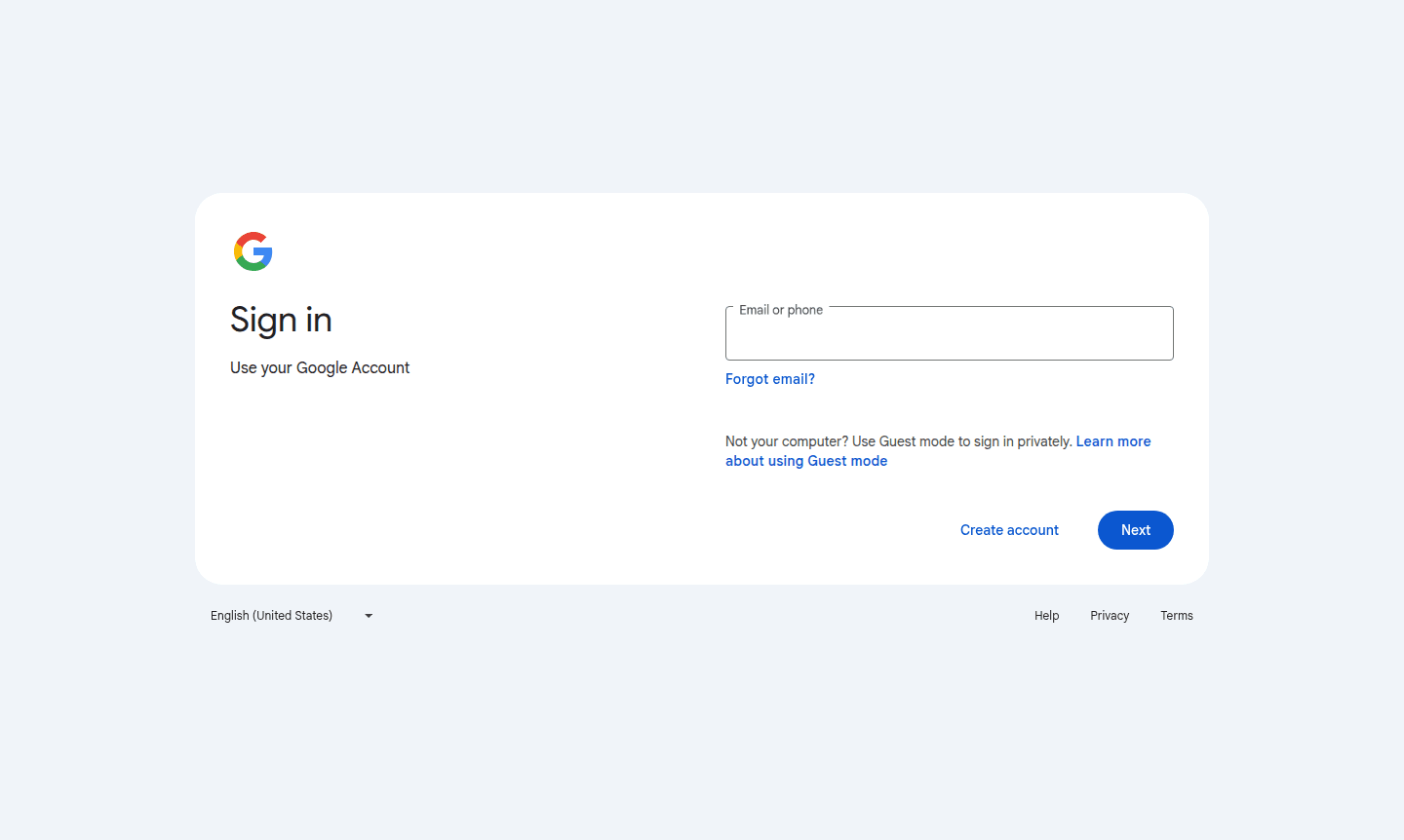
Access Google Contacts by signing in with your existing Google Account at Login to Google Contacts. New users can create a free Google Account at Sign up for Google Account. The service is available immediately after account creation, with no additional setup required for basic contact management functionality.
Google Contacts FAQ
Is Google Contacts completely free to use?
Yes, Google Contacts is entirely free for personal use and integrates seamlessly with your existing Google Account at no additional cost.
Can I access Google Contacts on my mobile device?
Absolutely, Google Contacts offers dedicated Android apps and mobile web access, ensuring your contacts sync across all your devices automatically.
How does Google Contacts handle duplicate entries?
Google Contacts includes intelligent duplicate detection and provides easy merging tools to keep your address book clean and organized.
Is Google Contacts available on iOS devices?
Yes, Google Contacts can be accessed on iOS devices through the Safari browser or other web browsers, with full functionality for managing contacts.
Google Contacts Reviews0 review
Would you recommend Google Contacts? Leave a comment
Google Contacts Alternatives
The best modern alternatives to the tool
New Tools Releases
Recently added tools
