
Victoria HDD/SSD
Free Victoria HDD/SSD software for comprehensive storage diagnostics, including S.M.A.R.T. analysis, surface scanning, and data erasure. Ideal for IT pros and home users.
Overview of Victoria HDD/SSD
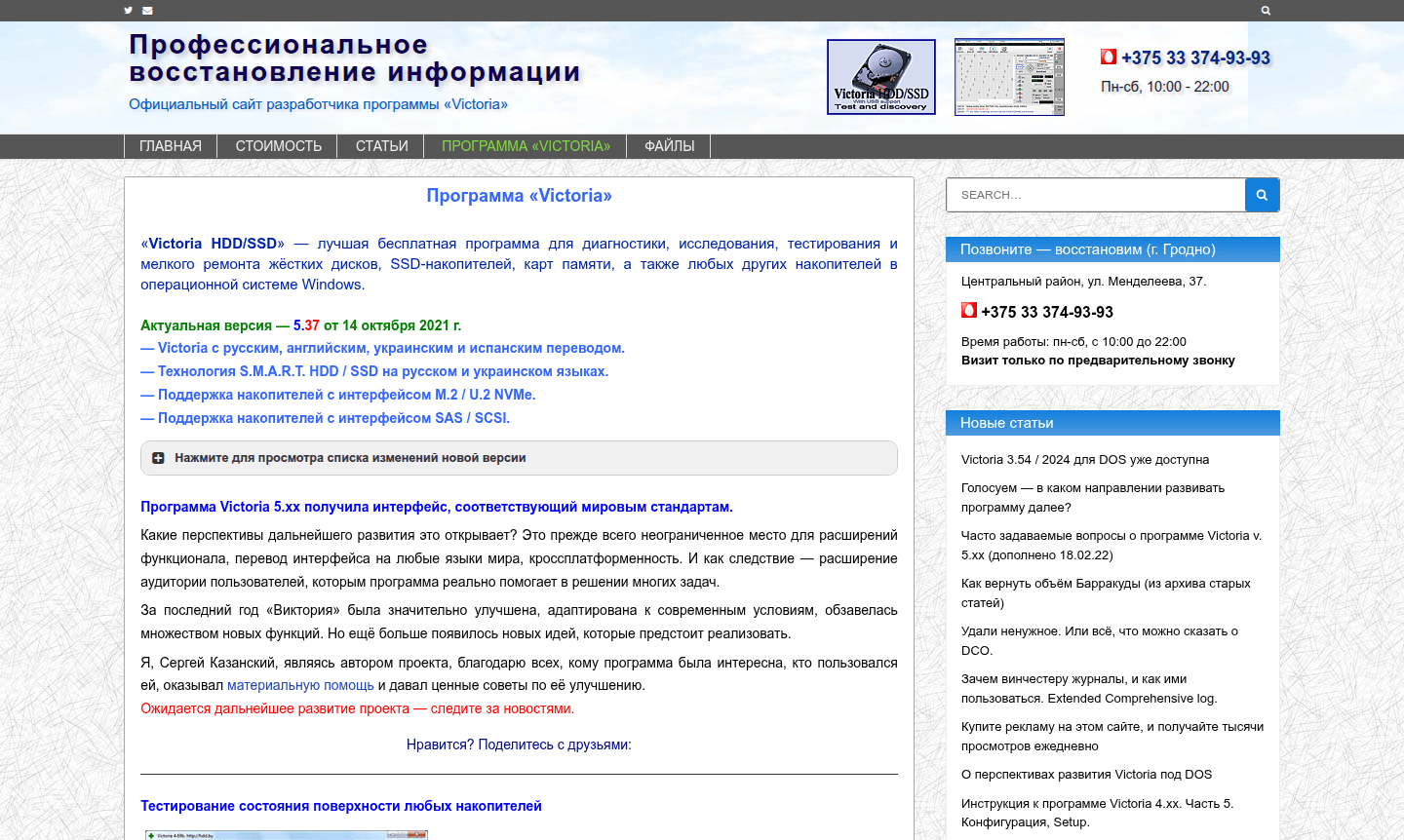
Victoria HDD/SSD represents the pinnacle of free diagnostic software for comprehensive storage device analysis and maintenance, serving as a powerful Disk Analyzer and Hardware Info Tool. This Windows application delivers professional-grade testing capabilities for hard drives, SSDs, memory cards, and various storage media without any cost limitations. The current version 5.37, released in October 2021, supports multiple languages including English, Russian, Ukrainian, and Spanish, making it accessible to users worldwide. With advanced S.M.A.R.T. technology analysis and compatibility with modern interfaces like M.2/U.2 NVMe and SAS/SCSI, Victoria provides enterprise-level diagnostics for both personal and professional use cases.
What sets Victoria apart is its comprehensive approach to storage health monitoring and repair. The software includes sophisticated surface scanning algorithms that detect bad sectors, interface errors, and potential drive failures before they become critical. Whether you're troubleshooting a failing hard drive, performing preventive maintenance on SSDs, or recovering data from problematic storage devices, Victoria offers the tools needed for thorough analysis. Its ability to work with USB-connected drives through most USB-SATA bridges makes it exceptionally versatile for diagnosing external storage solutions commonly used in both home and business environments.
How to Use Victoria HDD/SSD
Using Victoria HDD/SSD begins with launching the application with administrator privileges to ensure full hardware access. Start by selecting your target storage device from the drive list, then navigate to the S.M.A.R.T. analysis section to review the drive's health attributes and identify any warning signs. For comprehensive testing, initiate the surface scanner to perform either quick diagnostics (completing in approximately 3 minutes) or full sector-by-sector analysis for detailed defect mapping. The software's graphical interface displays real-time results, allowing you to monitor progress and immediately identify problematic areas through color-coded visualizations that highlight bad sectors and performance issues.
Core Features of Victoria HDD/SSD
- Advanced Surface Scanning – Comprehensive surface analysis for HDD and SSD with defect detection and performance mapping
- S.M.A.R.T. Monitoring – Detailed health analysis with visual indicators and threshold warnings
- USB Drive Support – Full diagnostics for external drives via USB interfaces
- Quick Testing Mode – Rapid 3-minute surface assessment for quick overview
- Data Erasure Tools – Secure data wiping with optimized speed
Use Cases for Victoria HDD/SSD
- Diagnosing failing hard drives and identifying bad sectors
- Monitoring SSD health and predicting drive lifespan
- Testing external USB drives and memory card reliability
- Performing data recovery preparation and drive assessment
- Conducting preventive maintenance on storage systems
- Securely erasing sensitive data from storage devices
- Troubleshooting system performance issues related to storage
Support and Contact
For technical support and inquiries, contact contact@hdd.by or visit the official website for documentation and community resources. The developer maintains an active presence through the project's online platform.
Company Info
Victoria HDD/SSD is an independent software project developed and maintained by a dedicated individual programmer. The tool has evolved since 2018 through community support and voluntary contributions, focusing on providing professional storage diagnostic capabilities worldwide without commercial constraints.
Login and Signup
No login or signup is required; download Victoria HDD/SSD directly from the official website for immediate access to all features without registration.
Victoria HDD/SSD FAQ
What types of storage devices can Victoria HDD/SSD diagnose?
Victoria supports HDDs, SSDs, memory cards, and various storage media including M.2 NVMe, SAS, SCSI, and USB-connected devices through most USB-SATA bridges.
Is Victoria HDD/SSD completely free to use?
Yes, Victoria is entirely free with no feature limitations, supported voluntarily through user donations since 2018.
What Windows versions does Victoria HDD/SSD support?
Victoria works on Windows 2000 through Windows 10, both 32-bit and 64-bit versions, requiring administrator privileges for full functionality.
How does Victoria HDD/SSD handle USB drives?
It supports diagnostics through most USB-SATA bridges, allowing full access to USB-connected storage devices for comprehensive testing.
Victoria HDD/SSD Pricing
Current prices may vary due to updates
Free
Completely free diagnostic and repair software for HDD, SSD, memory cards, and other storage devices with no limitations on features or usage. Support
Victoria HDD/SSD Reviews0 review
Would you recommend Victoria HDD/SSD? Leave a comment
Victoria HDD/SSD Alternatives
The best modern alternatives to the tool
New Tools Releases
Recently added tools
