Minecraft
Explore infinite worlds in Minecraft, build anything, survive nights. Download Java or Bedrock edition for modding and cross-play. Enjoy creative and survival modes, multiplayer, and marketplace content.
Overview of Minecraft
Minecraft is the world's leading sandbox survival and adventure game that empowers players to explore infinite procedurally generated worlds, survive against nocturnal creatures, and build virtually anything imaginable. This block-based phenomenon offers both single-player and multiplayer experiences across multiple editions including Java Edition for PC enthusiasts, Bedrock Edition for cross-platform play, and specialized versions like Minecraft Education for classroom learning. With its signature pixelated aesthetic and open-ended gameplay, Minecraft has become a cultural touchstone for gamers of all ages.
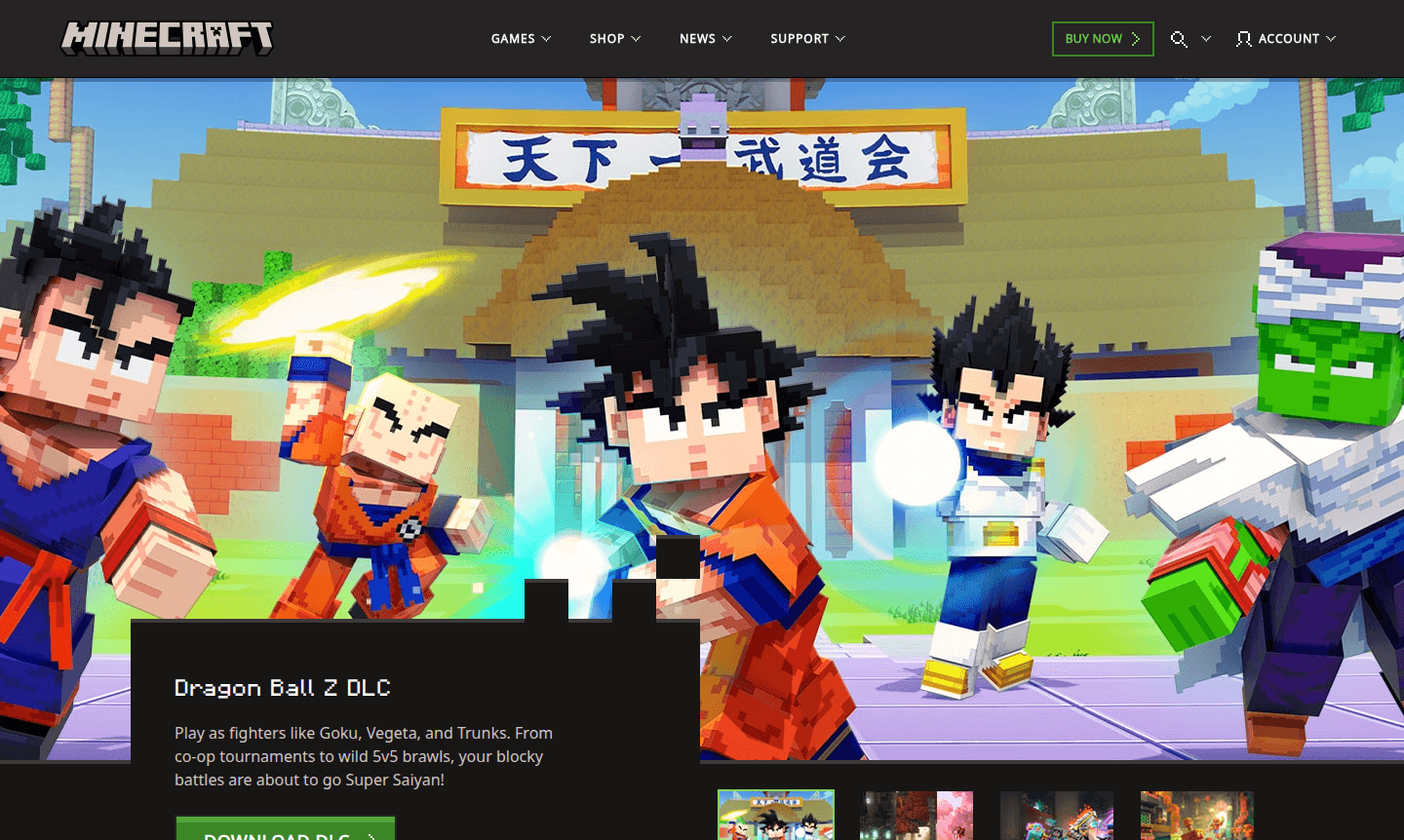
The Minecraft ecosystem extends far beyond the core game with a vibrant Marketplace featuring downloadable content like the Dragon Ball Z DLC for epic battles, the Copper Age update introducing new crafting mechanics, and adventures like SoulSteel for multiplayer dungeon crawling. Players can access thousands of community-created mods, skins, and texture packs while enjoying regular updates that expand gameplay possibilities. Whether you're building elaborate structures in Creative mode or surviving the wilderness in Survival mode, Minecraft offers endless creative freedom across Game Launcher and Game Mod Manager experiences.
How to Use Minecraft
Getting started with Minecraft involves downloading the appropriate edition for your platform – either Java Edition for Windows, macOS, and Linux computers or Bedrock Edition for consoles, mobile devices, and Windows 10/11. After installation, launch the game and choose between single-player worlds or multiplayer servers. New players typically begin by gathering basic resources like wood and stone during daylight hours, then crafting tools and building shelter before nightfall when hostile mobs emerge. The game's intuitive crafting system allows combining materials in your inventory grid, while the Marketplace provides instant access to community content including the Vibrant Visuals pack and Dragon Ball Z character skins for enhanced gameplay experiences.
Core Features of Minecraft
- Infinite World Generation – Explore procedurally generated landscapes with unique biomes, caves, and structures in every new world.
- Creative & Survival Modes – Choose between unlimited building in Creative or resource-gathering survival against environmental threats.
- Cross-Platform Multiplayer – Play with friends across different devices using Bedrock Edition's unified gaming ecosystem.
- Marketplace Content – Access thousands of community-created mods, skins, and adventure maps through the integrated marketplace.
- Regular Game Updates – Enjoy continuous content additions like the Copper Age and Dragon Ball Z DLC that expand gameplay mechanics.
Use Cases for Minecraft
- Creative building and architectural design projects using unlimited blocks and materials
- Survival gameplay challenging players to gather resources and defend against mobs
- Educational environments through Minecraft Education edition for classroom learning
- Multiplayer server communities hosting mini-games and collaborative building
- Adventure map exploration with custom stories and gameplay mechanics
- Redstone engineering projects creating complex mechanical contraptions
- Modding and customization using community-created content and texture packs
Support and Contact
For technical support, email contact@minecraft.net or visit the Minecraft Downloads page. The knowledge base and community forums provide troubleshooting for launcher problems, multiplayer connectivity, and marketplace content access.
Company Info
Minecraft is developed and published by Mojang Studios, a Swedish video game developer now operating as part of Microsoft Gaming. The company maintains its headquarters in Stockholm, Sweden. Learn more about the development team and company history through the official About Minecraft page.
Login and Signup
Access your Minecraft account or create a new one through the official authentication system at Minecraft Login. Sign in with your Microsoft account to access purchased games, marketplace content, and multiplayer servers.
Minecraft FAQ
What is the difference between Minecraft Java Edition and Bedrock Edition?
Java Edition runs on Windows, macOS, and Linux with extensive mod support, while Bedrock Edition offers cross-platform play across consoles, mobile, and Windows 10/11 with unified marketplace content.
Can I play Minecraft for free without purchasing the game?
Minecraft offers limited free trials and demo versions, but the full game requires purchase. Minecraft Education provides free trials for educational institutions through specific programs.
How does the Minecraft Marketplace work for downloading new content?
The Marketplace allows players to browse and purchase community-created content like skins, worlds, and texture packs using Minecoins, which are bought with real money through your platform's store.
What is the age rating for Minecraft?
Minecraft is rated E for Everyone by ESRB, suitable for all ages with mild fantasy violence in survival mode.
Minecraft Reviews0 review
Would you recommend Minecraft? Leave a comment
Minecraft Alternatives
The best modern alternatives to the tool
New Tools Releases
Recently added tools
