Zoho Show
Zoho Show is a free collaborative presentation software with AI. Create slides, collaborate in real-time, use templates, and present on any device. Great for teams and educators.
Overview of Zoho Show
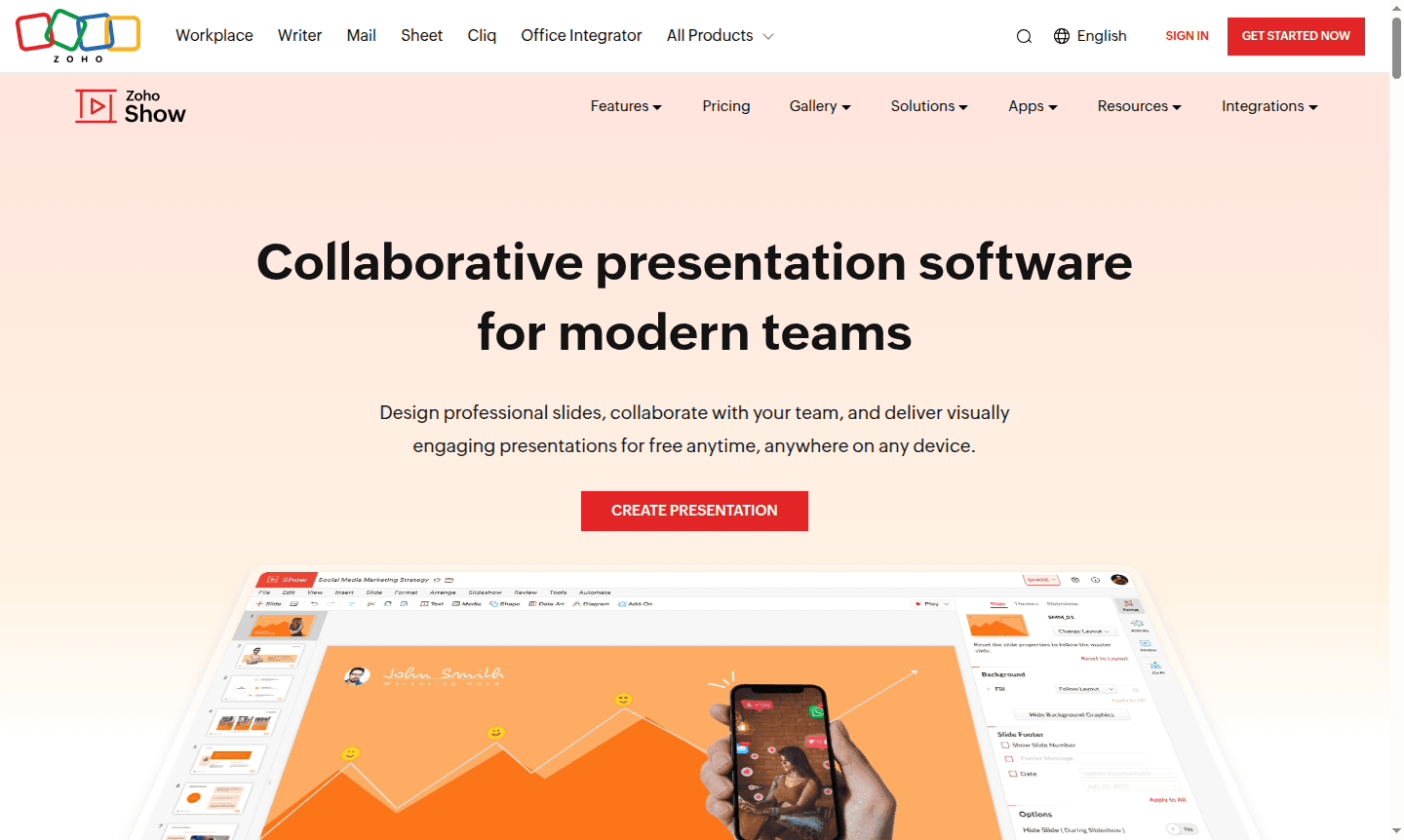
Zoho Show is a comprehensive collaborative presentation software and a versatile Collaboration Tool designed for modern teams seeking professional slide creation and seamless teamwork. This free online presentation maker enables users to design visually engaging slides, collaborate in real-time with team members, and deliver presentations across any device without cost limitations. With its AI-powered assistant Zia, Zoho Show transforms simple ideas into complete, compelling presentations in seconds, making it an ideal solution for businesses, educators, and creative professionals who need efficient presentation tools.
The platform serves as a central presentation repository that brings together distributed teams through advanced collaboration features. Users can access over 100 professional templates covering various business needs from startup pitch decks to sales presentations and business proposals. Zoho Show's minimalist interface adapts contextually to your current task – whether adding photos, editing text, or animating slides – providing relevant options without clutter. As part of the broader Presentation Maker ecosystem, it offers robust compatibility with PowerPoint files and multiple export formats.
How to Use Zoho Show
Start by creating a free account on Zoho Show's website. Choose from blank slides or numerous templates. Use the drag-and-drop interface to add content like text, images, and charts. Collaborate in real-time by inviting team members, using @mentions and comments. Import PowerPoint files, enhance with Zia AI, and export or present on any device.
Core Features of Zoho Show
- Zia AI Assistant – Transforms ideas into complete presentations with automated writing, design, and enhancement capabilities
- Real-time Collaboration – Multiple team members can edit slides simultaneously with instant notifications and commenting
- Professional Templates – Access 100+ pre-designed templates for various business and presentation needs
- Cross-platform Compatibility – Works seamlessly across desktop, mobile, and web with PowerPoint file support
- Advanced Media Integration – Incorporate animations, infographics, audio, and video to create engaging presentations
Use Cases for Zoho Show
- Business teams creating collaborative sales presentations and pitch decks
- Educators developing interactive lesson materials and educational content
- Marketing professionals designing campaign presentations and client proposals
- Startup founders preparing investor pitch decks and business plans
- Remote teams needing synchronized presentation development across locations
- Students working on group projects and academic presentations
- Freelancers creating client presentations and portfolio showcases
Support and Contact
For support, contact contact@zoho.com or visit the official website for help resources and documentation.
Company Info
Zoho Show is developed by Zoho Corporation, a leading technology company with global operations. The company specializes in creating comprehensive business software solutions including CRM, office productivity tools, and collaboration platforms. Zoho maintains a strong commitment to providing free, ad-free software solutions for businesses and individuals worldwide.
Login and Signup
Access Zoho Show by visiting the main website where you can create a free account or log in to your existing account. The platform offers seamless registration and login processes, allowing immediate access to all presentation creation and collaboration features without any cost barriers.
Zoho Show FAQ
Is Zoho Show completely free to use?
Yes, Zoho Show is completely free with no ads and offers full access to all presentation creation, collaboration features, and templates without any cost limitations.
Can I collaborate with team members in real-time using Zoho Show?
Absolutely, Zoho Show provides real-time collaboration features allowing multiple team members to edit slides simultaneously with instant notifications and commenting.
Does Zoho Show work with PowerPoint files?
Yes, Zoho Show fully supports PowerPoint compatibility, allowing you to import PPTX, PPT, and other presentation formats without formatting issues.
What export formats does Zoho Show support?
Zoho Show allows exporting presentations in multiple formats including PPTX, PPSX, HTML, ODP, and PDF for versatile sharing and compatibility.
Zoho Show Pricing
Current prices may vary due to updates
Free
Zoho Show offers complete free access to professional presentation creation, real-time collaboration features, 100+ templates, AI assistance, and cros
Zoho Show Reviews0 review
Would you recommend Zoho Show? Leave a comment
Zoho Show Alternatives
The best modern alternatives to the tool
New Tools Releases
Recently added tools
