
Chrome Web Store
Explore the Chrome Web Store for free browser extensions, themes, and apps. Boost productivity, security, and fun with tools for ad blocking, password management, and more. Ideal for students, developers, and professionals.
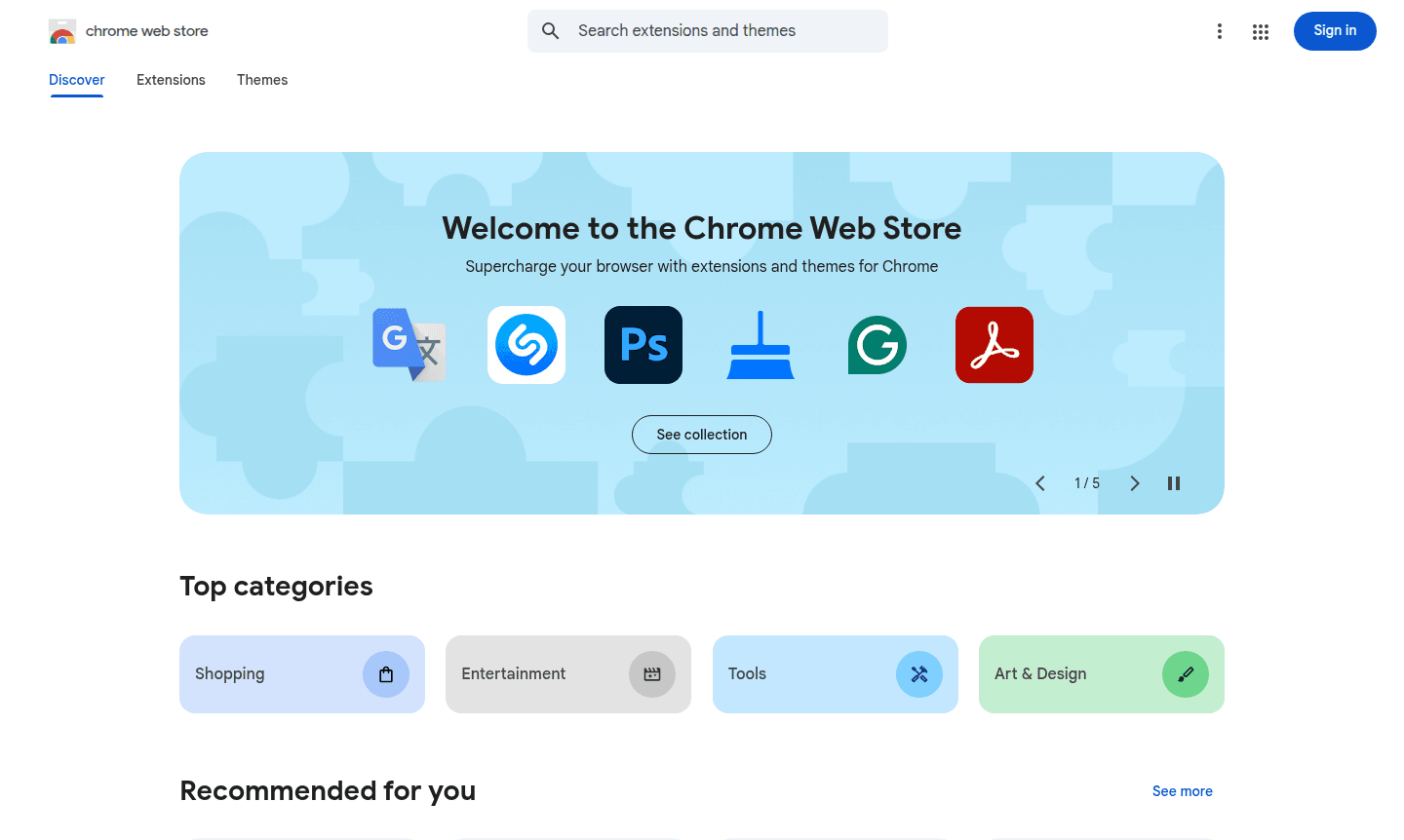
Overview of Chrome Web Store
The Chrome Web Store is Google's official marketplace for browser extensions, apps, and themes designed specifically for Chrome users. This comprehensive platform allows you to supercharge your browsing experience with thousands of free and paid additions that enhance productivity, entertainment, security, and customization. Whether you're looking to block ads, manage passwords, boost writing efficiency, or simply personalize your browser's appearance, the Chrome Web Store provides a curated selection of tools vetted for compatibility and security.
As the primary distribution hub for Browser Extension Manager solutions and Web Browser enhancements, the store caters to diverse user needs across categories like productivity, education, gaming, and development. The platform features editor picks, trending extensions, and personalized recommendations based on your browsing habits, making it easy to discover tools that match your specific requirements. With its seamless integration into Chrome and straightforward installation process, the store has become an essential resource for millions of users worldwide.
How to Use Chrome Web Store
Getting started with the Chrome Web Store is straightforward – simply visit the website through your Chrome browser and browse categories or use the search function to find specific extensions. You can filter results by popularity, rating, or recent updates to identify the best options. Once you find an extension you want, click 'Add to Chrome' to install it instantly. Most extensions work immediately after installation, while some may require quick setup or permissions approval. You can manage all your installed extensions through Chrome's settings menu, where you can enable, disable, or remove them as needed.
Core Features of Chrome Web Store
- Vast Extension Library – Access thousands of browser extensions for productivity, security, and entertainment
- Theme Customization – Personalize Chrome's appearance with color schemes and background images
- Editor Curated Collections – Discover handpicked extensions organized by use case and popularity
- User Rating System – Make informed decisions with authentic reviews and star ratings
- Secure Installation – All extensions undergo security screening before publication
Use Cases for Chrome Web Store
- Enhancing writing and content creation with AI-powered tools
- Blocking intrusive advertisements and pop-ups during browsing
- Managing multiple email accounts and scheduling meetings
- Learning new languages through translation and vocabulary builders
- Improving productivity with note-taking and task management extensions
- Customizing browser appearance with dark mode and visual themes
- Playing casual games directly within the browser interface
Support and Contact
For assistance with the Chrome Web Store, visit the official support page or email contact@google.com. Comprehensive help documentation and community forums are also available for common issues.
Company Info
The Chrome Web Store is developed and maintained by Google, headquartered in the United States. As part of Google's ecosystem, the store benefits from the company's extensive infrastructure and security measures. Learn more about Google's products and services through their about page.
Login and Signup
Access the Chrome Web Store through your existing Google account at chromewebstore.google.com. No separate registration is required – simply sign in with your Google credentials to browse, install, and manage extensions seamlessly across your Chrome browsers.
Chrome Web Store FAQ
Is the Chrome Web Store free to use?
Yes, the Chrome Web Store is completely free to browse and most extensions are available at no cost, though some premium extensions may require payment.
How do I install Chrome extensions safely?
Only install extensions from the official Chrome Web Store and check user ratings and reviews before adding any new extension to your browser.
Can I use Chrome Web Store extensions on mobile?
Chrome Web Store extensions primarily work on desktop Chrome browsers, with limited functionality available on Chrome mobile versions.
How can I report a problematic extension?
You can report issues with extensions directly through the Chrome Web Store page or contact Google support for assistance.
Chrome Web Store Reviews0 review
Would you recommend Chrome Web Store? Leave a comment
Chrome Web Store Alternatives
The best modern alternatives to the tool
New Tools Releases
Recently added tools
