
HTTP Toolkit
HTTP Toolkit is an open-source HTTP debugging proxy that intercepts, inspects, and modifies HTTP(S) traffic. With one-click setup, it helps developers debug APIs, test mobile apps, and analyze network behavior on Windows, Linux, and Mac.
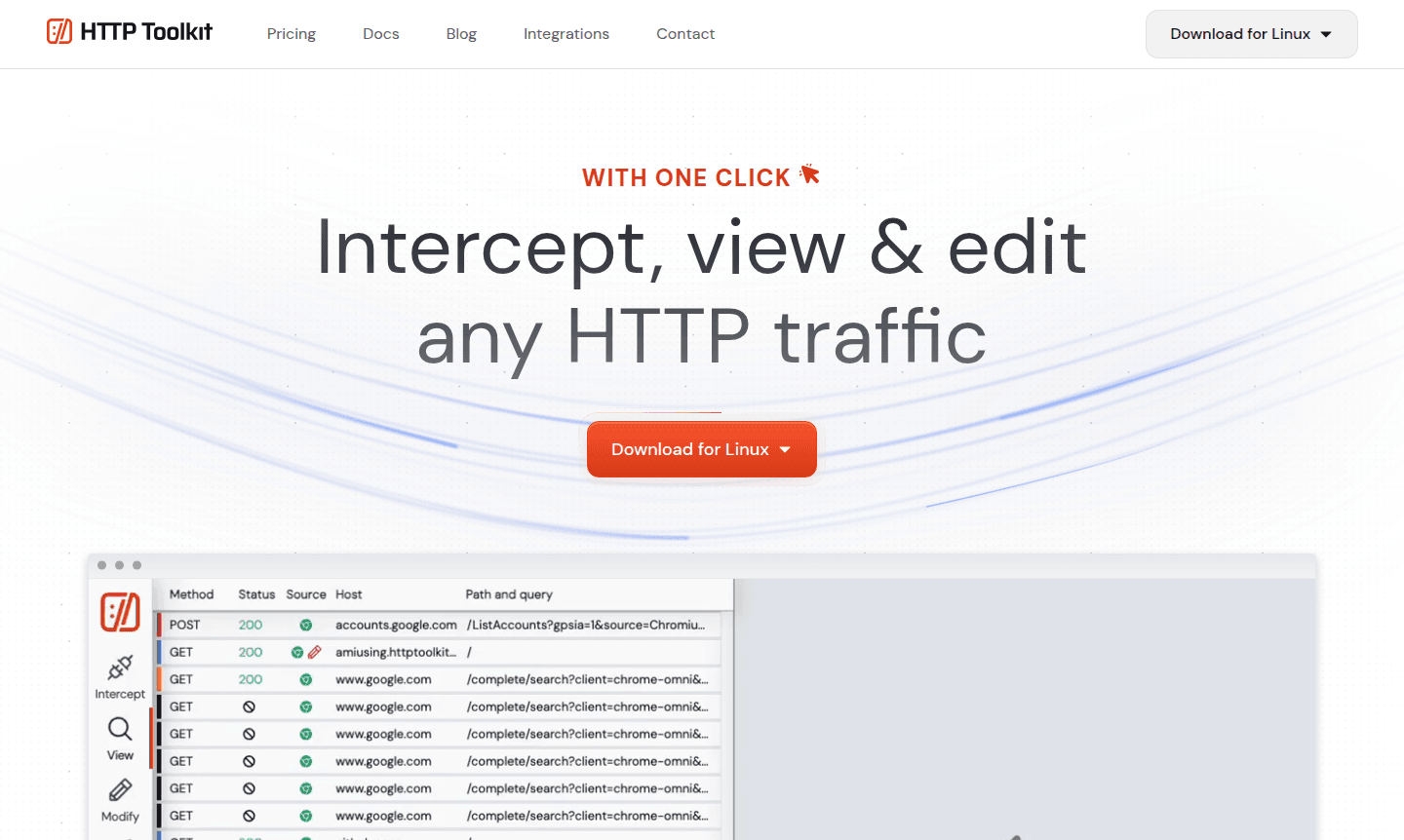
Overview of HTTP Toolkit
HTTP Toolkit is an open-source HTTP debugging proxy that enables developers to intercept, inspect, and modify HTTP(S) traffic with remarkable ease. This powerful tool provides automatic interception for a wide range of clients including Docker containers, Android and iOS devices, browsers, and backend processes like Node.js, Java, Python, and Ruby. It is an essential debugging tool for packet sniffing and network analysis. Unlike traditional proxies that capture all computer traffic, HTTP Toolkit offers precise targeting to focus on specific clients without disrupting other applications.
Designed for modern development workflows, HTTP Toolkit serves developers, security researchers, and QA engineers who need deep visibility into web traffic. The tool's intuitive interface and one-click setup make it accessible for debugging API calls, testing mobile applications, and analyzing network behavior across multiple platforms including Windows, Linux, and Mac. With built-in support for modern development tools and automatic HTTPS interception, it eliminates the complexity typically associated with HTTP debugging tools.
How to Use HTTP Toolkit
Getting started with HTTP Toolkit requires minimal setup – simply download the application and launch it on your system. The tool automatically configures itself as an HTTP proxy and provides clear instructions for connecting various clients. For mobile devices, connect via ADB and install the certificate with a single click. For Docker containers, use the provided command to route traffic through the proxy. Once connected, all HTTP(S) traffic from your targeted clients will appear in the interface where you can inspect, filter, and modify requests and responses in real-time.
Core Features of HTTP Toolkit
- Traffic Interception – Capture HTTP(S) from specific clients with zero configuration required
- Advanced Inspection – Examine request and response details with syntax highlighting for multiple formats
- Live Editing – Pause and modify in-flight HTTP traffic using breakpoints and rewrite rules
- Mock Responses – Create automated rules to inject mock data for testing and prototyping
- Custom Requests – Send custom HTTP requests with full control over parameters and headers
Use Cases for HTTP Toolkit
- Debugging API calls and web service interactions during development
- Testing mobile applications by intercepting HTTP traffic from Android and iOS devices
- Analyzing Docker container network behavior in development environments
- Security testing and penetration testing of web applications
- Prototyping API responses by mocking endpoints that don't exist yet
- Performance testing by simulating network errors and latency
- Educational purposes for understanding HTTP protocol and web traffic
Support and Contact
For support and inquiries, contact contact@httptoolkit.com or visit the HTTP Toolkit website. The project maintains active community discussions and documentation to help users get the most out of the tool.
Company Info
HTTP Toolkit is developed by Tim Perry as an open-source project with contributions from developers worldwide. The tool is built with modern web technologies and maintains active development with regular updates and feature enhancements.
Login and Signup
HTTP Toolkit is a desktop application that doesn't require account creation. Simply download the application from the official website to get started immediately.
HTTP Toolkit FAQ
What platforms does HTTP Toolkit support?
HTTP Toolkit runs on Windows, Linux, and Mac, and can intercept traffic from Android, iOS, Docker, browsers, and various backend processes.
How does HTTP Toolkit handle HTTPS interception?
HTTP Toolkit automatically generates and installs certificates for secure HTTPS interception with one-click setup for most platforms and clients.
Can HTTP Toolkit mock API responses for testing?
Yes, HTTP Toolkit includes powerful mock response features to simulate API behavior for testing and development purposes.
What is the license for HTTP Toolkit?
HTTP Toolkit is open-source and available under the MIT license, allowing free use and modification.
HTTP Toolkit Reviews0 review
Would you recommend HTTP Toolkit? Leave a comment
HTTP Toolkit Alternatives
The best modern alternatives to the tool
New Tools Releases
Recently added tools
