
Flutter
Flutter is Google's open-source UI framework for building natively compiled apps for mobile, web, and desktop from a single codebase. Features include hot reload, Dart language, and cross-platform performance.
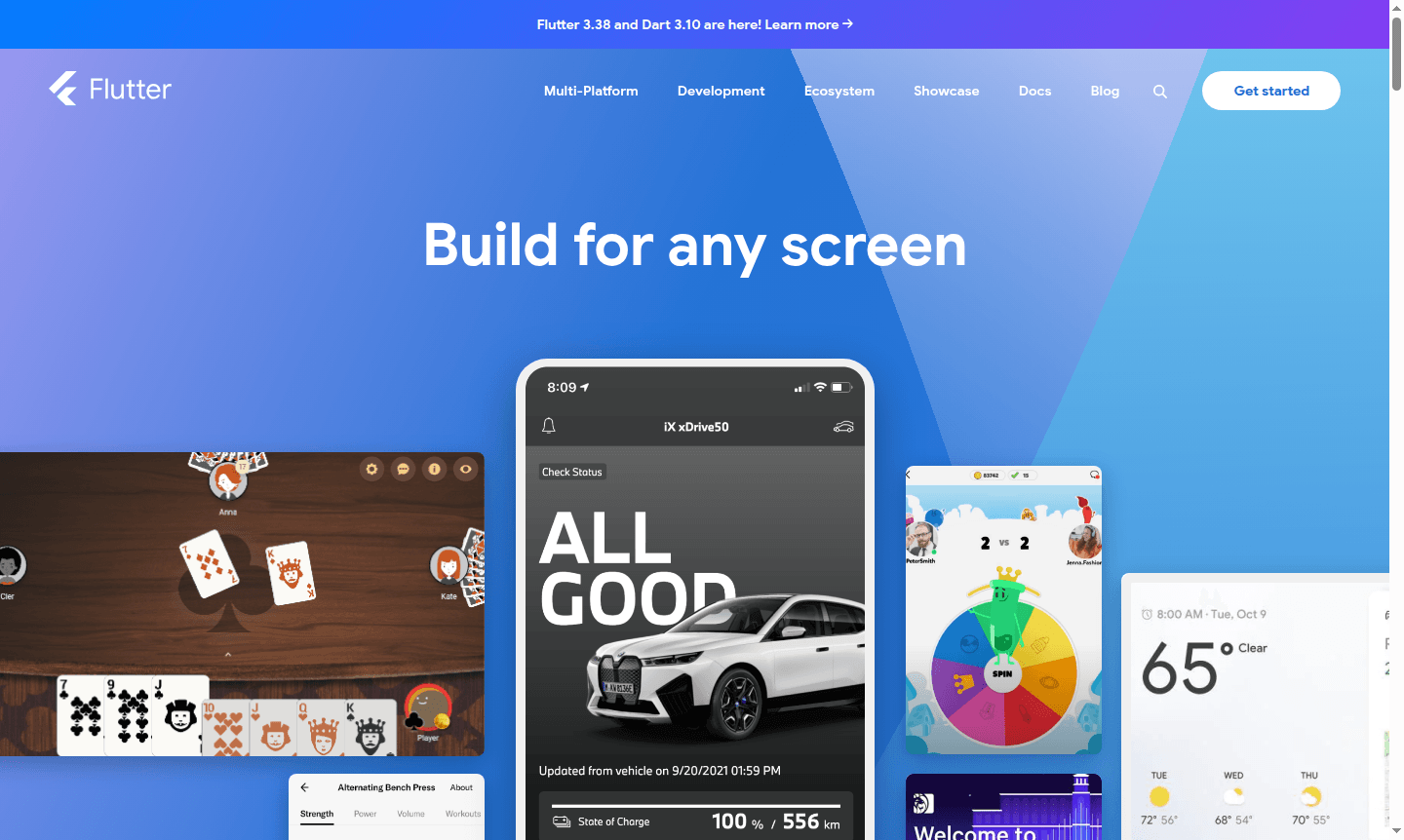
Overview of Flutter
Flutter is Google's open-source UI framework for building natively compiled applications across mobile, web, desktop, and embedded devices from a single codebase. This powerful development toolkit enables developers to create beautiful, high-performance applications that run seamlessly on multiple platforms while maintaining a consistent user experience. Built with the Dart programming language, Flutter provides a complete software development kit with widgets, tools, and APIs for crafting modern applications.
As a comprehensive solution for IDE and Game Engine development, Flutter serves developers building everything from enterprise applications to consumer-facing products. The framework's hot reload feature dramatically accelerates development cycles, while its extensive widget library and customization capabilities make it ideal for creating adaptive designs that look and feel native on every platform. Supported by Google and maintained by a global community, Flutter continues to evolve with regular updates and extensive package ecosystem support.
How to Use Flutter
Getting started with Flutter involves installing the SDK, setting up your preferred IDE with the Flutter and Dart plugins, and creating your first project. Developers write applications using Dart programming language, leveraging Flutter's rich set of pre-built widgets for crafting user interfaces. The development workflow is enhanced by hot reload functionality, allowing you to see code changes instantly without losing application state. You can test applications using built-in debugging tools, automated testing frameworks, and device simulators before deploying to app stores or web servers.
Core Features of Flutter
- Hot Reload – See code changes instantly without restarting your application
- Cross-Platform Development – Build for mobile, web, desktop from single codebase
- Native Performance – Compiles to ARM, Intel machine code and JavaScript
- Customizable Widgets – Complete control over every pixel and animation
- Google Integration – Seamless connectivity with Firebase and Google services
Use Cases for Flutter
- Building cross-platform mobile applications for iOS and Android
- Developing progressive web applications with native-like performance
- Creating desktop applications for Windows, macOS, and Linux
- Prototyping and iterating quickly with hot reload capabilities
- Enterprise application development with consistent UI across platforms
- Educational apps and interactive learning platforms
- E-commerce applications with smooth animations and transitions
Support and Contact
For technical support and community assistance, visit the Flutter official website. You can access comprehensive resources, tutorials, and troubleshooting guides. Contact email: contact@flutter.dev.
Company Info
Flutter is developed and maintained by Google, with contributions from a global open-source community. The framework originates from the United States.
Login and Signup
Access Flutter development resources and documentation through the official website. No account creation is required for basic development activities.
Flutter FAQ
What programming language does Flutter use for app development?
Flutter uses Dart programming language, which is optimized for fast app performance across all supported platforms including mobile, web, and desktop.
How does Flutter's hot reload feature improve development workflow?
Hot reload allows developers to see code changes instantly without restarting the app or losing current state, dramatically speeding up iteration and debugging processes.
Which platforms can you target with Flutter application development?
Flutter supports iOS, Android, web, Windows, macOS, Linux, and embedded platforms from a single codebase with native compilation.
How to install Flutter?
Download the Flutter SDK from the official website and follow the setup instructions for your operating system to begin development.
Flutter Reviews0 review
Would you recommend Flutter? Leave a comment
Flutter Alternatives
The best modern alternatives to the tool
New Tools Releases
Recently added tools
