
Google Analytics
Google Analytics provides powerful website analytics, audience insights, and conversion tracking. Monitor real-time traffic, ecommerce performance, and user behavior with custom reports.
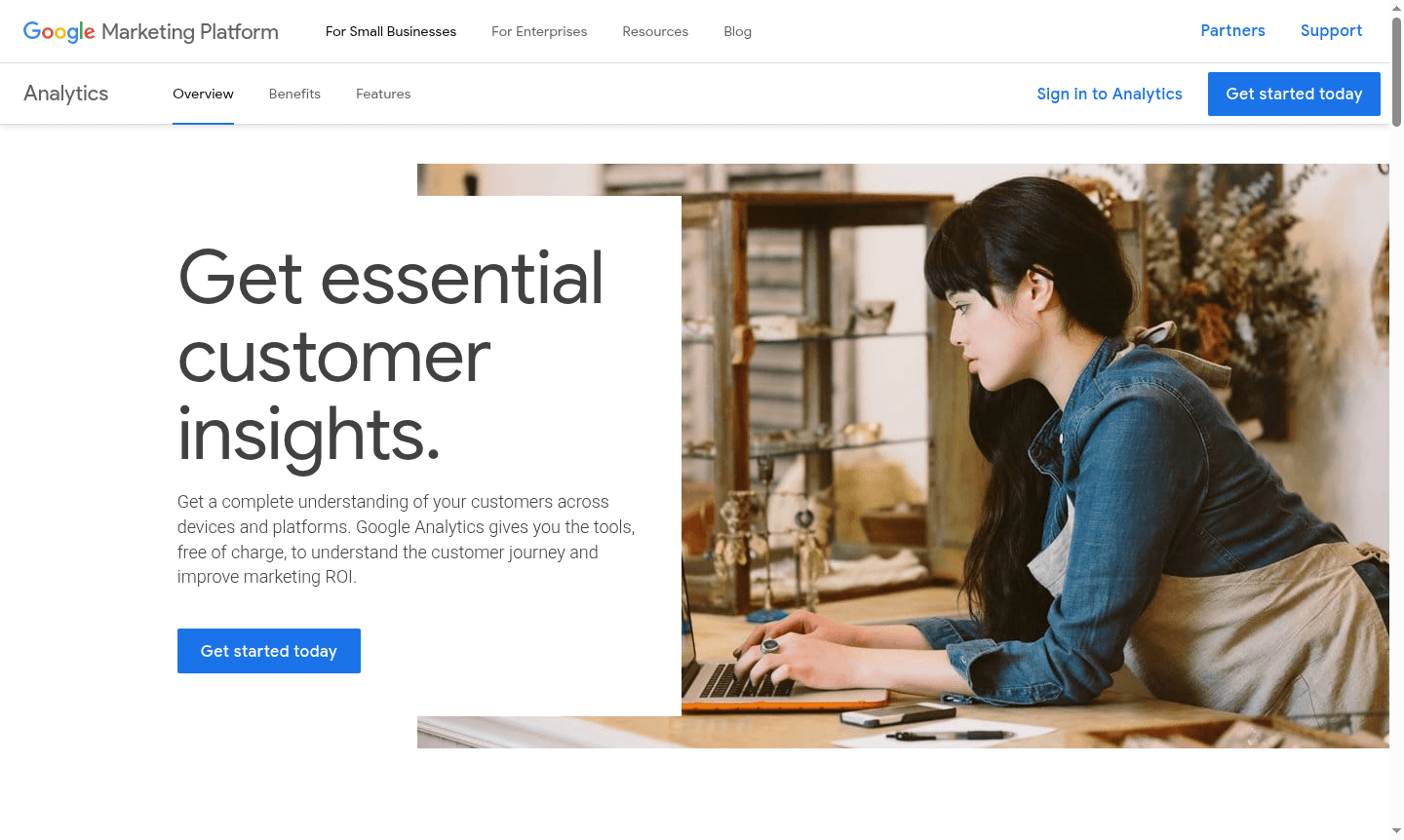
Overview of Google Analytics
Google Analytics provides comprehensive website analytics and audience insights for businesses of all sizes. This powerful platform transforms complex data into actionable intelligence, helping you understand visitor behavior, traffic sources, and conversion patterns. Whether you're running ecommerce tracking, monitoring real-time performance, or analyzing audience demographics, Google Analytics delivers the metrics needed to optimize your digital presence and marketing strategies effectively. Explore related categories such as Web Browser and Search Engine on ToolPicker for more tools.
The platform serves advertisers, publishers, and website owners with advanced segmentation capabilities and custom reporting features. Through intuitive dashboards and detailed analytics reports, users can identify trends, measure campaign effectiveness, and make data-driven decisions to improve website performance. With integration options for various platforms and support for custom dimensions, Google Analytics adapts to diverse business needs across multiple industries and use cases.
How to Use Google Analytics
Getting started with Google Analytics involves creating an account through the Google sign-in portal, where you can choose between personal, business, or organizational use cases. After account setup, you'll implement the tracking code on your website to begin collecting data. The platform offers guest mode for secure access when using shared devices, ensuring privacy while maintaining functionality. Once configured, you can explore various reporting interfaces, set up conversion goals, and customize dashboards to monitor key performance indicators relevant to your specific objectives.
Core Features of Google Analytics
- Advanced Analytics Dashboard – Comprehensive visualization of website performance and user engagement
- Real-Time Monitoring – Instant tracking of visitor activity and traffic sources in real-time
- Custom Reporting Tools – Flexible report creation with custom dimensions and data visualization
- Ecommerce Tracking – Detailed monitoring of online sales, product performance, and transactions
- Audience Segmentation – Sophisticated user grouping based on behavior, demographics, and channels
Use Cases for Google Analytics
- Monitoring website traffic patterns and visitor behavior analytics
- Tracking ecommerce performance and conversion rates
- Analyzing marketing campaign effectiveness and ROI
- Understanding audience demographics and user preferences
- Optimizing website content based on engagement metrics
- Setting and monitoring business goals and objectives
- Identifying traffic sources and acquisition channels
Support and Contact
For assistance with Google Analytics, access the help center or contact support via email. Additional resources include community forums and documentation.
Company Info
Google Analytics is developed by Google, a global technology company headquartered in the United States.
Login and Signup
Access your account at the Google Analytics login page. New users can sign up for free.
Google Analytics FAQ
What is Google Analytics and how does it help website owners?
Google Analytics is a comprehensive web analytics platform that tracks website traffic, user behavior, and conversion metrics to help businesses optimize their online presence and marketing strategies.
Is Google Analytics free to use for small businesses?
Yes, Google Analytics offers a free version that provides robust analytics capabilities suitable for small to medium-sized businesses, with premium features available for enterprise needs.
How do I set up conversion goals in Google Analytics?
You can set up conversion goals in the admin section of Google Analytics by defining specific actions like form submissions or page views that indicate valuable user interactions.
What is the difference between Google Analytics 4 and Universal Analytics?
Google Analytics 4 focuses on event-based tracking and cross-platform analysis, while Universal Analytics uses session-based data modeling for website traffic.
Google Analytics Pricing
Current prices may vary due to updates
Free
Free analytics platform with standard reporting, audience insights, conversion tracking, real-time monitoring, basic segmentation, custom reports, and
Google Analytics Reviews0 review
Would you recommend Google Analytics? Leave a comment
Google Analytics Alternatives
The best modern alternatives to the tool
New Tools Releases
Recently added tools
