
Google Workspace
Google Workspace offers custom business email, real-time collaboration, video conferencing, and AI tools. Choose from plans with storage from 30GB to 5TB, enterprise security, and a 14-day free trial.
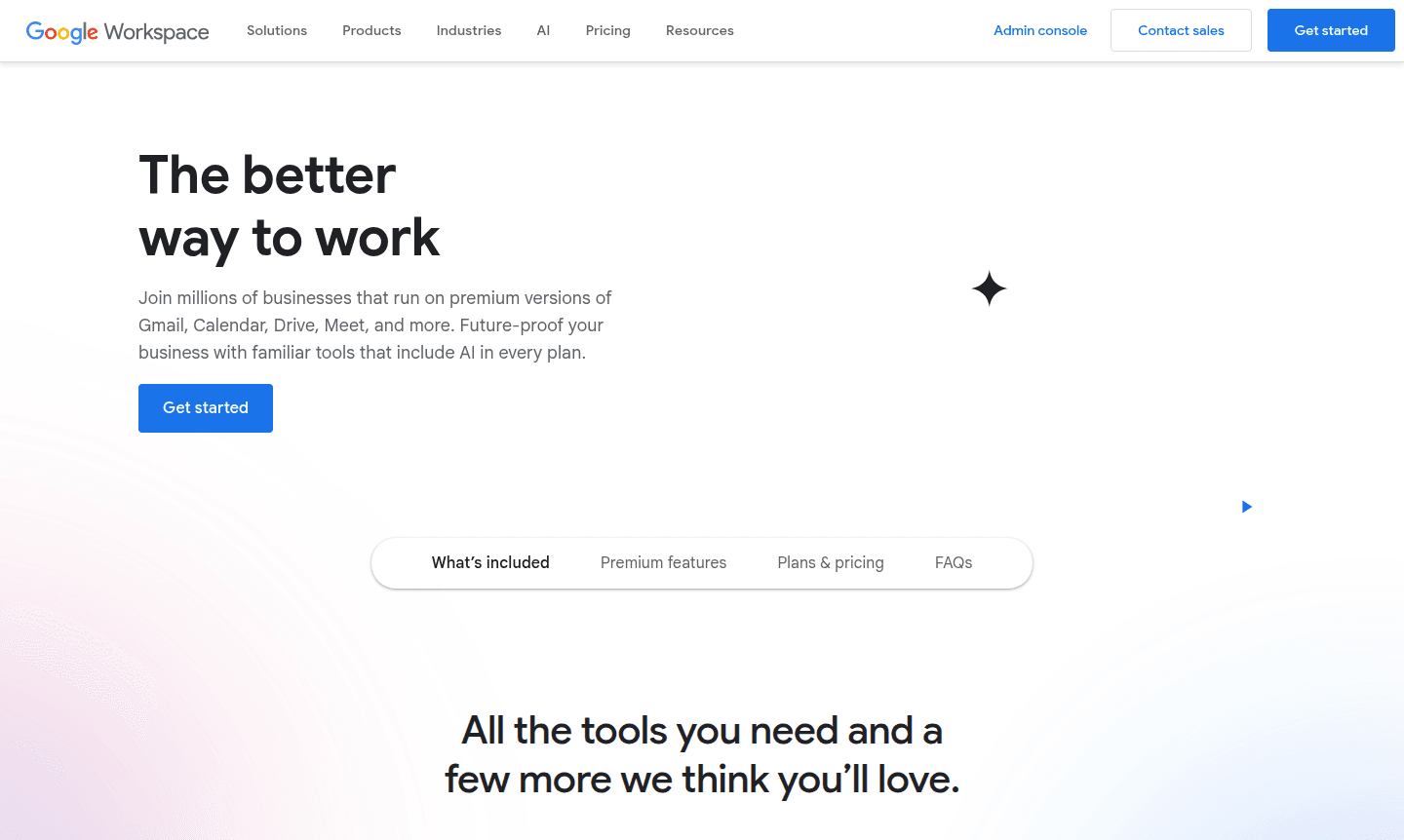
Overview of Google Workspace
Google Workspace is a comprehensive cloud-based productivity and collaboration platform that brings together essential business tools under one subscription. Formerly known as G Suite, this integrated solution provides businesses with professional email, document creation, video conferencing, cloud storage, and AI-powered assistance. Millions of organizations worldwide rely on Google Workspace to streamline their operations, enhance team collaboration, and maintain enterprise-grade security while working from any device.
The platform serves businesses of all sizes – from startups to large enterprises – offering scalable plans that grow with your organization. With built-in AI features like Gemini and NotebookLM, Google Workspace helps teams work smarter by automating routine tasks, generating insights, and accelerating content creation. The suite integrates seamlessly across Collaboration Tools, Cloud Storage, and Business & Commerce solutions, making it ideal for modern hybrid work environments.
How to Use Google Workspace
Getting started with Google Workspace is straightforward: sign up for a 14-day free trial, verify your business domain, and begin setting up user accounts. The admin console allows you to manage users, configure security settings, and deploy applications across your organization. Employees can immediately access Gmail with custom business email, collaborate on documents in real-time using Google Docs, schedule meetings through Google Calendar, and store files securely in Google Drive. The platform's intuitive interface requires minimal training, and migration tools help transfer existing data from other systems smoothly.
Core Features of Google Workspace
- Custom Business Email – Professional Gmail with your company domain and advanced security controls
- Real-time Collaboration – Multiple users can edit Docs, Sheets, and Slides simultaneously with change tracking
- AI-Powered Assistance – Gemini AI helps draft emails, analyze data, and enhance productivity across applications
- Secure Cloud Storage – Google Drive provides 30GB to 5TB per user with advanced sharing and permission settings
- Enterprise Video Conferencing – Google Meet supports up to 1000 participants with recording and transcription features
Use Cases for Google Workspace
- Small businesses needing professional email and document collaboration tools
- Enterprises requiring secure, scalable communication and storage solutions
- Remote teams collaborating across different locations and time zones
- Educational institutions managing classroom activities and administrative tasks
- Sales teams creating proposals, managing contracts, and tracking customer interactions
- Marketing departments developing content, analyzing data, and running campaigns
- IT administrators managing user accounts, security policies, and data compliance
Support and Contact
Google Workspace provides comprehensive support through multiple channels. For technical assistance and account management, visit the official support portal or email contact@google.com. Enterprise customers receive enhanced support with faster response times for critical issues. The platform also offers extensive documentation, community forums, and setup guides to help organizations maximize their productivity.
Company Info
Google Workspace is developed by Google, headquartered in the United States. The company has been a leader in cloud computing and productivity solutions for over a decade, continuously innovating to meet evolving business needs. Learn more about Google Workspace on the official website.
Login and Signup
Existing users can access their Google Workspace account at workspace.google.com. New customers can start a 14-day free trial by visiting the same URL and following the signup process. Businesses with more than 300 employees should contact sales for enterprise pricing and implementation assistance.
Google Workspace FAQ
What is included in Google Workspace pricing plans?
Google Workspace plans include custom business email, cloud storage, video conferencing, document collaboration tools, and AI features, with storage and advanced features increasing across higher tiers.
How does Google Workspace differ from free Google accounts?
Google Workspace adds business features like custom domain email, administrative controls, enhanced security, dedicated support, and advanced collaboration tools not available in free accounts.
Can I try Google Workspace before purchasing?
Yes, all Google Workspace plans offer a 14-day free trial so you can test the features and determine the right plan for your business needs before committing.
What is Gemini in Google Workspace?
Gemini is an AI assistant integrated into Google Workspace apps that helps users draft emails, analyze data, and enhance productivity through smart suggestions and automation.
Google Workspace Pricing
Current prices may vary due to updates
Business Starter
Includes custom business email, 30GB storage per user, Gemini AI in Gmail, video meetings for 100 participants, and basic security controls. Ideal for
Business Standard
Adds 2TB storage, Gemini AI across Docs and Meet, NotebookLM research assistant, meeting recording, eSignature capabilities, and appointment schedulin
Business Plus
Provides 5TB storage, enhanced security with eDiscovery and Vault, attendance tracking for 500 participants, advanced endpoint management, and enhance
Google Workspace Reviews0 review
Would you recommend Google Workspace? Leave a comment
Google Workspace Alternatives
The best modern alternatives to the tool
New Tools Releases
Recently added tools
