
Malwarebytes
Malwarebytes offers award-winning malware removal and protection. Get free virus scanning or upgrade to premium for real-time security, identity theft protection, and AI scam detection.
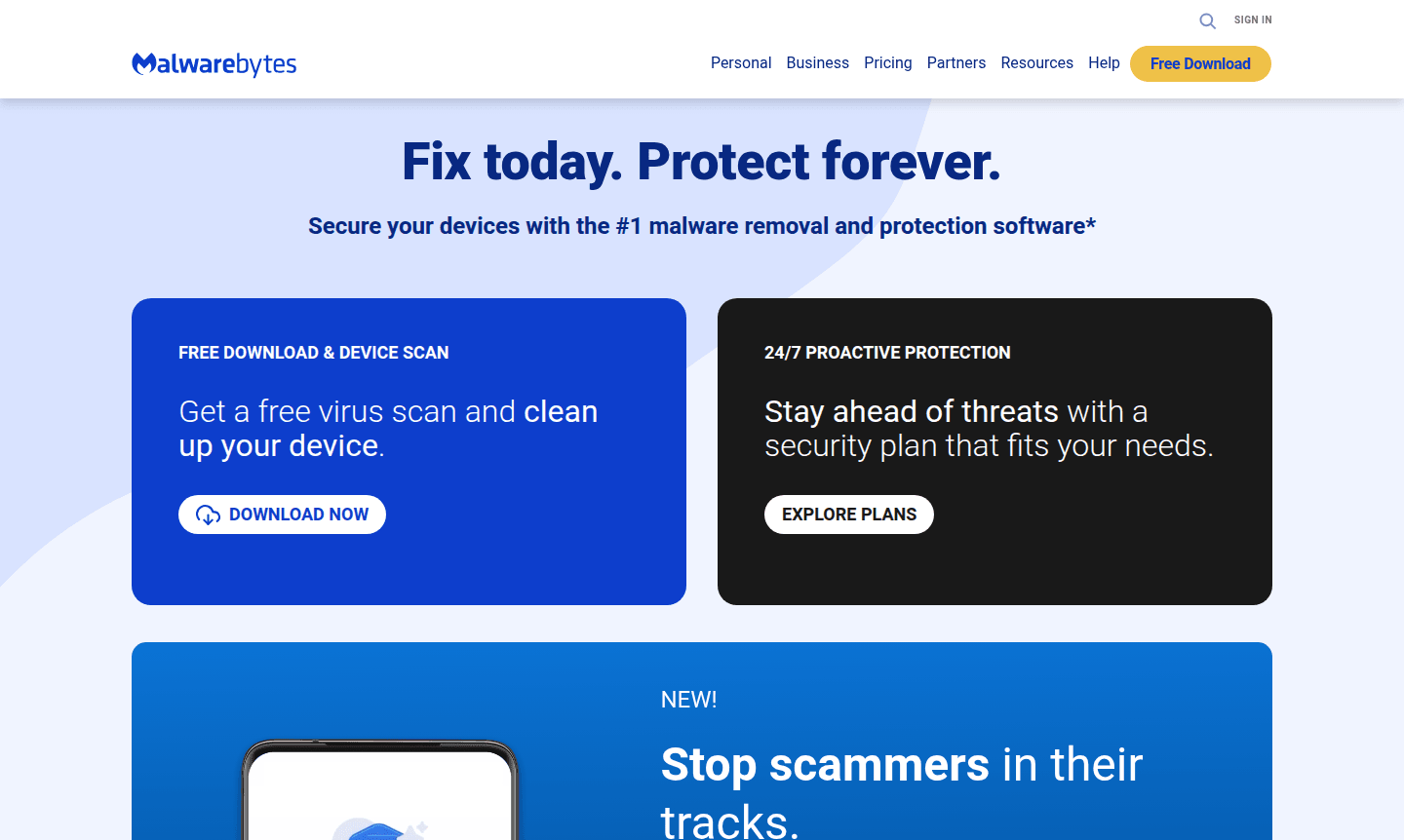
Overview of Malwarebytes
Malwarebytes is the leading malware removal and protection software trusted by millions worldwide. As the #1 solution in categories like Antivirus and Identity Theft Protection, it provides comprehensive security for both personal and business devices. The platform offers everything from free virus scanning to advanced proactive protection, delivering 24/7 threat detection and removal to keep your digital life secure against evolving cyber threats.
Beyond traditional antivirus, Malwarebytes has expanded into identity theft protection with up to $2 million in restoration coverage, AI-powered scam detection through Scam Guard, and personal data removal tools. It serves individual users, families, and organizations through its business-focused ThreatDown solution. Recognized as Product of the Year 2025 by AVLab Cybersecurity Foundation, Malwarebytes consistently detects threats that other security programs miss.
How to Use Malwarebytes
Getting started with Malwarebytes is straightforward – simply download the free version from their website to perform an initial device scan and malware removal. For ongoing protection, users can upgrade to Malwarebytes Premium Security for real-time threat blocking and automatic updates. The mobile security app includes Scam Guard for analyzing suspicious messages and links, while the identity protection service requires separate activation with continuous monitoring and instant alerts for data breaches.
Core Features of Malwarebytes
- Malware Removal – Advanced detection and elimination of viruses, ransomware, and spyware
- Real-time Protection – Continuous monitoring that blocks threats before infection
- Identity Theft Protection – $2 million restoration coverage with live agent support
- Scam Guard – AI-powered analysis of suspicious texts, links, and screenshots
- Personal Data Remover – Helps delete publicly available personal information from the web
Use Cases for Malwarebytes
- Comprehensive virus removal and system cleanup for infected devices
- Proactive malware protection for Windows and Mac computers
- Mobile security with scam detection for Android and iOS devices
- Identity theft monitoring and restoration services
- Business security solutions through ThreatDown for organizations
- Personal data privacy management and removal from data brokers
- Free malware scanning for quick security assessment
Support and Contact
For customer support and technical assistance, email contact@malwarebytes.com or visit the Malwarebytes Support Center. The company provides comprehensive help resources, knowledge base articles, and community forums.
Company Info
Malwarebytes Corporation develops and maintains the Malwarebytes security platform. The company is recognized for its advanced threat detection capabilities and has received numerous industry awards, including the 2025 Product of the Year certificate from AVLab Cybersecurity Foundation.
Login and Signup
Access your Malwarebytes account or create a new one at Malwarebytes Account Portal. New users can start with the free download for immediate malware scanning or explore premium plans for comprehensive protection.
Malwarebytes FAQ
Is Malwarebytes free to use?
Malwarebytes offers a free version for malware scanning and removal, plus premium plans with real-time protection and additional security features.
What does Malwarebytes identity theft protection include?
Malwarebytes identity protection provides monitoring, instant breach alerts, $2 million restoration coverage, and live agent support for identity recovery.
How does Malwarebytes Scam Guard work?
Scam Guard uses AI to analyze suspicious texts, links, and screenshots uploaded through the Malwarebytes mobile app to help avoid scams.
Does Malwarebytes work on both Windows and Mac?
Yes, Malwarebytes provides comprehensive security solutions for Windows, Mac, Android, and iOS devices with platform-specific protection features.
Malwarebytes Reviews0 review
Would you recommend Malwarebytes? Leave a comment
Malwarebytes Alternatives
The best modern alternatives to the tool
New Tools Releases
Recently added tools
