
Microsoft Security
Microsoft Security offers AI-powered threat protection, unified security operations, and Zero Trust implementation for enterprises. Protect endpoints, identities, data, and cloud workloads with integrated tools.
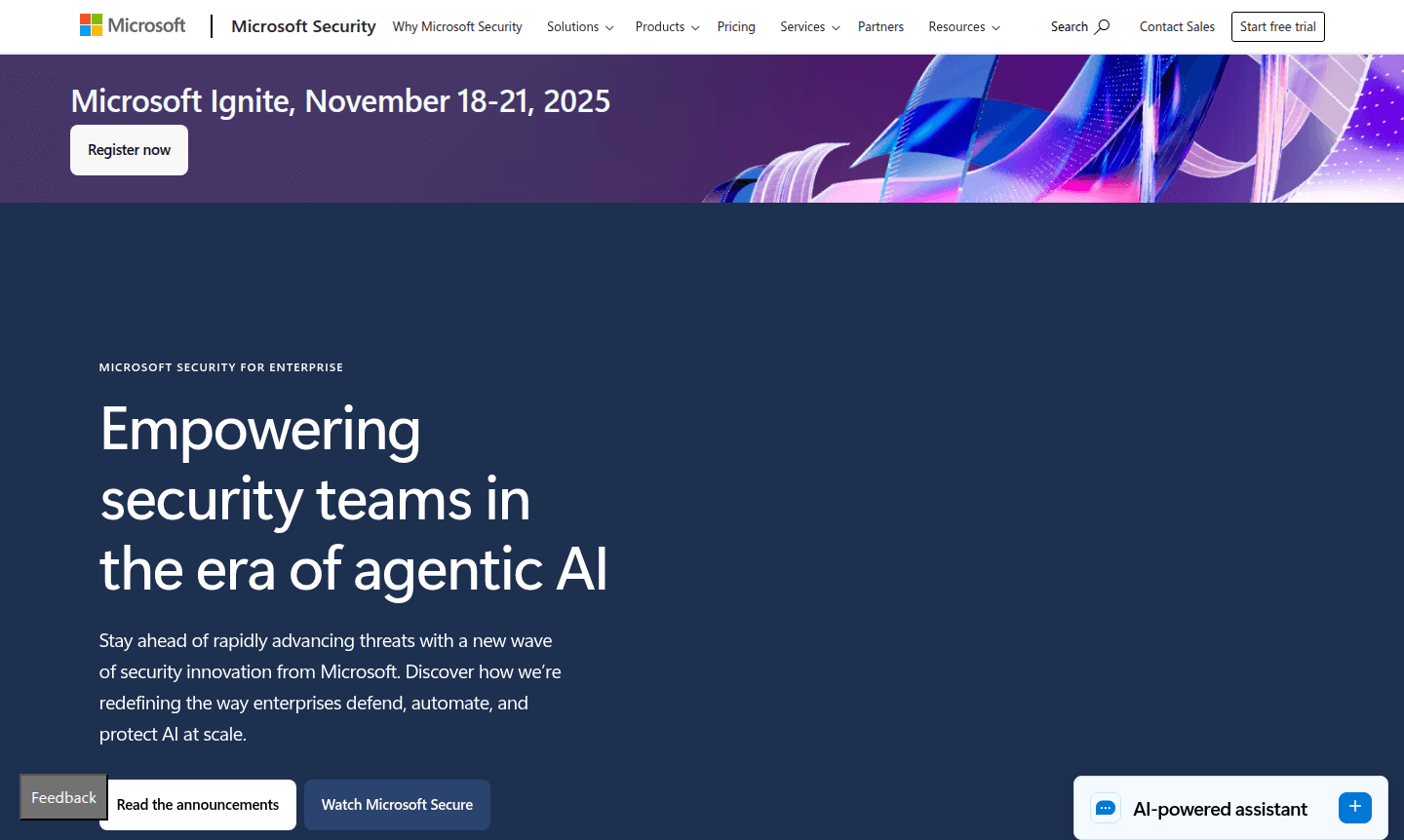
Overview of Microsoft Security
Microsoft Security provides comprehensive enterprise-grade protection designed for modern organizations facing sophisticated cyber threats. This integrated security platform combines AI-powered threat detection, identity management, data protection, and compliance tools into a unified defense system. Built on Microsoft's extensive threat intelligence and cloud infrastructure, it offers end-to-end security coverage across devices, applications, cloud environments, and user identities. The platform is particularly valuable for enterprises implementing Zero Trust strategies and organizations seeking to securely adopt generative AI technologies while maintaining robust security postures.
As a leader in multiple Gartner Magic Quadrant reports and Forrester Wave categories, Microsoft Security delivers enterprise-grade protection through specialized products including Microsoft Defender for extended detection and response, Microsoft Sentinel for security information and event management, and Microsoft Entra for identity and access management. The platform integrates seamlessly with Microsoft's broader ecosystem while providing comprehensive protection for multicloud environments, making it suitable for organizations of all sizes seeking unified security operations and reduced complexity. It covers key security categories such as Antivirus and Two-Factor Authentication.
How to Use Microsoft Security
Getting started with Microsoft Security typically begins with assessing your organization's current security posture and identifying protection gaps across endpoints, identities, applications, and cloud workloads. Implementation involves deploying Microsoft Defender agents to endpoints and servers, configuring Microsoft Sentinel for centralized security monitoring, setting up Microsoft Entra for identity protection, and establishing Microsoft Purview for data governance. Organizations can leverage Microsoft Security Copilot to accelerate threat investigation and response through natural language queries, while security teams use the unified console to monitor alerts, investigate incidents, and automate remediation workflows across their entire digital estate.
Core Features of Microsoft Security
- AI-Powered Threat Protection – Advanced threat detection using Microsoft's global threat intelligence and generative AI capabilities
- Unified Security Operations – Centralized management console for monitoring and responding to security incidents across all environments
- Identity and Access Security – Comprehensive identity protection with conditional access policies and privileged identity management
- Data Security and Governance – Information protection, data loss prevention, and compliance management tools
- Cloud Security Posture Management – Continuous assessment and hardening of security configurations across multicloud environments
Use Cases for Microsoft Security
- Enterprise organizations implementing comprehensive Zero Trust security architectures
- Companies migrating to cloud environments requiring unified security management
- Organizations seeking to securely adopt and govern generative AI applications
- Businesses needing integrated extended detection and response capabilities
- Companies requiring advanced identity protection and access management
- Organizations with compliance requirements for data protection and governance
- Enterprises looking to consolidate security tools and reduce operational complexity
Support and Contact
For technical support and customer service, visit the official Microsoft Security support portal at Microsoft Security Support. Enterprise customers typically access support through their Microsoft account team or partner network, with options for premier support services including 24/7 technical assistance and dedicated security experts.
Company Info
Microsoft Security is developed by Microsoft Corporation, headquartered in Redmond, Washington, USA. As part of the world's leading software company, Microsoft Security leverages decades of enterprise software experience and global threat intelligence to deliver comprehensive security solutions for organizations worldwide.
Login and Signup
Access Microsoft Security services through the Azure portal at Microsoft Security Portal. Existing Microsoft enterprise customers can typically access security services through their current Azure Active Directory credentials, while new enterprise customers should contact Microsoft sales representatives for licensing and deployment assistance.
Microsoft Security FAQ
What is Microsoft Security Copilot and how does it enhance security operations?
Microsoft Security Copilot is an AI-powered security assistant that helps security teams investigate threats faster using natural language queries and automated response recommendations.
How does Microsoft Security protect against advanced cyber threats?
Microsoft Security uses AI-driven threat intelligence, behavioral analytics, and automated response capabilities to detect and neutralize sophisticated attacks across endpoints and cloud environments.
Can Microsoft Security protect multicloud and hybrid environments?
Yes, Microsoft Security provides unified protection across Azure, AWS, Google Cloud, and on-premises environments with consistent security policies and centralized management.
What support options are available for Microsoft Security?
Support includes online resources, community forums, and premium support plans for enterprise customers, with 24/7 assistance available.
Microsoft Security Reviews0 review
Would you recommend Microsoft Security? Leave a comment
Microsoft Security Alternatives
The best modern alternatives to the tool
New Tools Releases
Recently added tools
