
Slideshare
Slideshare is a leading presentation-sharing platform with 25M+ presentations. Join 70M users to find inspiration, download files, use AI tools, and share expertise. Free and premium plans available.
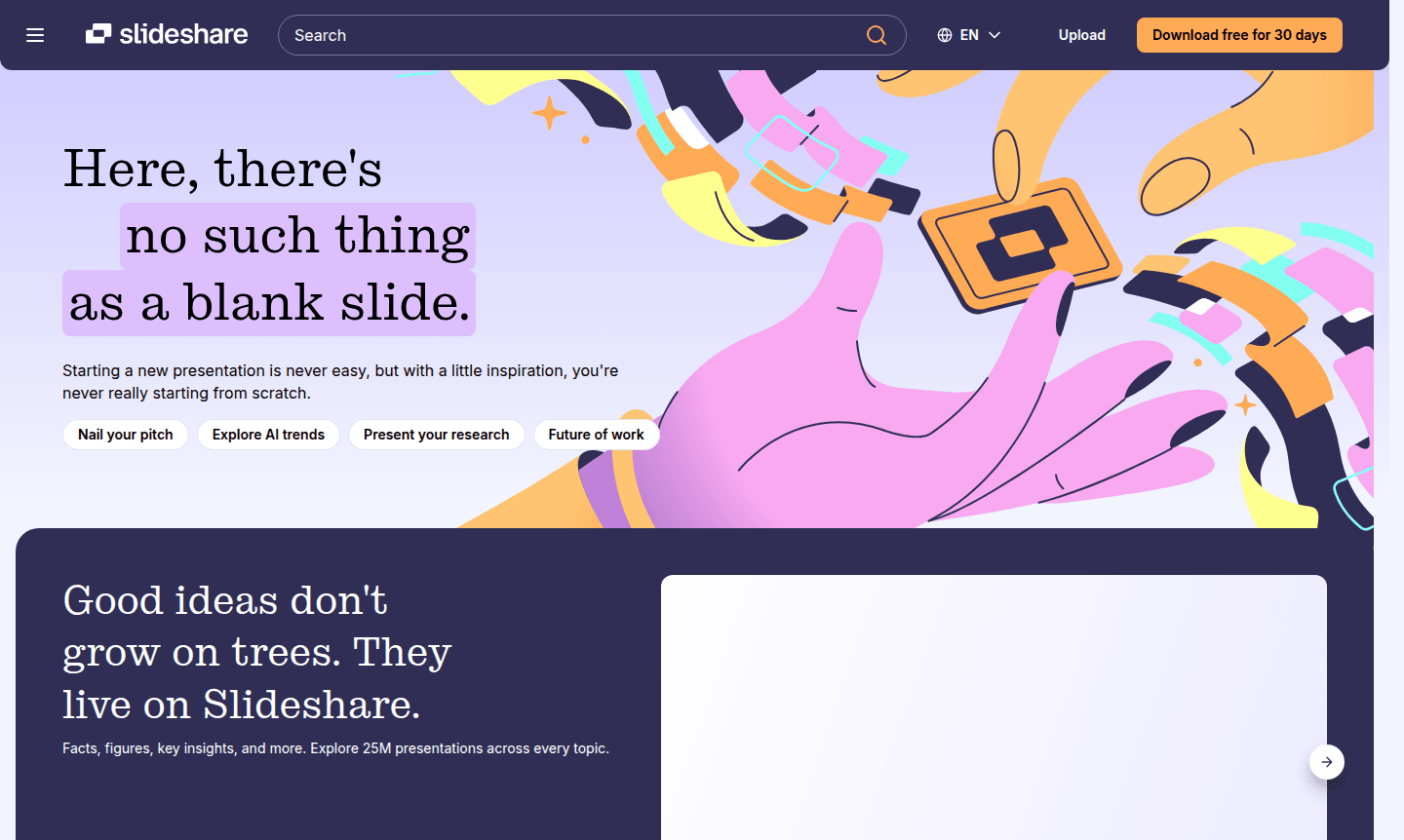
Overview of Slideshare
Slideshare is the premier presentation-sharing platform where inspiration meets opportunity. With over 25 million presentations spanning every conceivable topic and a vibrant community of 70 million active users, this platform eliminates the dreaded blank slide syndrome. Whether you're seeking presentation inspiration, looking to showcase your expertise, or building upon existing ideas, Slideshare provides the resources and audience your big ideas deserve. The platform has recently undergone a significant rebranding with a cleaner, sharper look while maintaining the core functionality users love.
Perfect for professionals, educators, marketers, and content creators, Slideshare serves as both a discovery engine and publishing platform. Explore categories like Presentation Maker and Document Editor to find exactly what you need. The platform supports multiple file formats including PowerPoint (PPT, PPTX, PPSX, POTX), PDF, and Word documents (DOC, DOCX), making it accessible for users across different presentation tools and workflows.
How to Use Slideshare
Getting started with Slideshare is straightforward – simply browse the extensive library of 25M+ presentations for inspiration or upload your own content to share with the global community. For free users, you can explore presentations, receive personalized recommendations, and upload your own decks while experiencing on-page ads. Premium subscribers can download complete presentations in their original file formats, use AI tools to rewrite and rephrase content, copy and paste text directly from slides, and enjoy an ad-free experience across all devices with complimentary access to 250M+ documents on Scribd.
Core Features of Slideshare
- Massive Content Library – Access 25M+ presentations and documents across every topic imaginable
- AI-Powered Tools – Rewrite, rephrase, or simplify existing slide content using artificial intelligence
- Download Capabilities – Get complete presentations in their original file formats for offline use
- Text Extraction – Copy and paste key insights and content directly from presentation slides
- Global Community – Share knowledge with 70M+ users worldwide and build your professional audience
Use Cases for Slideshare
- Finding presentation inspiration and business presentation templates
- Downloading PowerPoint presentations for educational or professional purposes
- Sharing knowledge and expertise with a global audience of professionals
- Researching industry trends and insights through specialized presentations
- Building professional credibility by publishing original presentation content
- Accessing free presentation sharing platforms for personal or business use
- Comparing Slideshare alternatives like Prezi for different presentation needs
Support and Contact
For support inquiries, email contact@slideshare.net or visit the Slideshare website for help resources and community forums.
Company Info
Slideshare operates as a presentation-sharing platform serving a global community of professionals, educators, and content creators. The company has recently undergone a significant rebranding initiative to emphasize its renewed mission of helping people transform their ideas into opportunities through presentation sharing and discovery.
Login and Signup
Access your Slideshare account or create a new one by visiting the Slideshare login page. The platform offers free and premium subscription options with enhanced features including download capabilities and AI tools.
Slideshare FAQ
What is Slideshare and how does it work?
Slideshare is a presentation-sharing platform where users can browse 25M+ presentations for inspiration or upload their own content to share with 70M+ users worldwide, supporting various file formats.
Is Slideshare free to use or does it require a subscription?
Slideshare offers both free ad-supported access and premium subscription options. The free plan allows browsing and uploading, while paid plans unlock downloads and AI tools.
What file formats does Slideshare support for uploads?
Slideshare supports PowerPoint (PPT, PPTX, PPSX, POTX), PDF, and Word documents (DOC, DOCX) for uploading and sharing presentations with the community.
Can I download presentations from Slideshare for offline use?
Yes, downloading presentations is available with a Slideshare subscription, which allows you to get complete presentations in their original file formats for offline access.
Slideshare Pricing
Current prices may vary due to updates
Free 30-day trial
Includes download of complete presentations in original file format, AI tools to rewrite/rephrase content, copy & paste text extraction, ad-free exper
Ad-supported
Access to 25M+ presentations and documents with personalized recommendations, ability to upload and share content with 70M+ user community, but limite
Slideshare Reviews0 review
Would you recommend Slideshare? Leave a comment
Slideshare Alternatives
The best modern alternatives to the tool
New Tools Releases
Recently added tools
