
Sublime Text
Sublime Text 4 is a powerful code editor with GPU rendering, smart auto-complete, and cross-platform support. Ideal for Python, TypeScript, and web development. Free download available with a $99 license option.
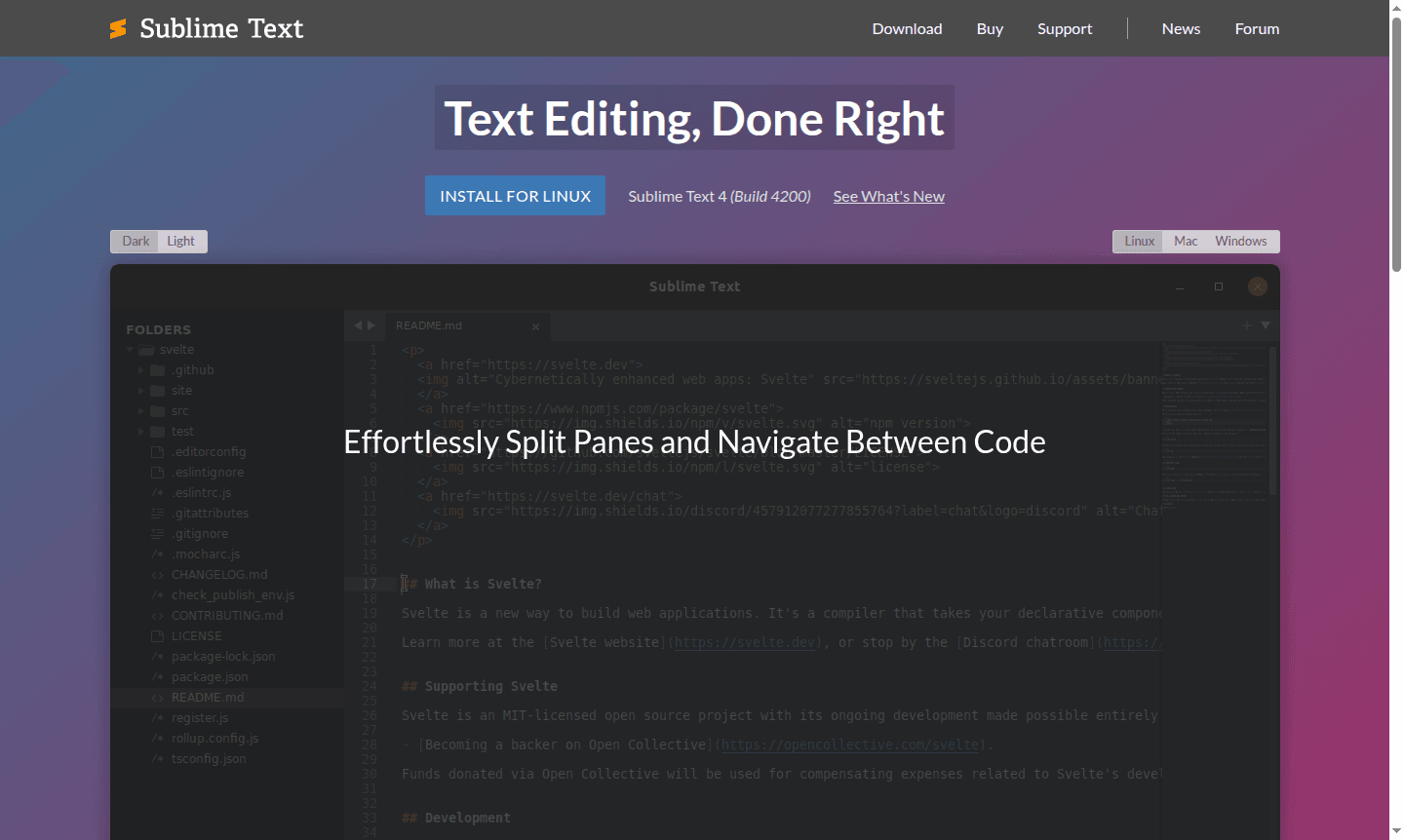
Overview of Sublime Text
Sublime Text is a sophisticated text editor designed for code, markup, and prose editing with exceptional performance and a sleek user interface. This powerful development tool offers lightning-fast navigation, multiple selections, and a highly customizable environment that appeals to developers, writers, and technical professionals. With its cross-platform compatibility supporting Windows, macOS, and Linux systems, Sublime Text provides a consistent editing experience across all major operating systems while maintaining remarkable speed and efficiency even with large files and complex projects.
As part of the Text Editor and IDE categories, Sublime Text bridges the gap between simple text editors and full-featured integrated development environments. The editor's extensive plugin ecosystem through Package Control allows users to extend functionality for specific programming languages, frameworks, and workflows. Whether you're working on Python development, TypeScript projects, or general web development, Sublime Text delivers the tools and performance needed for productive coding sessions and efficient text manipulation.
How to Use Sublime Text
Getting started with Sublime Text involves downloading the application from the official website and installing it on your preferred platform – Windows, Mac, or Linux. Once installed, you can immediately begin editing files or open entire project folders to leverage the powerful sidebar navigation. Customize your workflow by installing plugins through Package Control, configuring key bindings for your favorite shortcuts, and setting up build systems for compiling code directly within the editor. The intuitive interface allows you to split views for side-by-side editing, use multiple cursors for simultaneous changes, and quickly navigate between files using the Goto Anything feature for maximum productivity.
Core Features of Sublime Text
- GPU Rendering – Utilizes GPU for smooth performance at 8K resolution with lower power use.
- Context-Aware Auto Complete – Provides smart code suggestions based on project context with definition links.
- Tab Multi-Select – Enables split views and multi-tab management across the interface.
- Enhanced Syntax Highlighting – Improved syntax definitions with faster load times for modern languages.
- Cross-Platform Compatibility – Native support for Apple Silicon, Linux ARM64, and all major operating systems.
Use Cases for Sublime Text
- Python development and scripting with enhanced syntax support
- Web development using HTML, CSS, JavaScript, and modern frameworks
- TypeScript, JSX, and TSX programming in the JavaScript ecosystem
- Technical writing and markup editing for documentation
- Plugin development using the updated Python API
- Git integration and version control workflows
- Multi-language programming with customizable build systems
Support and Contact
For technical support and general inquiries, email contact@sublimetext.com or visit the Sublime Text website. The development team maintains active communication through official platforms and documentation resources.
Company Info
Sublime Text is developed by Sublime HQ, the company behind both Sublime Text and Sublime Merge. The organization focuses on creating high-performance, sophisticated text editing tools for developers and technical users worldwide, with a commitment to quality software and user experience.
Login and Signup
Sublime Text operates as a desktop application without mandatory account creation. Users can download and evaluate the software directly from the official website, with license activation available for those who purchase the full version. The free version provides ongoing functionality with occasional reminder dialogs, while the licensed version removes these notifications.
Sublime Text FAQ
What is the pricing model for Sublime Text?
Sublime Text uses a one-time purchase model costing $99 for a perpetual license, with a free version available that has limited functionality but remains fully usable.
Does Sublime Text support TypeScript and modern JavaScript development?
Yes, Sublime Text 4 includes built-in support for TypeScript, JSX, and TSX with full syntax highlighting and intelligent code completion features.
Can I use Sublime Text on Apple Silicon Macs?
Absolutely, Sublime Text offers native Apple Silicon support for optimal performance on modern Mac computers alongside Windows and Linux compatibility.
Sublime Text Reviews0 review
Would you recommend Sublime Text? Leave a comment
Sublime Text Alternatives
The best modern alternatives to the tool
New Tools Releases
Recently added tools
