
Ubuntu Desktop
Ubuntu Desktop is a leading open source operating system for secure computing. Download free with built-in security, developer tools, gaming support, and enterprise features.
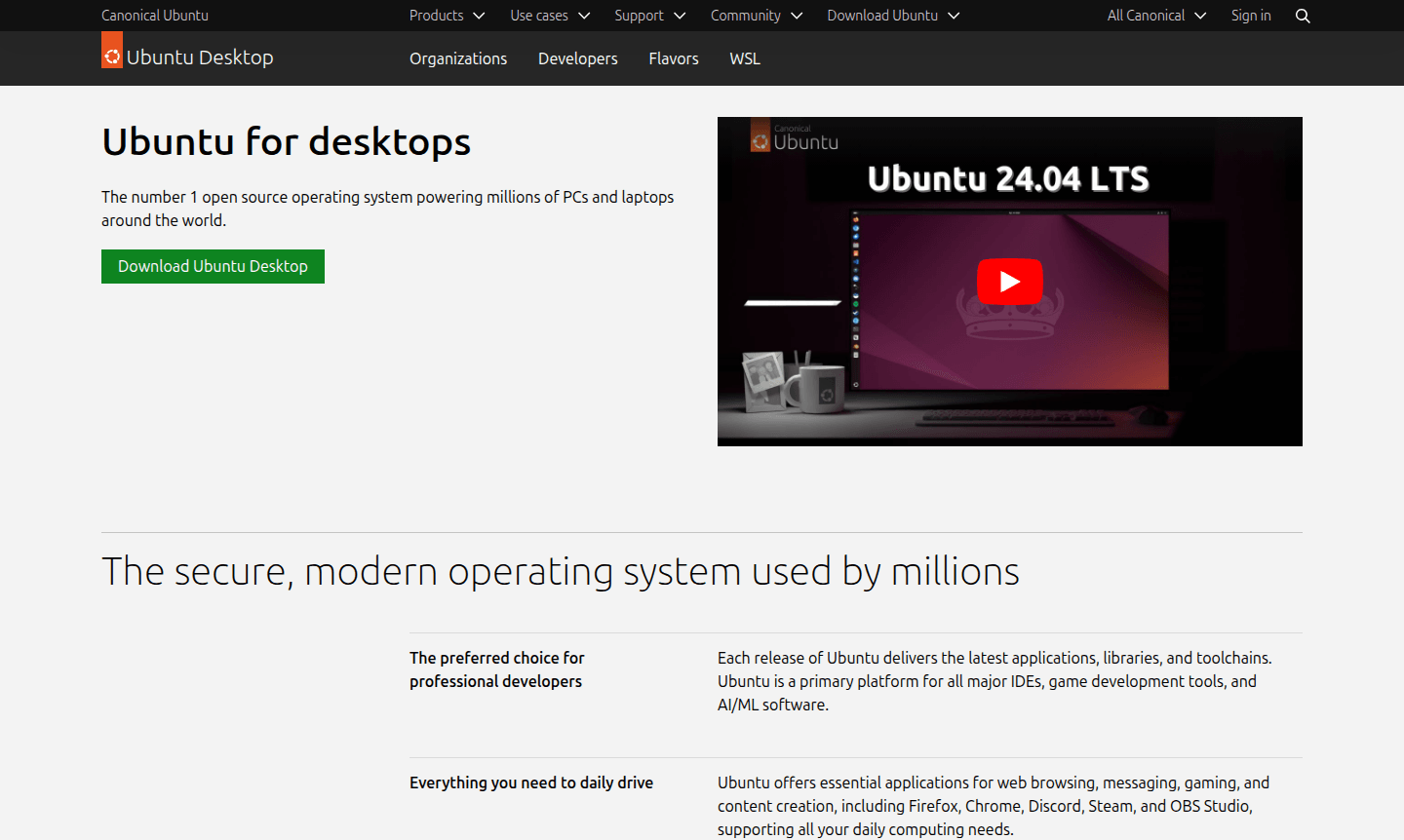
Overview of Ubuntu Desktop
Ubuntu Desktop is the world's most popular open source operating system, powering millions of PCs and laptops globally. As a secure, modern platform designed for both personal and professional use, Ubuntu delivers the latest applications, libraries, and toolchains with each release. It serves as the preferred choice for developers, offering comprehensive support for major IDEs, game development tools, and AI/ML software while maintaining robust security features and privacy protections by design.
The operating system seamlessly integrates with enterprise environments through Ubuntu Pro subscriptions, providing security patching, fleet management, and extended support capabilities. With deep hardware partnerships across leading manufacturers like Dell, HP, and Lenovo, Ubuntu offers certified optimizations for both new devices and older hardware, extending the lifespan of aging computers. Explore related categories like Desktop Environment and System Optimizer for similar tools.
How to Use Ubuntu Desktop
Getting started with Ubuntu Desktop involves downloading the installation image from the official website and creating a bootable USB drive. Users can choose to replace their current operating system entirely or set up a dual-boot configuration alongside Windows. The installation process guides users through partitioning, user account setup, and initial system configuration, with the option to install on certified hardware from major manufacturers or directly on compatible devices including Raspberry Pi for development projects.
Core Features of Ubuntu Desktop
- Open Source Foundation – Completely free to download, use, and share with worldwide community support
- Developer-Focused Environment – Primary platform for major IDEs, toolchains, and development frameworks
- Enterprise Security – Built-in security features with Ubuntu Pro for advanced protection
- Hardware Optimization – Certified performance on devices from Dell, HP, Lenovo, and Raspberry Pi
- Application Ecosystem – Thousands of applications for browsing, messaging, gaming, and content creation
Use Cases for Ubuntu Desktop
- Professional software development and coding projects
- AI/ML research and machine learning workflows
- Game development with Steam and OBS Studio integration
- Enterprise desktop deployments with security management
- Educational institutions and academic research environments
- Content creation and multimedia production
- Web application development and server management
Support and Contact
For technical support and community assistance, visit the official Ubuntu Desktop website or email contact@ubuntu.com. The platform benefits from extensive community resources including Ask Ubuntu forums and Ubuntu Discourse for developer discussions. Enterprise customers can access professional support through Canonical's subscription services.
Company Info
Ubuntu is developed by Canonical, a UK-based company dedicated to open source software development and enterprise support. The company maintains the Ubuntu ecosystem across desktop, server, and cloud platforms while fostering a global community of contributors and users.
Login and Signup
Access Ubuntu Desktop resources and downloads through the official Ubuntu website. No account registration is required for downloading the operating system, though Ubuntu Pro subscriptions and community forum participation may require separate account creation.
Ubuntu Desktop FAQ
Is Ubuntu Desktop completely free to download and use?
Yes, Ubuntu Desktop is completely free open source software with no licensing costs for personal or commercial use.
Can Ubuntu Desktop run alongside Windows on the same computer?
Yes, Ubuntu supports dual-boot installation alongside Windows, allowing you to choose between operating systems at startup.
What hardware requirements does Ubuntu Desktop have?
Ubuntu runs efficiently on most modern hardware and can improve performance on older computers compared to Windows.
Does Ubuntu Desktop support gaming applications?
Yes, Ubuntu supports Steam, OBS Studio, and many gaming applications with growing compatibility for popular titles.
What security features does Ubuntu Desktop include?
Ubuntu includes built-in security features, regular updates, and optional Ubuntu Pro for enterprise-grade protection.
Ubuntu Desktop Pricing
Current prices may vary due to updates
Ubuntu Desktop
Free open source operating system with regular updates, built-in security, and access to thousands of apps for browsing, messaging, gaming, and conten
Ubuntu Pro Desktop
Comprehensive subscription delivering enterprise-grade security, management tooling, and extended support. Free for up to 5 machines with advanced sec
Ubuntu Desktop Reviews0 review
Would you recommend Ubuntu Desktop? Leave a comment
Ubuntu Desktop Alternatives
The best modern alternatives to the tool
New Tools Releases
Recently added tools
