Ubuntu Touch
Ubuntu Touch is an open-source mobile OS that turns phones into desktops via convergence mode. Supported on devices like PinePhone and Fairphone, it offers privacy and community-driven updates.
Overview of Ubuntu Touch
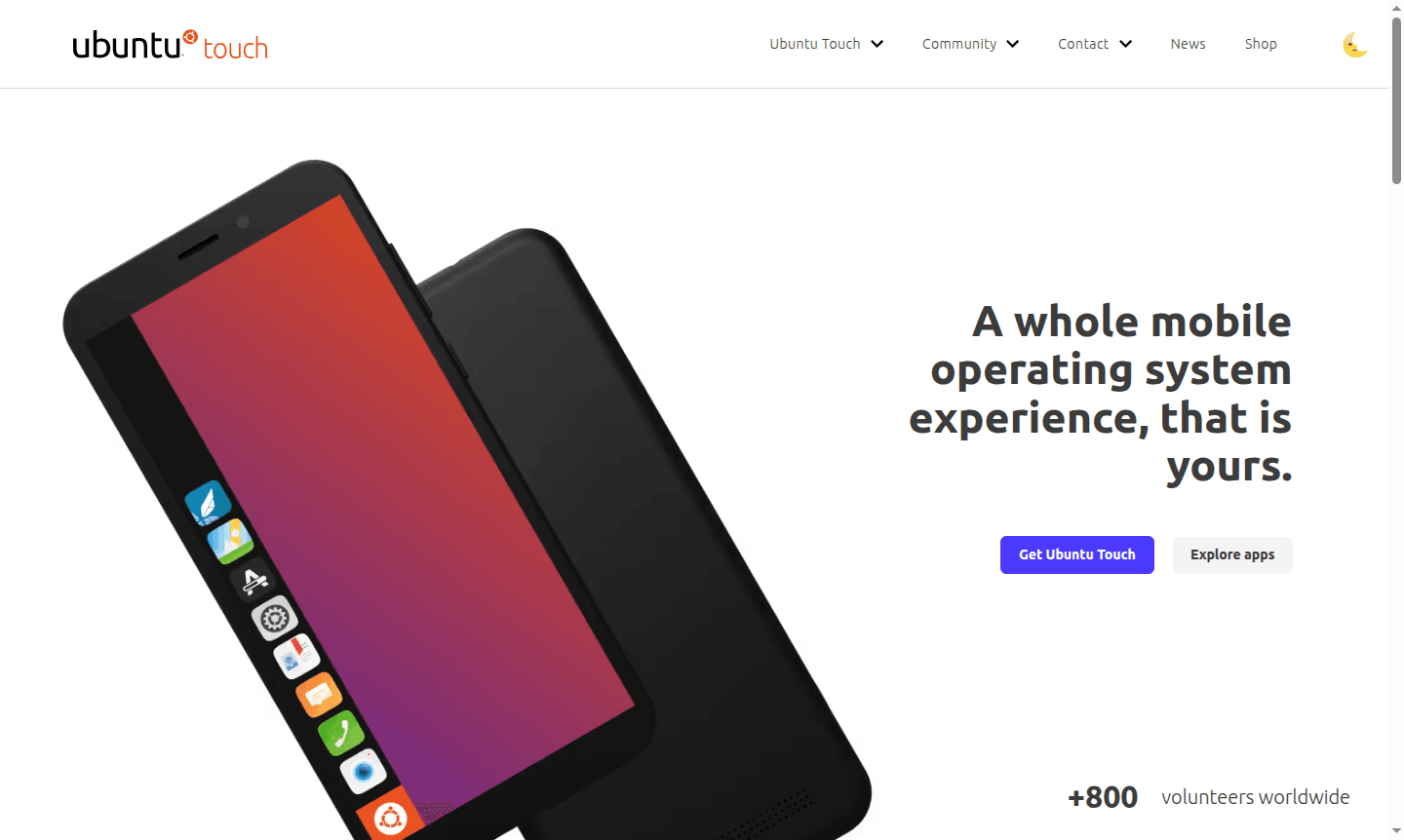
Ubuntu Touch is a complete mobile operating system experience that brings the power of Ubuntu to smartphones and tablets. Developed and maintained by the global UBports community of over 800 volunteers worldwide, this libre software platform offers a truly open-source alternative to mainstream mobile operating systems. As a Desktop Environment in convergence mode, Ubuntu Touch provides a touch-optimized interface while maintaining the flexibility and freedom that open-source enthusiasts value, allowing users to explore, modify, and share the software without restrictions.
What sets Ubuntu Touch apart is its unique convergence capability – your mobile device can transform into a full desktop computer when connected to an external monitor or TV. This innovative feature bridges the gap between mobile and desktop computing, offering productivity tools and windowed desktop functionality traditionally found only on PCs. The system is designed for longevity, extending the usable life of mobile devices through continued software updates and support for various hardware platforms, emphasizing Privacy Checker principles for a secure experience.
How to Use Ubuntu Touch
Getting started with Ubuntu Touch involves downloading the operating system from the official devices portal and following the installation guide for your specific hardware. The process typically requires connecting your compatible device to a computer and using the provided installation tools to flash Ubuntu Touch onto your phone or tablet. Once installed, you can explore the native app store to discover hundreds of applications, customize your interface, and begin using your device for daily tasks. For desktop functionality, simply connect your device to an external display using the appropriate adapter to activate the convergence mode and access windowed applications.
Core Features of Ubuntu Touch
- Convergence Mode – Transform your mobile device into a desktop computer when connected to external displays
- Libre Software Foundation – Fully open-source platform with copyleft licensing for complete user freedom
- Extended Device Lifespan – Continue receiving software updates long after manufacturer support ends
- Touch-Optimized Interface – Native mobile experience designed specifically for touchscreen interaction
- Community-Driven Development – Global volunteer community maintaining and improving the platform
Use Cases for Ubuntu Touch
- Mobile productivity with desktop-level applications through convergence mode
- Privacy-focused mobile computing with open-source transparency
- Extending the lifespan of older smartphones through continued software support
- Development and testing environment for mobile applications
- Educational tool for learning about mobile operating systems and open-source software
- Alternative mobile platform for users seeking independence from major tech ecosystems
- Custom mobile solutions for specific business or personal requirements
Support and Contact
For support and community engagement, visit the official Ubuntu Touch website or join the UBports community forums. The project maintains active social media presence on Facebook and X (formerly Twitter) for updates and community interaction. For direct support, email contact@ubuntu-touch.io.
Company Info
Ubuntu Touch is developed and maintained by UBports Community, a global collective of volunteers passionate about creating free and open mobile software. The project operates independently and is not affiliated with Ubuntu or Canonical, maintaining its own development roadmap and community governance structure.
Login and Signup
Access Ubuntu Touch resources and community platforms through the main website. The open-source nature of the project means most resources are freely accessible without mandatory account creation, though community forums may require registration for full participation.
Ubuntu Touch FAQ
What devices are compatible with Ubuntu Touch installation?
Ubuntu Touch supports various devices including PinePhone, Fairphone, Volla, Google Pixel, and OnePlus models with official installation guides available.
How does Ubuntu Touch desktop mode work with mobile devices?
When connected to an external monitor, Ubuntu Touch transforms into a full desktop environment with windowed applications and traditional PC productivity tools.
Is Ubuntu Touch completely free and open-source software?
Yes, Ubuntu Touch is libre software with copyleft licensing, allowing free use, modification, and sharing without proprietary restrictions.
Where can I find applications for Ubuntu Touch?
Ubuntu Touch features a native app store with hundreds of applications available for download, covering various categories from productivity to entertainment.
Ubuntu Touch Reviews0 review
Would you recommend Ubuntu Touch? Leave a comment
Ubuntu Touch Alternatives
The best modern alternatives to the tool
New Tools Releases
Recently added tools
