
Linux Mint
Linux Mint is a free, user-friendly desktop OS with out-of-the-box apps, gaming support, and easy installation. Ideal for Windows users and beginners.
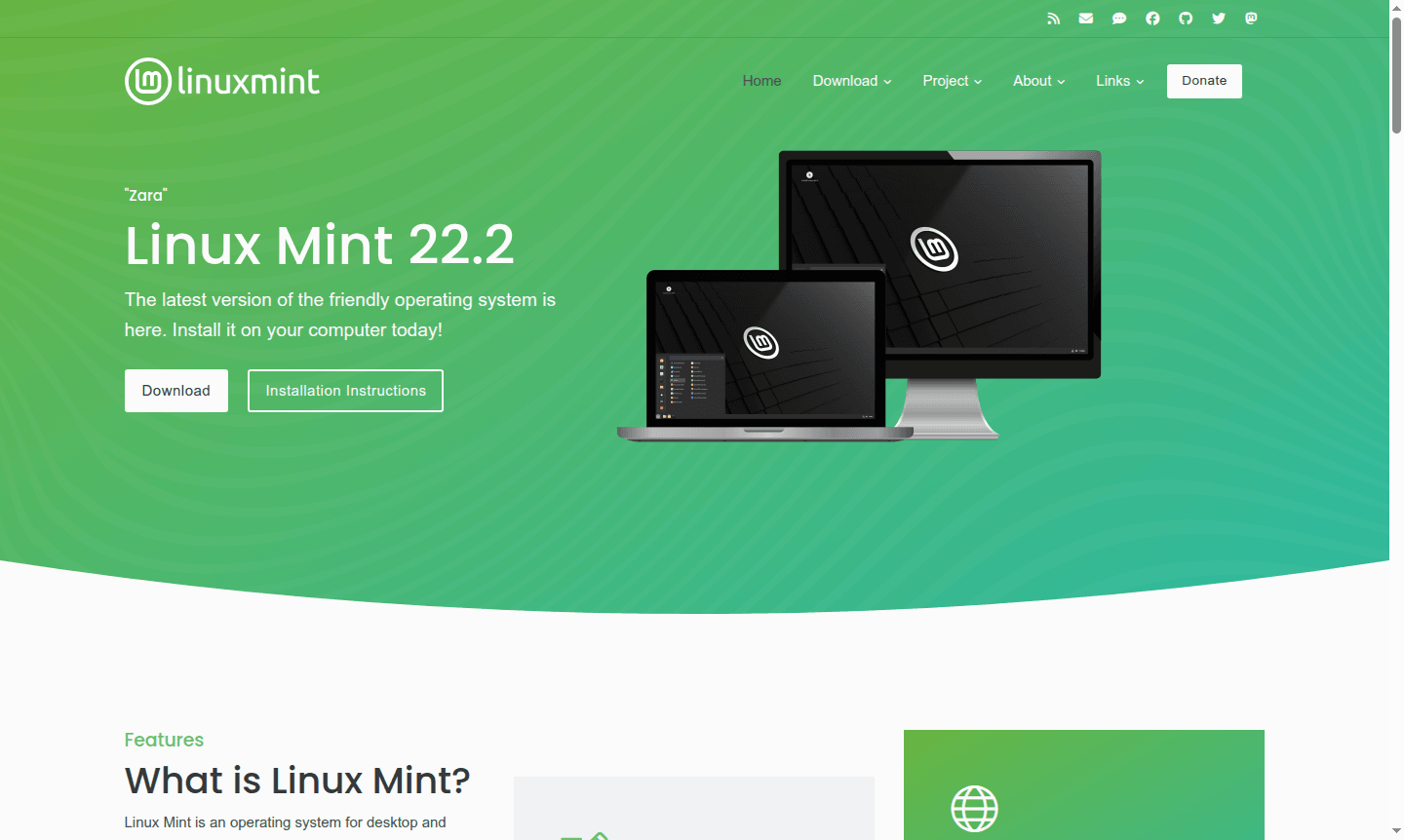
Overview of Linux Mint
Linux Mint is a user-friendly desktop environment based on Debian and Ubuntu. This free, open-source OS comes with essential apps pre-installed, providing a smooth transition for Windows and macOS users. It includes productivity suites, multimedia applications, and gaming support for out-of-the-box functionality.
Focused on simplicity and user control, Linux Mint features an intuitive desktop environment with a gentle learning curve. Access to over 60,000 software packages and strong community support make it a robust alternative to proprietary OSs, ensuring data privacy and user autonomy.
How to Use Linux Mint
To use Linux Mint, download the ISO from the official website and create a bootable USB with tools like Rufus. Test it via live environment before installation. The installer guides through partitioning and setup, with dual-boot options. After installation, use the Update Manager for updates and Software Manager for apps.
Core Features of Linux Mint
- Out-of-the-Box Experience – Complete operating system with all essential applications pre-installed and configured
- Comprehensive Software Suite – LibreOffice productivity tools, Firefox browser, multimedia players, and graphic design applications
- Robust Gaming Support – Access to Steam with over 7,800 games and compatibility with Heroic Games Launcher and Lutris
- System Stability – Centralized updates, system snapshots, and robust Linux architecture for minimal maintenance
- User Privacy Focus – No data collection policies and complete user control over system behavior and settings
Use Cases for Linux Mint
- Windows users wanting a free, privacy-focused OS alternative
- Beginners seeking an easy-to-use Linux distribution
- Gamers accessing Steam and Windows games
- Students and educators using free productivity software
- Privacy-conscious users controlling their computing environment
Support and Contact
For support, visit the Linux Mint website for documentation and forums. Email support at contact@linuxmint.com.
Company Info
Linux Mint is developed by an international team dedicated to a user-friendly, free OS. Learn more on the website.
Login and Signup
Get started by visiting the download page. No registration needed; free to download and use.
Linux Mint FAQ
Is Linux Mint completely free to use?
Yes, Linux Mint is completely free of charge with no paid versions or subscription fees required for full functionality.
Can I run Linux Mint alongside Windows on my computer?
Yes, Linux Mint supports dual-boot installation, allowing you to choose between operating systems at startup.
What are the system requirements for Linux Mint?
Linux Mint works on most modern computers with at least 2GB RAM and 20GB disk space, and can be tested via live USB.
Does Linux Mint support Steam gaming and Windows applications?
Yes, Linux Mint provides access to Steam's game library and supports Windows applications through compatibility tools.
Linux Mint Pricing
Current prices may vary due to updates
Free
Complete operating system with all features, applications, and access to over 60,000 software packages and 7,800 games through package managers and re
Linux Mint Reviews0 review
Would you recommend Linux Mint? Leave a comment
Linux Mint Alternatives
The best modern alternatives to the tool
New Tools Releases
Recently added tools
