
Apple Support
Get comprehensive Apple Support for iPhone, iPad, Mac, and more. Access phone, chat, email, and in-store help. Check warranty, schedule repairs, learn about AppleCare.
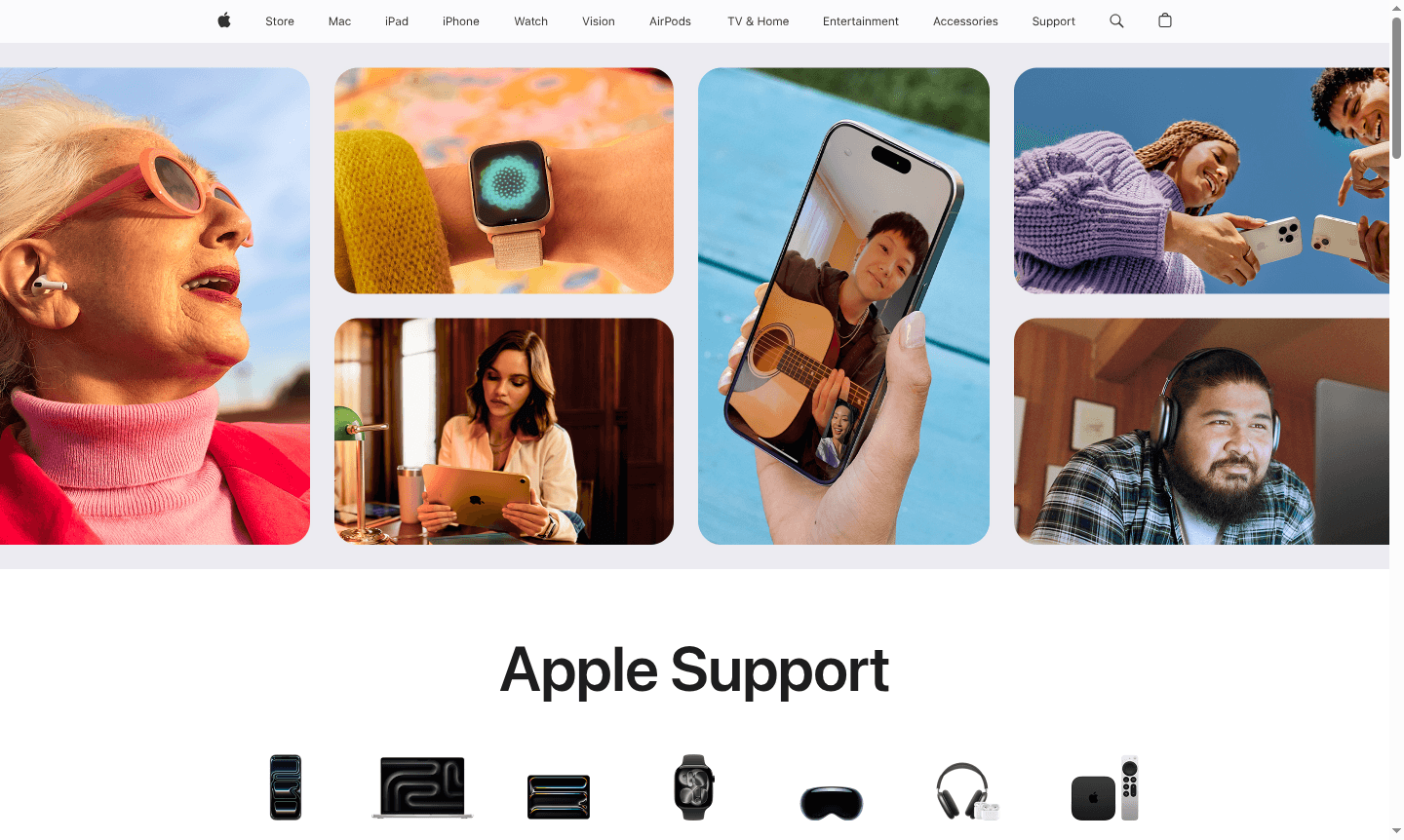
Overview of Apple Support
Apple Support is the official customer service and technical assistance platform for all Apple products and services. This comprehensive support ecosystem provides users with multiple channels to get help, including phone support, live chat, email assistance, and in-person service at Apple Stores or authorized providers. The platform serves as a centralized hub for troubleshooting, warranty information, repairs, and educational resources, ensuring Apple device owners can maximize their product experience and resolve issues efficiently.
Beyond reactive support, Apple offers proactive maintenance through AppleCare plans that cover accidental damage, theft, and extended warranty protection. The platform also includes educational content through their YouTube channel and support app, helping users learn about new features and best practices. Apple emphasizes product longevity through safe, reliable repairs using genuine parts and provides service programs for known hardware issues across various device categories including Hardware Info Tool and System Info Tool.
How to Use Apple Support
To access Apple Support services, users can visit the official support website and use the search functionality to find solutions for specific issues. For personalized assistance, the "Get Support" feature guides users through a few details about their problem before offering the best solution method – whether that's phone support, chat, email, or scheduling an appointment. The Apple Support app provides mobile access to all support features, allowing users to manage their devices, check warranty status, and connect with experts directly from their iPhone or iPad.
Core Features of Apple Support
- Multi-Channel Assistance – Phone, chat, email, and in-person support options for comprehensive help
- AppleCare Protection – Extended warranty coverage including accidental damage and theft protection
- Support Application – Dedicated mobile app for managing all Apple products and services
- Warranty Management – Check coverage status and existing repair history through My Support
- Educational Resources – YouTube tutorials and documentation for self-help learning
Use Cases for Apple Support
- Troubleshooting software issues and technical problems with Apple devices
- Checking warranty status and coverage for iPhone, iPad, Mac, and Apple Watch
- Scheduling repairs for hardware malfunctions or accidental damage
- Learning about new features and getting the most from Apple products
- Managing AppleCare plans and understanding protection benefits
- Getting assistance with setup, configuration, and device optimization
- Accessing service programs for known hardware issues and recalls
Support and Contact
For assistance, visit the Apple Support website or use the Get Support tool to connect via phone, chat, or email. Contact email: contact@apple.com
Company Info
Apple Inc. – United States. Learn more about Apple's approach to product longevity and support services.
Login and Signup
Access your support account at My Support login using your Apple ID.
Apple Support FAQ
How do I contact Apple Support for immediate help?
Use the Get Support tool on Apple's website – it will guide you to the fastest solution based on your specific issue and device.
What does AppleCare cover for my Apple devices?
AppleCare provides extended warranty, technical support, and coverage for accidental damage, theft, or loss depending on your plan.
How can I check my device's warranty status?
Sign in to My Support with your Apple ID to view warranty information, coverage status, and repair history for all your devices.
How do I download the Apple Support app?
Download the Apple Support app from the Apple App Store to access support features on your iOS device for free.
Apple Support Reviews0 review
Would you recommend Apple Support? Leave a comment
Apple Support Alternatives
The best modern alternatives to the tool
New Tools Releases
Recently added tools
