
Typing.com
Discover Typing.com's free typing program with gamified lessons, speed tests, and classroom management tools. Trusted by 38+ million students and 677,000+ teachers worldwide. Perfect for schools seeking standards-aligned keyboarding curriculum, digital citizenship lessons, and coding fundamentals. Completely free with unlimited students and full administrative features.
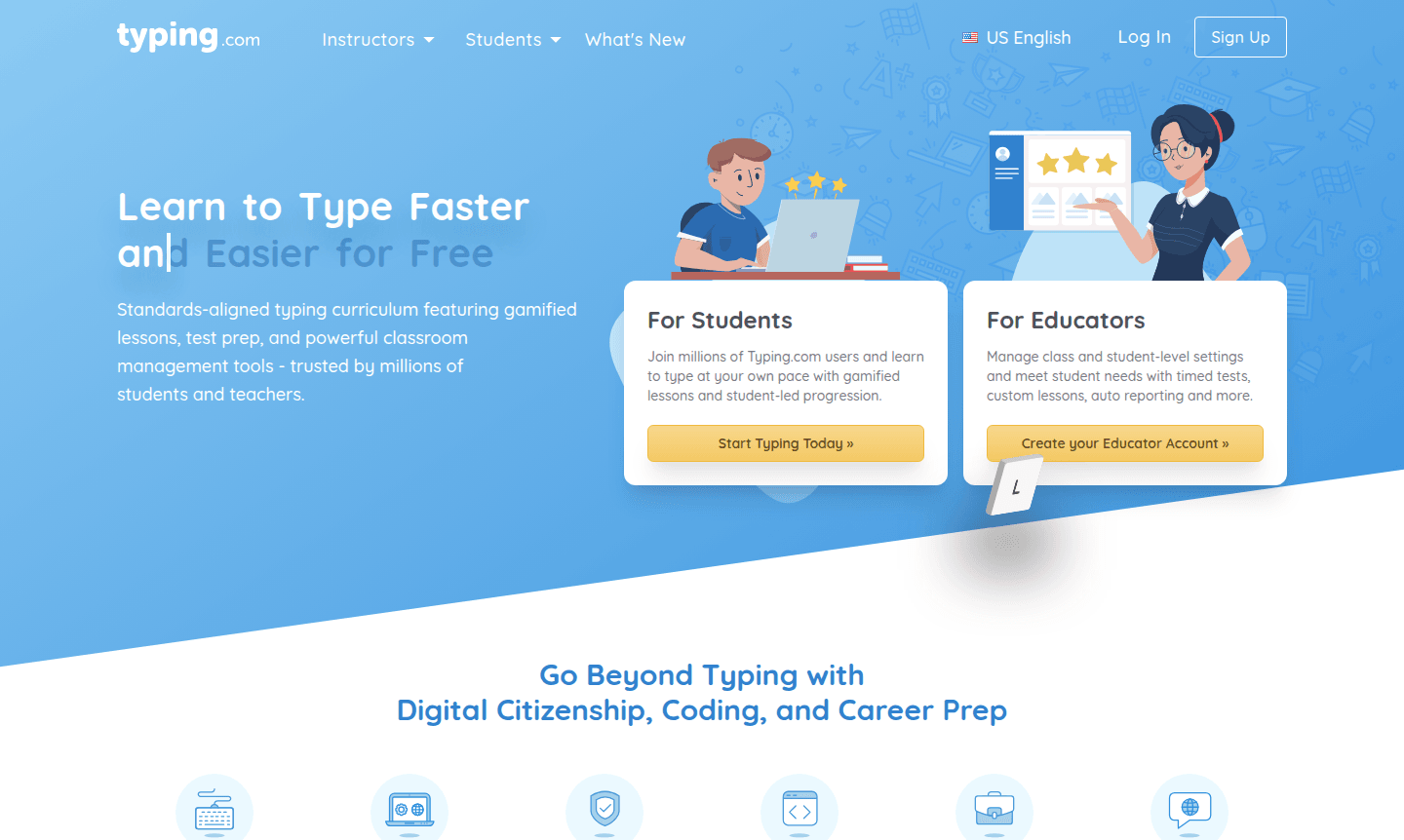
Overview of Typing.com
Typing.com is a free typing education platform that helps students and educators master keyboarding through a gamified curriculum. Trusted by millions, it offers interactive lessons, speed tests, and classroom tools for effective learning. With over 38 million students and 677,000 teachers using it annually, Typing.com is a leading resource for typing tutor and classroom tools in edtech.
The platform includes digital citizenship, coding, and career prep modules in English, Spanish, and Portuguese. Designed by experts, it serves all skill levels and provides administrative features for schools. Adopted in Texas for Technology Applications, it aligns with educational standards.
How to Use Typing.com
Students can start immediately with free lessons and games at the student portal, progressing at their own pace. Educators create free teacher accounts to set up classes, assign lessons, monitor progress, and customize curriculum. Integration with Clever, ClassLink, and Google allows single sign-on for easy implementation.
Core Features of Typing.com
- Comprehensive Typing Curriculum – Standards-aligned lessons covering keyboarding, digital citizenship, and coding fundamentals
- Gamified Learning Experience – Interactive typing games and achievement systems that keep students engaged
- Classroom Management Tools – Robust reporting, student progress tracking, and administrative controls
- Multi-language Support – Content available in English, Spanish, and Portuguese for diverse classrooms
- Standardized Test Preparation – Free response typing lessons designed for test readiness
Use Cases for Typing.com
- Elementary and middle school keyboarding instruction and practice
- High school technology applications and computer literacy courses
- District-wide typing curriculum implementation with centralized management
- Individual student typing practice and speed improvement
- Standardized test preparation for computer-based assessments
- Digital citizenship and online safety education programs
- Coding fundamentals introduction for beginner programmers
Support and Contact
For support, visit Typing.com or email contact@typing.com. Comprehensive online resources and documentation are available on the web portal.
Company Info
Typing.com is an educational technology platform serving global education with partnerships and compliance to standards and privacy.
Login and Signup
Students: Start typing lessons. Educators: Sign up for teacher account.
Typing.com FAQ
Is Typing.com completely free for schools and students?
Yes, Typing.com offers a completely free typing program with unlimited students, classes, teachers, and full curriculum access at no cost.
What age groups is Typing.com suitable for?
Typing.com serves students of all ages and skill levels, from elementary school through high school and adult learners.
Does Typing.com integrate with existing school systems?
Yes, it integrates with Clever, ClassLink, and Google for single sign-on and seamless classroom management.
What subjects beyond typing does Typing.com cover?
Typing.com also offers digital citizenship lessons, coding fundamentals, and career preparation modules.
Typing.com Pricing
Current prices may vary due to updates
Free
Completely free typing program with unlimited students, classes, teachers, and schools. Includes full curriculum, gamified lessons, test prep, classro
Typing.com Reviews0 review
Would you recommend Typing.com? Leave a comment
Typing.com Alternatives
The best modern alternatives to the tool
New Tools Releases
Recently added tools
