
Foxit PDF Reader
Foxit PDF Reader is a free PDF editor with annotation tools, digital signatures, form filling, and AI Assistant. Download for Windows, Mac, iOS, Android with secure collaboration and cloud integration.
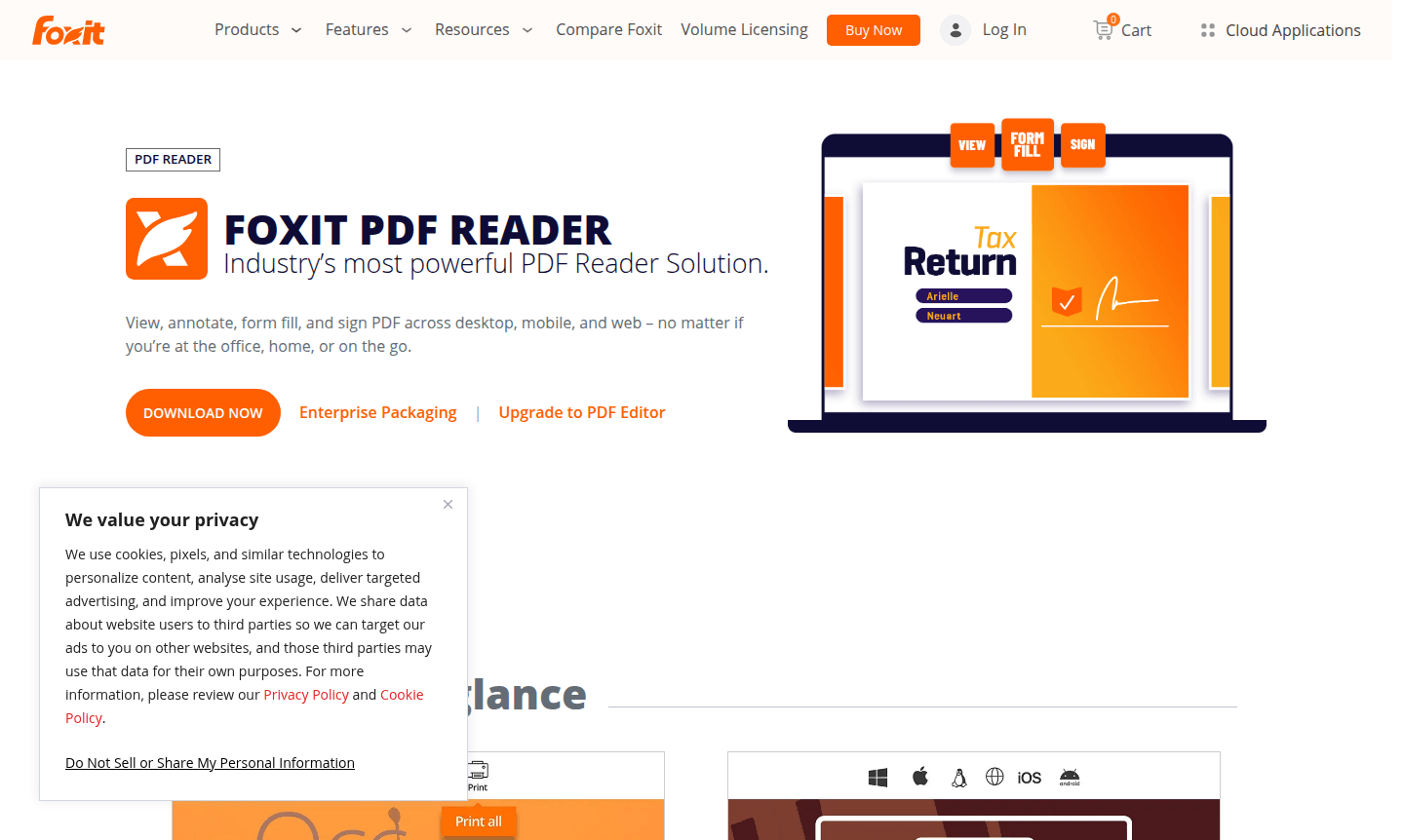
Overview of Foxit PDF Reader
Foxit PDF Reader is a comprehensive, feature-rich PDF solution that goes beyond basic document viewing to deliver powerful editing, annotation, and collaboration capabilities. This free PDF reader provides users with advanced tools for personal and business use, offering a fast, user-friendly alternative to traditional PDF software. With support for Windows, macOS, iOS, Android, and web platforms, Foxit ensures a consistent reading experience across all your devices, making it one of the most versatile PDF Viewers and PDF Editors available today.
Unlike basic PDF viewers that only display documents, Foxit PDF Reader includes robust functionality for form filling, digital signatures, secure file sharing, and team collaboration. The software integrates seamlessly with leading cloud storage services and enterprise content management systems, while its AI Assistant powered by ChatGPT enhances productivity through intelligent document processing. Whether you're a student, professional, or business user, Foxit delivers enterprise-grade features in a free package that supports both standard PDF forms and XFA forms.
How to Use Foxit PDF Reader
Getting started with Foxit PDF Reader is straightforward – simply download the application from the official website and install it on your Windows, Mac, or mobile device. Once installed, open any PDF document to begin reading, then use the intuitive toolbar to access annotation tools for highlighting text, adding comments, or inserting sticky notes. For collaborative work, share documents through integrated cloud services and use the review features to gather feedback from team members. The software also supports form filling with both standard and XFA forms, plus digital signature capabilities through handwriting, saved images, or DocuSign integration for secure document signing workflows.
Core Features of Foxit PDF Reader
- Advanced PDF Reading – Fast, reliable document viewing with support for all PDF formats and consistent cross-device experience
- Comprehensive Annotation Tools – Highlight, underline, add sticky notes, and attach files as comments for detailed feedback
- Form Filling and Digital Signatures – Complete both standard PDF forms and XFA forms with multiple signature options
- Secure Collaboration – Share documents securely and collaborate through shared reviews with cloud integration
- AI-Powered Assistance – ChatGPT integration provides intelligent document processing and productivity enhancements
Use Cases for Foxit PDF Reader
- Business professionals needing to fill and sign PDF forms and contracts digitally
- Students and educators requiring annotation tools for research and study materials
- Teams collaborating on document reviews with shared comments and feedback
- Organizations deploying PDF software across multiple devices with centralized management
- Users working with interactive PDF forms and requiring XFA form support
- Individuals needing secure PDF reading with protection against vulnerabilities
- Mobile users requiring consistent PDF experience across different operating systems
Support and Contact
For technical support and general inquiries, contact contact@foxit.com or visit the official Foxit website at Foxit Support. The website provides comprehensive documentation, knowledge base articles, and community forums for assistance with any questions or issues.
Company Info
Foxit PDF Reader is developed by Foxit Software, a global software company specializing in PDF solutions and document management technologies. The company offers a range of PDF products for personal, business, and enterprise use, with Foxit PDF Reader serving as their flagship free PDF reader application available across multiple platforms and devices worldwide.
Login and Signup
Foxit PDF Reader does not require account creation for basic functionality, but users can access additional features and cloud services by visiting Foxit Login and Signup. The software supports enterprise deployment options with centralized management for organizations needing to install across multiple devices with customized configuration settings.
Foxit PDF Reader FAQ
What makes Foxit PDF Reader different from other free PDF readers?
Foxit PDF Reader offers advanced editing, signing, and collaboration features that basic PDF viewers lack, plus AI integration and enterprise deployment options.
Does Foxit PDF Reader support digital signatures and form filling?
Yes, Foxit supports both standard PDF forms and XFA forms, plus digital signatures through handwriting, images, or DocuSign integration.
What operating systems does Foxit PDF Reader work with?
Foxit PDF Reader supports Windows 10/11, macOS 10.15+, iOS, Android, and web platforms for consistent cross-device functionality.
Can I collaborate with others using Foxit PDF Reader?
Yes, Foxit offers shared review features, annotation tools, and cloud integration for real-time team collaboration on PDF documents.
Is Foxit PDF Reader secure for business use?
Foxit includes security features like Protected View, Trust Manager, and safe mode to protect against vulnerabilities in business environments.
Foxit PDF Reader Pricing
Current prices may vary due to updates
Free PDF Reader
Fast, user-friendly PDF reader with advanced tools for personal and business use. Includes editing, signing, secure file sharing, annotation tools, fo
Foxit PDF Reader Reviews0 review
Would you recommend Foxit PDF Reader? Leave a comment
Foxit PDF Reader Alternatives
The best modern alternatives to the tool
New Tools Releases
Recently added tools
