
Google Home
Google Home app: Control smart devices, automate home, enhance security, save energy. Free download, compatible with Nest and Matter devices.
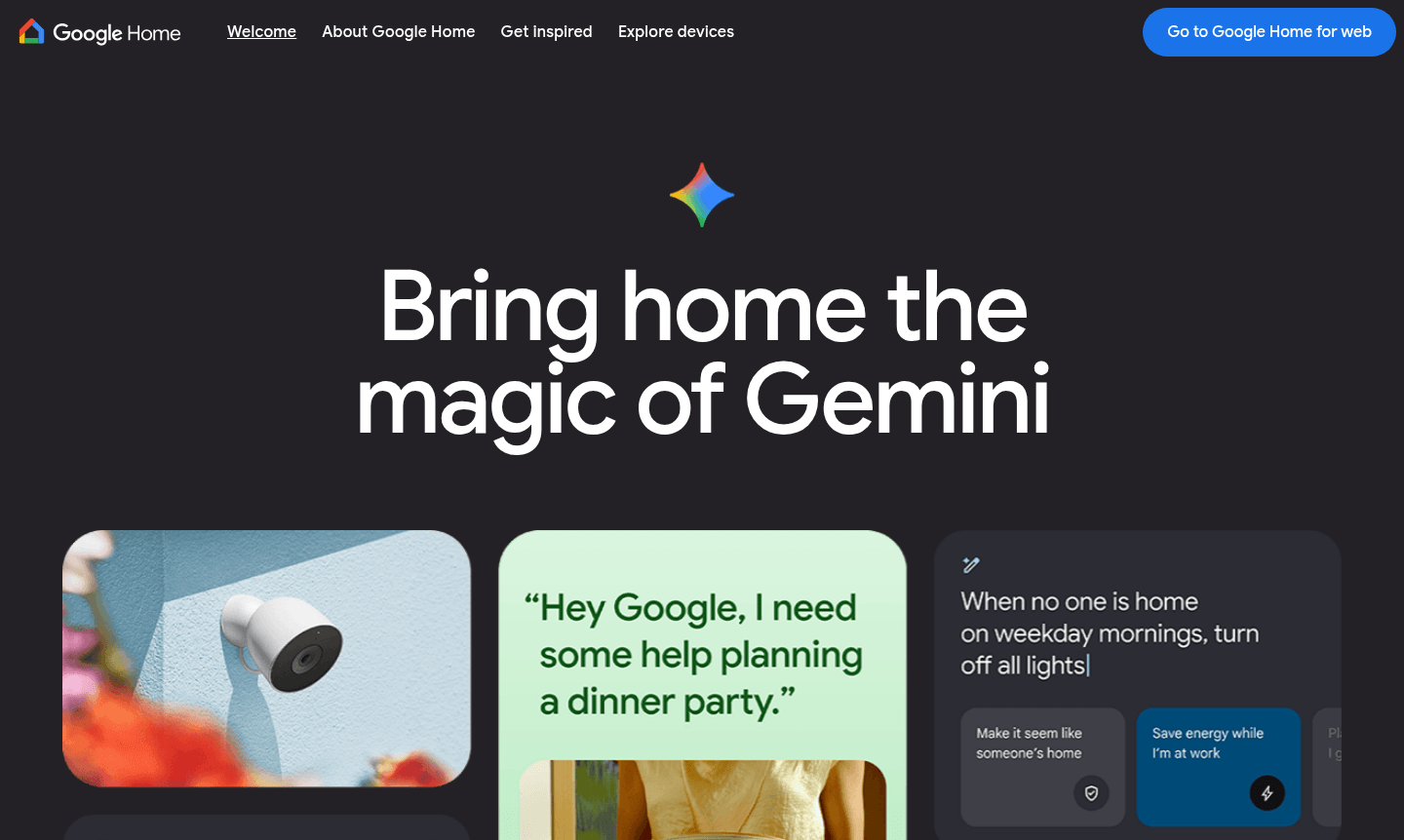
Overview of Google Home
Google Home serves as your smart home control center, enabling management of thousands of compatible devices from a single app. Control lighting, climate, security, and entertainment systems remotely. It supports Nest products, Works with Google Home brands, and Matter devices for a seamless experience. Discover more about home automation.
The app features a customizable Favorites tab for quick access to devices and automations. It provides remote control and advanced automation for daily tasks, security, energy efficiency, and personalized routines. Explore smart home tools on ToolPicker.
How to Use Google Home
Download the Google Home app from Google Play or Apple App Store. Set up by connecting compatible devices, organizing rooms, and pinning favorites. The app guides device pairing for Nest cameras, thermostats, and entertainment systems.
Core Features of Google Home
- Unified Device Control – Manage thousands of smart devices from multiple brands in one app
- Remote Access – Control your home from anywhere with mobile app and cloud connectivity
- Custom Automation – Create routines to automate devices for energy saving and convenience
- Security Monitoring – Review Nest camera moments with intelligent activity filtering
- Multi-room Audio – Sync speakers for synchronized music playback throughout home
Use Cases for Google Home
- Remote home management while away
- Energy efficiency via climate control automation
- Enhanced security with camera monitoring
- Entertainment system coordination
- Lighting automation for convenience
- Voice-controlled operations
- Routine creation for daily automation
Support and Contact
Contact contact@google.com or visit Google Nest Help Center for support.
Company Info
Developed by Google in Mountain View, CA. Part of Google's consumer products. Learn more.
Login and Signup
Download app from Google Play or Apple App Store. Sign in with Google account.
Google Home FAQ
What devices are compatible with Google Home?
Google Home supports thousands of devices including Nest products, Works with Google Home partner brands, and Matter-compatible smart home devices across categories like lighting, climate, security, and entertainment.
Can I control Google Home remotely when I'm away from home?
Yes, Google Home provides full remote access through the mobile app, allowing you to control devices, view camera feeds, and adjust settings from anywhere with an internet connection.
How does Google Home help with energy saving?
Google Home automates smart thermostats and lighting to optimize energy usage based on your schedule and preferences, reducing unnecessary consumption and lowering utility costs.
Is Google Home free to use?
Yes, the Google Home app is free to download and use on iOS and Android devices, with no subscription required for core functionality.
Google Home Reviews0 review
Would you recommend Google Home? Leave a comment
Google Home Alternatives
The best modern alternatives to the tool
New Tools Releases
Recently added tools
