
Apple Home App
Apple Home App: Central hub for HomeKit-compatible smart home devices. Control lighting, security, climate, and entry with Siri voice commands, end-to-end encryption, and remote access via HomePod or Apple TV. Ideal for Apple users with Matter standard support.
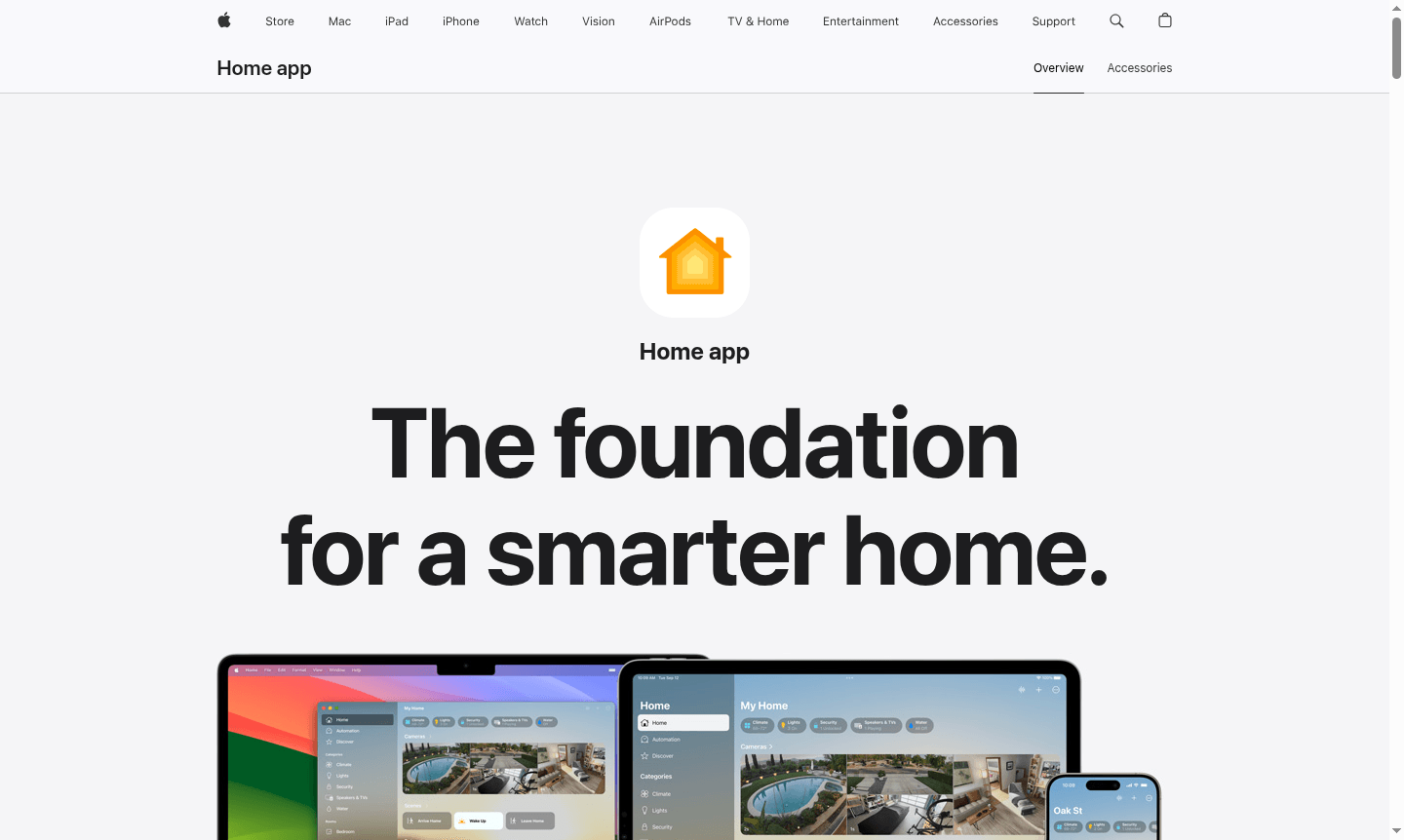
Overview of Apple Home App
The Apple Home app serves as the central control hub for your smart home ecosystem across all Apple devices. Designed to simplify home automation, this intuitive application brings together lighting, security, climate control, and entry systems into a single, cohesive interface. With robust privacy protections and seamless integration with HomeKit-compatible accessories, the Home app transforms how you interact with your living space while maintaining Apple's signature security standards.
Ideal for Apple ecosystem users seeking comprehensive smart home management, the app offers both local and remote control capabilities when paired with HomePod, HomePod mini, or Apple TV as a home hub. The platform supports the Matter smart home standard, ensuring compatibility with a growing range of accessories. Whether managing a single room or an entire smart home, the Home app provides the foundation for personalized automation routines.
How to Use Apple Home App
Getting started with the Apple Home app involves ensuring you have an iPhone, iPad, or Mac with the latest OS. Download the app if needed, scan accessories to pair them, organize by room, and set favorites. For remote control and automation, set up a HomePod, HomePod mini, or Apple TV as a home hub. Create custom automations based on time, location, or accessory status.
Core Features of Apple Home App
- Unified Accessory Control – Manage all HomeKit-compatible smart devices from a single intuitive interface across Apple devices
- Advanced Automation – Create custom routines that trigger based on time, location, or accessory status changes
- Secure Remote Access – Control your home remotely using HomePod, HomePod mini, or Apple TV as a secure home hub
- Privacy-First Architecture – End-to-end encrypted communication with data stored in a way Apple cannot read
- Guest Access Management – Assign temporary permissions for door locks, garage doors, and security systems
Use Cases for Apple Home App
- Automatically lock all doors at bedtime or when leaving home for enhanced security
- Start robot vacuum cleaning when you leave for work or ask Siri to clean specific rooms
- Receive notifications and view live camera feeds when someone approaches your door
- Automate lighting to turn on at sunset or activate based on motion sensor detection
- Program blinds and curtains to close automatically when leaving your house
- Remotely adjust thermostat settings to warm your home before returning from vacation
- Use smart plugs to start coffee makers or other appliances via Siri voice commands
Support and Contact
For support with the Apple Home app, email contact@apple.com or visit the Apple Support website for resources and assistance.
Company Info
Apple Home App is developed by Apple Inc., headquartered in Cupertino, California. Learn more at Apple Corporate Information.
Login and Signup
Access the Home app by signing in with your Apple ID. Manage your account at Apple ID Management.
Apple Home App FAQ
What devices are compatible with the Apple Home app for smart home control?
The Apple Home app works with iPhone, iPad, Mac, and Apple Watch, plus requires HomePod, HomePod mini, or Apple TV for remote access and advanced automation features.
How does the Apple Home app protect my privacy and security?
The Home app uses end-to-end encryption, stores data in a way Apple cannot read, and processes commands locally on your devices rather than in the cloud for maximum security.
Can I control my Apple Home app accessories when I'm away from home?
Yes, remote control requires a HomePod, HomePod mini, or Apple TV set up as a home hub, which enables secure access to your smart home from anywhere.
What is Matter standard support in the Apple Home app?
The Apple Home app supports the Matter smart home standard, ensuring compatibility with a wide range of accessories from different manufacturers.
Apple Home App Reviews0 review
Would you recommend Apple Home App? Leave a comment
Apple Home App Alternatives
The best modern alternatives to the tool
New Tools Releases
Recently added tools
