
Make
Make is a visual orchestration platform for AI automation, offering no-code workflow building, 3000+ integrations, real-time monitoring, and enterprise security. Ideal for business process automation.
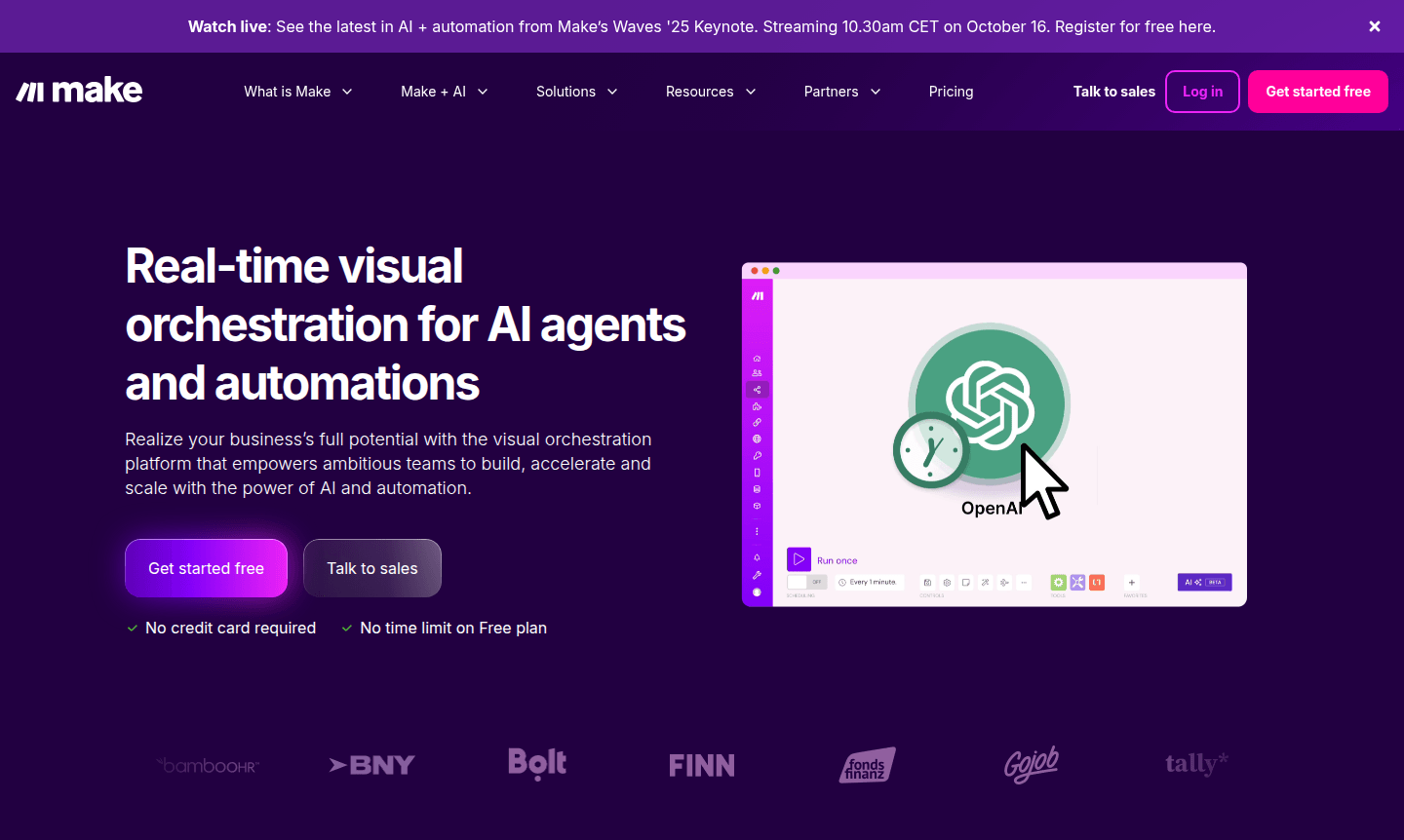
Overview of Make
Make is a powerful visual orchestration platform that enables ambitious teams to build, accelerate, and scale their operations using AI and automation technologies. This innovative platform provides real-time monitoring capabilities and comprehensive insights, allowing businesses to implement changes efficiently while maintaining full control over their automation landscape. The visual workflow builder simplifies complex processes, making it accessible for both technical and non-technical users to create sophisticated automations without extensive coding knowledge.
Organizations across various departments including IT Operations, Marketing, Sales, Finance, Customer Experience, and HR can benefit from Make's capabilities. The platform helps break down departmental silos and drives innovation by providing a unified approach to automation. With over 3,000 pre-built applications and the flexibility to integrate any system with an API, Make offers extensive connectivity options for diverse business needs. Explore related tools in AI Automation Platforms and Collaboration Tools.
How to Use Make
Getting started with Make involves creating a visual workflow using the intuitive drag-and-drop interface. Users can select from thousands of pre-built applications or connect custom systems via API, then design automation sequences that trigger specific actions based on predefined conditions. The platform's AI-assisted features help optimize workflows, while real-time monitoring allows users to track performance and gather insights for continuous improvement. Teams can collaborate on automation projects, scale solutions across the organization, and maintain governance through comprehensive security features.
Core Features of Make
- Visual Workflow Designer – Create complex automations using an intuitive drag-and-drop interface with AI assistance
- Extensive Integration Library – Access over 3,000 pre-built applications and connect any system via API
- Real-time Monitoring – Track automation performance and gather actionable insights with comprehensive analytics
- AI Agent Automation – Deploy intelligent agents that can think and act autonomously within workflows
- Enterprise Security – Maintain data protection with GDPR compliance, SOC 2 Type II certification, and encryption
Use Cases for Make
- Automating customer service responses and ticket routing
- Streamlining sales pipeline management and lead qualification
- Integrating marketing tools for campaign automation
- Orchestrating IT incident management and resolution
- Automating financial reporting and data consolidation
- Connecting HR systems for employee onboarding
- Building custom workflows for project management
Support and Contact
For assistance with the Make platform, users can access the comprehensive knowledge base and community resources. Enterprise customers receive dedicated support with enhanced service level agreements. Contact the Make team via email at contact@make.com or visit the official website for specific inquiries about enterprise solutions and custom automation requirements.
Company Info
Make develops visual orchestration solutions for businesses seeking to leverage AI and automation technologies. The company focuses on creating accessible tools that empower teams to build sophisticated workflows without extensive technical expertise, serving thousands of satisfied customers worldwide with top-rated automation capabilities. Learn more at Make.com.
Login and Signup
New users can begin their automation journey by signing up for a free account at Make.com. Existing users can access their workflows and automation projects by logging into their accounts through the same platform interface.
Make FAQ
What is Make automation platform used for?
Make is a visual workflow automation platform that helps businesses create, monitor, and scale automated processes across departments using AI and integration capabilities.
Does Make offer a free plan for beginners?
Yes, Make provides a free plan with no credit card required and no time limit, allowing users to explore basic automation features and platform capabilities.
How many applications can I integrate with Make?
Make supports integration with over 3,000 pre-built applications and allows connection to any custom system through API for comprehensive automation solutions.
How does Make incorporate AI into automation?
Make uses AI agents and assisted features to enable intelligent automation, allowing workflows to think and act autonomously, optimizing processes with machine learning insights.
Make Pricing
Current prices may vary due to updates
Free
No credit card required with no time limit on Free plan, allowing users to get started with basic automation capabilities and explore the platform's f
Make Reviews0 review
Would you recommend Make? Leave a comment
Make Alternatives
The best modern alternatives to the tool
New Tools Releases
Recently added tools
