
Stitch
Stitch is a free AI design tool that creates professional UI designs from text and images. Using Google's Gemini AI, it generates interfaces, exports to Figma, and provides HTML code for rapid prototyping.
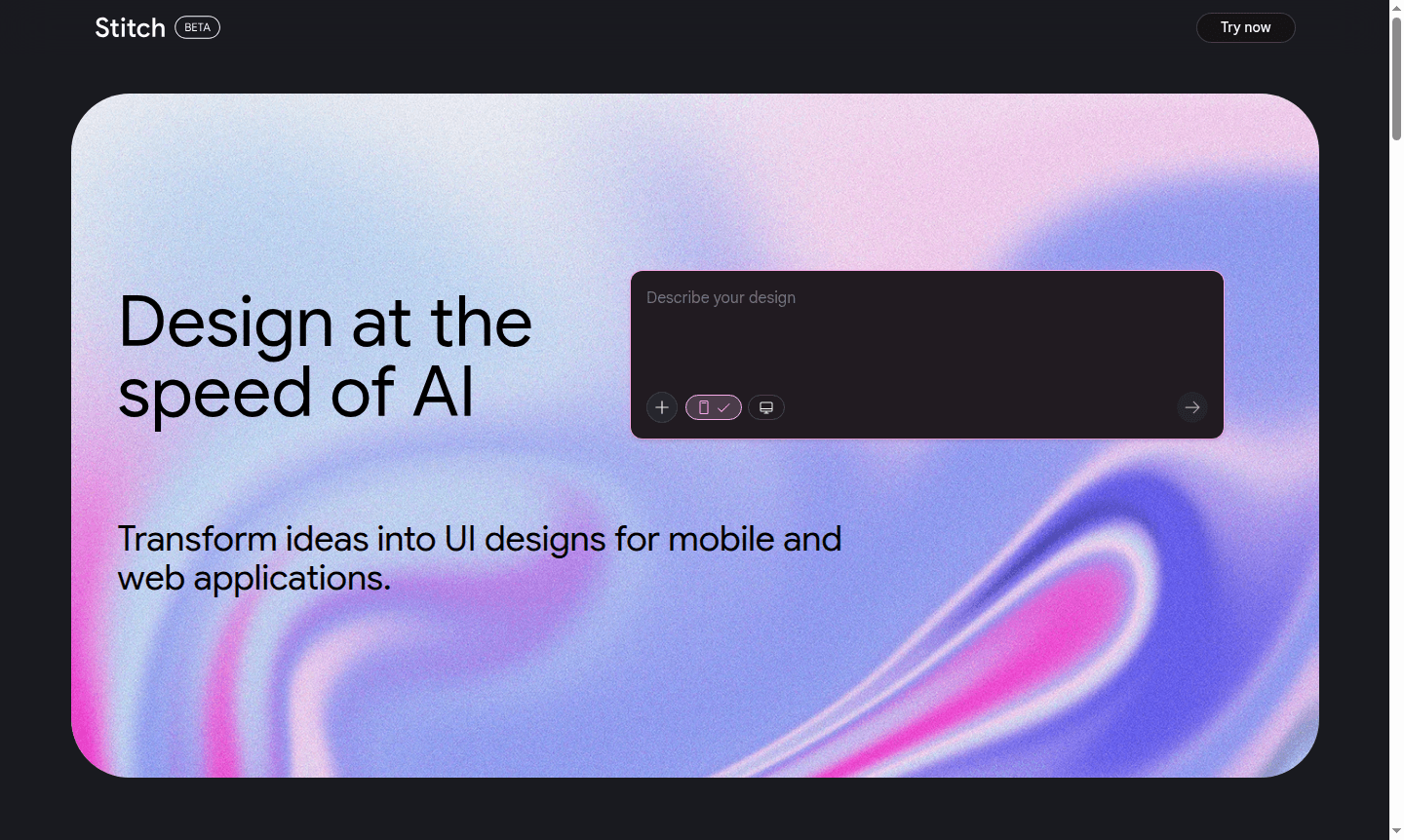
Overview of Stitch
Stitch is an innovative AI-powered design tool that transforms simple ideas into professional UI designs for both mobile and web applications. Leveraging Google DeepMind's advanced Gemini models, this free platform enables users of all skill levels to create stunning interfaces with remarkable speed and precision. The tool democratizes design by eliminating technical barriers, allowing anyone to bring creative visions to life without extensive experience or expensive software.
As part of the growing ecosystem of AI Image Generators and Mockup Tool, Stitch bridges the gap between conceptual thinking and practical implementation. It serves designers, developers, entrepreneurs, and creative professionals with rapid prototyping capabilities, essential for modern design workflows.
How to Use Stitch
Using Stitch follows an intuitive three-step workflow that makes UI creation accessible to everyone. Start by describing your design concept in a few words or uploading an image reference to guide the AI. The system then generates complete interface designs based on your input, creating fully-realized layouts with proper spacing, typography, and visual hierarchy. Finally, you can export the results as static HTML code that matches professional design standards or transfer your creations directly to Figma for further refinement and collaboration with team members.
Core Features of Stitch
- AI-Powered Design Generation – Transform text descriptions and images into complete UI layouts using Google's Gemini AI technology
- Figma Export Integration – Seamlessly transfer generated designs to Figma for advanced editing and team collaboration
- Static HTML Code Export – Download production-ready HTML code that perfectly matches your generated design specifications
- Easy Design Iteration – Quickly tweak and refine generated interfaces to match your exact requirements and preferences
- Commercial Usage Rights – Full ownership of generated designs for personal and commercial projects without restrictions
Use Cases for Stitch
- Rapid prototyping of mobile app interfaces for startups and product teams
- Generating web application dashboards for business intelligence and analytics
- Creating e-commerce marketplace designs for online retail businesses
- Developing internal tools and employee feedback systems for HR departments
- Designing content management interfaces for media and publishing platforms
- Building educational technology interfaces for learning management systems
Support and Contact
For technical support and general inquiries, visit the official Stitch support page. While no direct email contact was found, the platform provides comprehensive documentation and FAQ resources. Users can find answers through the built-in help system and community resources.
Company Info
Stitch is developed by Google as part of their experimental tools division, leveraging the company's expertise in AI and UI design. Based in the United States, Google innovates in AI design with DeepMind research.
Login and Signup
Access Stitch directly through the main platform website where you can begin using the tool immediately. The service is web-based with no installation required, accessible from any modern browser without complex registration.
Stitch FAQ
Is Stitch completely free to use for all design projects?
Yes, Stitch is currently free of charge, though the platform may have monthly usage limits as referenced in their documentation for high-volume users.
Can I use Stitch designs for commercial purposes and client work?
Absolutely – you maintain full ownership of all designs generated through Stitch and can use them for both personal and commercial projects without restrictions.
What export options does Stitch provide for my generated designs?
Stitch offers two main export methods: static HTML code for immediate web implementation and direct Figma export for advanced design editing and team collaboration.
How does Stitch compare to other AI design tools like Galileo AI?
Stitch distinguishes itself through its Google Gemini integration, free pricing model, and seamless Figma export capabilities, though direct Galileo AI import isn't currently supported.
What happens if I exceed the monthly generation limits on Stitch?
While specific limit details aren't publicly detailed, the platform may restrict additional generations until the next billing cycle, similar to many freemium AI tools.
Stitch Pricing
Current prices may vary due to updates
Free
Stitch provides complete UI design generation capabilities at no cost, helping users transform ideas into professional interfaces regardless of their
Stitch Reviews0 review
Would you recommend Stitch? Leave a comment
Stitch Alternatives
The best modern alternatives to the tool
New Tools Releases
Recently added tools
