
Google Hangouts
Google Hangouts provides free video conferencing, group messaging, and voice calls for up to 10 participants. It supports cross-platform collaboration with screen sharing and Google Docs integration.
Overview of Google Hangouts
Google Hangouts is a comprehensive communication platform that enables seamless messaging, photo sharing, and free video or voice calls for both individual and group conversations. This versatile tool supports up to 10 participants in video chats while allowing phone-only users to dial in, making it accessible across different devices and connectivity scenarios. Originally developed by Google, Hangouts integrates smoothly with the Google ecosystem, providing users with a unified communication experience that bridges personal and professional needs through its intuitive interface and reliable performance.
As a multi-platform solution available on web browsers, Android devices, iPhones, and iPads, Hangouts serves diverse audiences including remote teams, educational groups, and personal networks. The platform extends beyond basic communication by incorporating collaborative features like Google document sharing and synchronized YouTube video viewing during desktop sessions. With support for numerous languages and free proprietary licensing, Hangouts has established itself as a go-to solution for spontaneous and scheduled virtual meetings in both collaboration and video conferencing contexts.
How to Use Google Hangouts
Getting started with Google Hangouts requires a Google Account for authentication, after which users can immediately begin messaging contacts or initiating video calls through the web interface or mobile applications. The setup process involves signing in with your Google credentials, then accessing your contact list to start individual or group conversations. For video calls, simply select the video icon within any chat to begin a Hangout, where participants can join via video or voice-only connections. The platform automatically syncs conversations across devices, ensuring you can continue discussions seamlessly whether switching from desktop to mobile or between different operating systems.
Core Features of Google Hangouts
- Group Video Calling – Connect with up to 10 participants through high-quality video conferences with screen sharing capabilities
- Cross-Platform Messaging – Exchange text messages, photos, and files across web, Android, and iOS devices with real-time synchronization
- Free Voice Calls – Make voice-only calls to other Hangouts users worldwide without additional charges
- Google Integration – Seamlessly access and share Google Docs and YouTube videos during collaborative sessions
- Mobile Accessibility – Download dedicated apps from Google Play Store or Apple App Store for on-the-go communication
Use Cases for Google Hangouts
- Remote team meetings and daily stand-ups for distributed workforce coordination
- Family video calls connecting relatives across different locations and time zones
- Virtual classroom sessions enabling teachers to conduct interactive lessons
- Quick business consultations between colleagues working from various offices
- Social gatherings with friends who cannot meet in person for special occasions
- Project collaboration with simultaneous document editing and discussion
- Customer support video calls providing visual assistance for technical issues
Support and Contact
For assistance with Google Hangouts, visit the official support documentation at Google Hangouts Help. For email support, contact contact@google.com. Users can also access comprehensive troubleshooting guides and community forums through Google's support ecosystem. For account-specific issues, contact Google's general support through your account settings or visit hangouts.google.com for the latest updates and feature information.
Company Info
Google Hangouts is developed and maintained by Google LLC, headquartered in the United States. As part of Google's extensive suite of productivity and communication tools, Hangouts benefits from the company's robust infrastructure and continuous innovation in cloud-based services. More information about Google's products and corporate details can be found at about.google.
Login and Signup
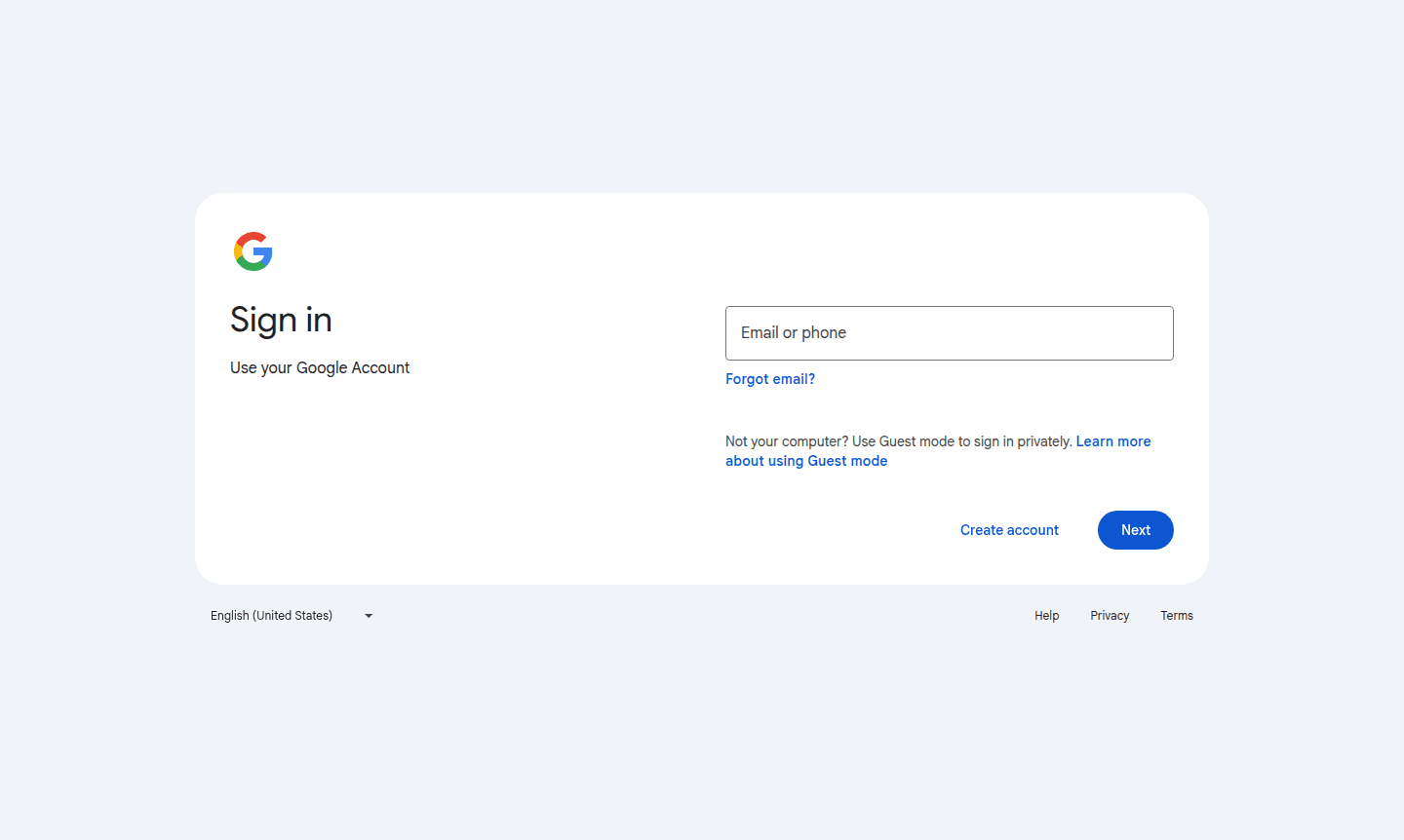
Access Google Hangouts by signing in with your existing Google Account at hangouts.google.com. New users can create a free Google Account by selecting "Create account" on the sign-in page, choosing between personal use, business use, or accounts for children. The platform supports Guest mode for temporary private sessions.
Google Hangouts FAQ
Is Google Hangouts completely free to use for video calls and messaging?
Yes, Google Hangouts offers free messaging, photo sharing, and video/voice calls with up to 10 participants without any subscription fees or usage charges.
What devices and platforms support Google Hangouts access?
Google Hangouts works on web browsers, Android phones/tablets, iPhones, and iPads with apps available through Google Play and Apple App Store.
How many people can join a Google Hangouts video conference simultaneously?
Google Hangouts supports group video chats with a maximum of 10 participants, including those joining via voice-only phone connections.
Is a Google Account required to use Google Hangouts?
Yes, a Google Account is necessary for authentication and to access all features of Google Hangouts, including messaging and video calls.
Google Hangouts Reviews0 review
Would you recommend Google Hangouts? Leave a comment
Google Hangouts Alternatives
The best modern alternatives to the tool
New Tools Releases
Recently added tools
