
Chromium
Chromium is the open-source browser behind Google Chrome. Download for free on Windows, Mac, Linux, Android. Features include security, performance, and developer tools. Learn differences from Chrome and about ChromiumOS.
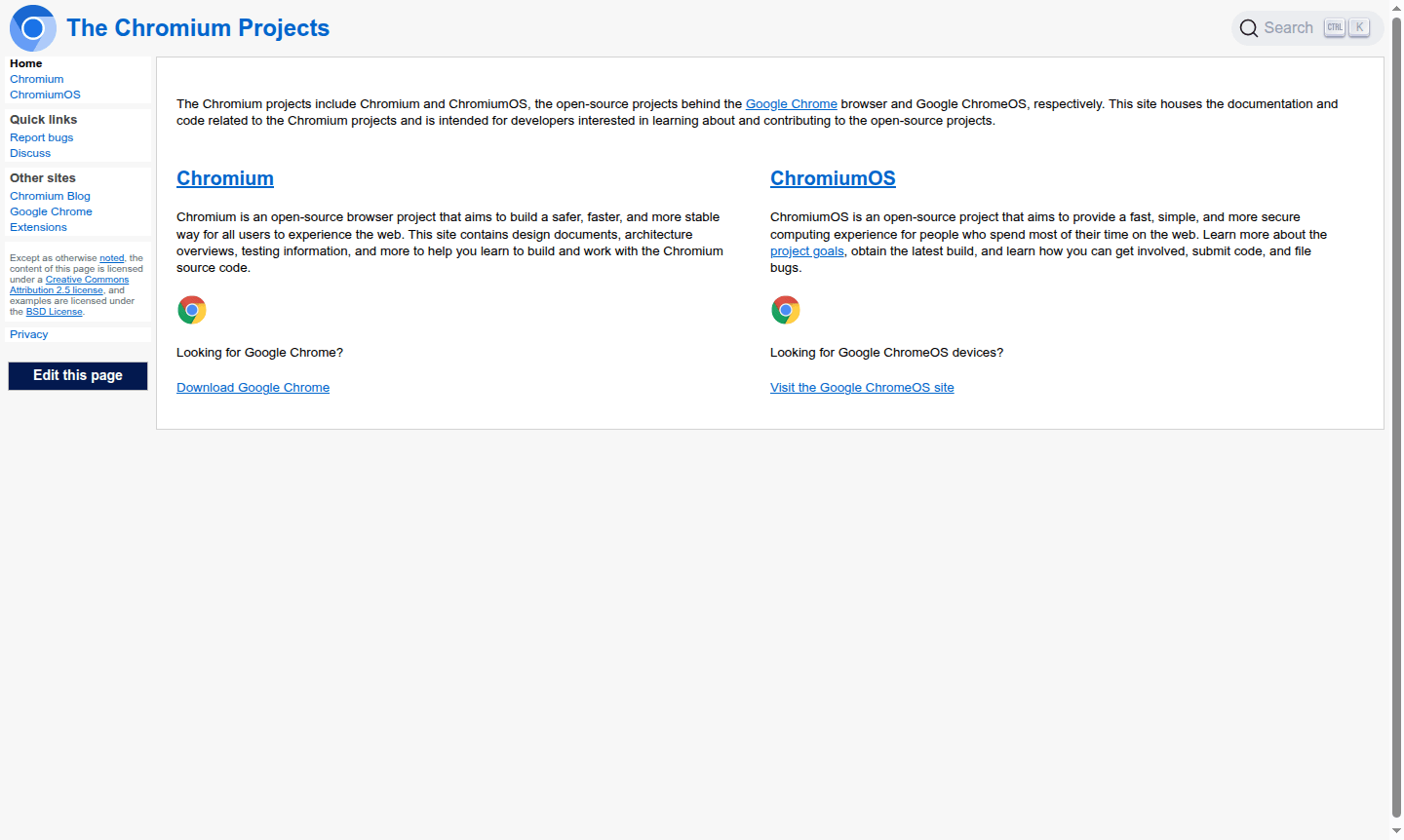
Overview of Chromium
Chromium is an open-source web browser project that serves as the foundation for Google Chrome and other major browsers. This community-driven initiative focuses on creating a safer, faster, and more stable web browsing experience for users worldwide. The project provides comprehensive documentation, architecture overviews, testing information, and development resources for those interested in building and working with browser source code.
Beyond the browser itself, Chromium also encompasses ChromiumOS, an open-source operating system designed for users who primarily work online. Both projects emphasize security, performance, and accessibility while maintaining complete transparency through their open-source nature. Developers, researchers, and tech enthusiasts can explore the inner workings of modern web technology through Chromium's extensive codebase and documentation.
How to Use Chromium
Getting started with Chromium involves downloading the latest build from official sources like download-chromium.appspot.com for Windows, macOS, Linux, and Android platforms. Once installed, users can browse the web normally while developers can access the source code to study browser architecture, contribute improvements, or create custom builds. The project welcomes community involvement through code submissions, bug reporting, and participation in ongoing development discussions that shape the future of web browsing technology.
Core Features of Chromium
- Open Source Foundation – Complete transparency and community-driven development model
- Enhanced Security – Built-in protections against web threats and vulnerabilities
- High Performance – Optimized rendering engine for fast page loading
- Cross-Platform Support – Available on Windows, macOS, Linux, and Android
- Extension Compatibility – Supports Chrome Web Store extensions and developer tools
Use Cases for Chromium
- Web developers testing browser compatibility and performance
- Software engineers studying browser architecture and source code
- Security researchers analyzing web security implementations
- Technology enthusiasts exploring open-source browser development
- Educational institutions teaching web technology fundamentals
- Enterprises building custom browser solutions
- Privacy-conscious users seeking transparent browsing software
Support and Contact
For technical support and community assistance, visit the official Chromium project website at chromium.org. For email support, contact contact@chromium.org. Developers can participate in community forums, file bug reports through the issue tracker, and access extensive documentation for self-guided troubleshooting and learning.
Company Info
Chromium is developed by Google with origins in the United States. The project maintains complete transparency through its open-source licensing model, allowing global collaboration and innovation in web browser technology. Additional information about the project's governance and development process is available through the official Chromium documentation and community resources.
Login and Signup
Chromium requires no account creation or login for basic browsing functionality. Users can download and use the browser immediately after installation. For developers interested in contributing to the project, access to code repositories and development tools is available through the official Chromium website at chromium.org without mandatory registration requirements.
Chromium FAQ
What is the difference between Chromium and Google Chrome?
Chromium is the open-source project that serves as the foundation for Chrome, while Chrome includes additional proprietary features and automatic updates from Google.
Is Chromium browser safe and secure for everyday use?
Yes, Chromium includes the same security features as Chrome and receives regular updates, making it a secure choice for web browsing.
Can I install Chrome extensions on Chromium browser?
Most Chrome extensions work seamlessly with Chromium since both browsers share the same underlying architecture and extension system.
How can I contribute to Chromium development?
You can contribute by submitting code, reporting bugs, or participating in development discussions on the official Chromium website.
Chromium Reviews0 review
Would you recommend Chromium? Leave a comment
Chromium Alternatives
The best modern alternatives to the tool
New Tools Releases
Recently added tools
