
Sentry
Sentry offers error tracking, performance monitoring, and crash reporting for web and mobile apps. Trusted by 100,000+ teams for JavaScript, mobile, and distributed tracing.
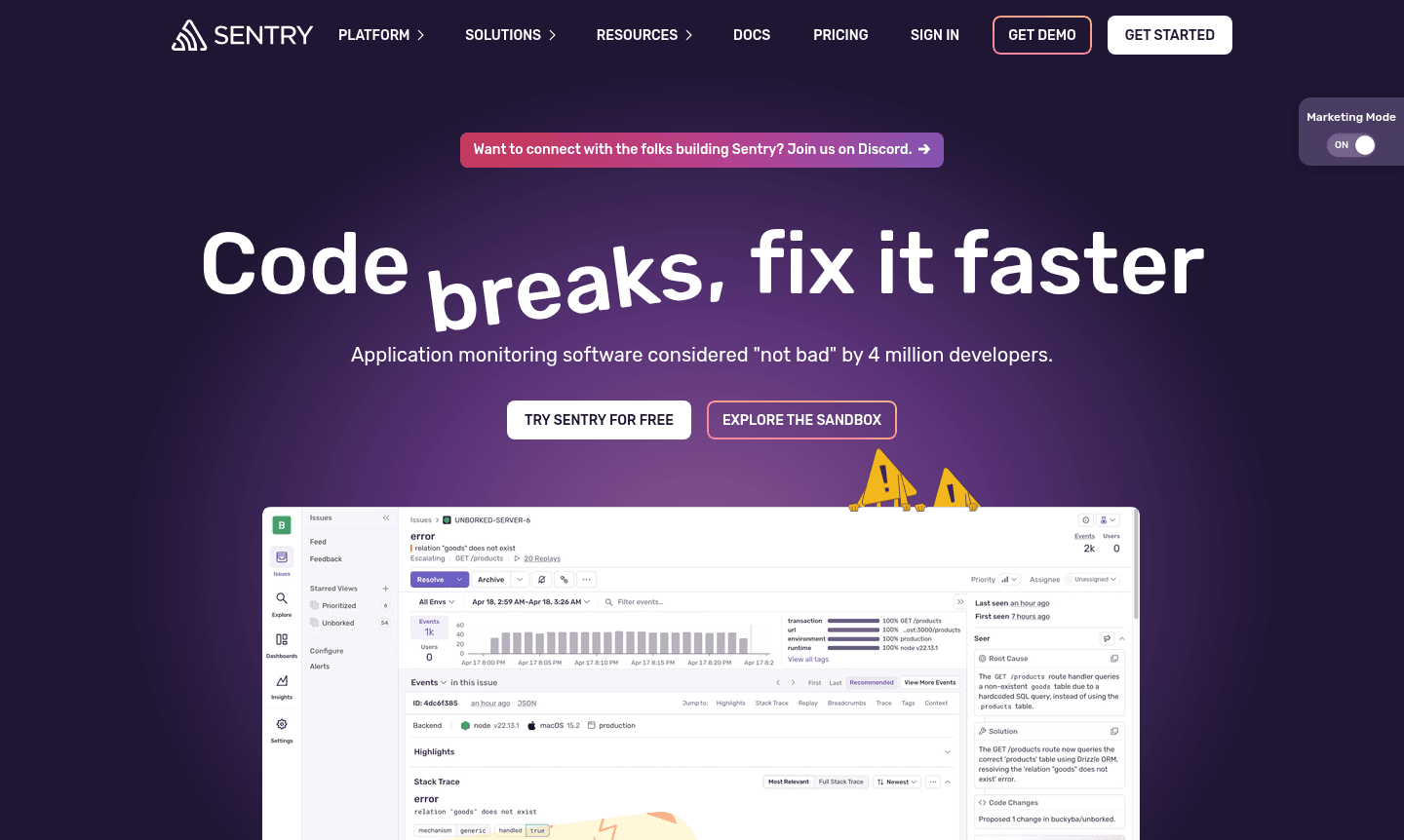
Overview of Sentry
Sentry is a comprehensive application monitoring platform trusted by over 100,000 development teams and 4 million developers worldwide. This powerful error monitoring software helps engineering teams identify, debug, and resolve application issues faster than traditional debugging methods. By providing deep visibility into application performance and user experience, Sentry enables developers to prioritize critical problems based on actual customer impact rather than just error volume. The platform's application performance monitoring capabilities extend across web, mobile, and backend services, making it an essential tool for modern development workflows. Sentry is featured in ToolPicker's Debugger and Performance Profiler categories.
As a leading application performance monitoring solution, Sentry offers robust features including detailed error tracking, distributed tracing tools, and session replay functionality. The platform supports virtually every major programming language and framework, from JavaScript error tracking for web applications to mobile app crash reporting for iOS and Android. With integrations for popular development tools like Slack, Jira, GitHub, and Vercel, Sentry seamlessly fits into existing workflows while providing the comprehensive monitoring capabilities needed for today's complex distributed systems.
How to Use Sentry
Getting started with Sentry involves a straightforward integration process that begins with creating an account and installing the appropriate SDK for your technology stack. The platform supports numerous programming languages including JavaScript, Python, React, Ruby, Go, Swift, and .NET, with installation typically requiring just a few lines of code. Once integrated, Sentry automatically begins capturing errors, performance data, and user sessions, providing immediate visibility into application health. Developers can then configure custom alerts, set up integrations with their preferred communication and project management tools, and establish monitoring thresholds to ensure they're notified about the most critical issues affecting their users.
Core Features of Sentry
- Error Monitoring – Identify and prioritize application errors with full context including environment details and code commits
- Distributed Tracing – Track requests across microservices and pinpoint performance bottlenecks in complex architectures
- Session Replay – Visualize user interactions and debug issues with browser-level context and privacy controls
- Code Coverage – Monitor test coverage directly in pull requests and catch issues early in development cycles
- Real User Monitoring – Capture actual user experience data across web and mobile applications
Use Cases for Sentry
- JavaScript error tracking for web applications and React-based frontends
- Mobile app crash reporting and performance monitoring for iOS and Android
- Backend application monitoring for Python, Ruby, Go, and Node.js services
- Distributed system tracing across microservices and cloud infrastructure
- Real user monitoring to understand actual customer experience and frustration points
- Code coverage analysis and risk assessment during code review processes
- Enterprise-grade application performance monitoring with SOC2 and ISO 27001 compliance
Support and Contact
For technical support and customer inquiries, visit the official Sentry website at sentry.io or contact via contact@sentry.io. The platform provides comprehensive documentation, community forums, and dedicated support channels for enterprise customers.
Company Info
Sentry is a leading application monitoring platform serving development teams worldwide. The company focuses on providing developers with the tools needed to build and maintain reliable software applications. With compliance certifications including GDPR, HIPAA, SOC2 Type 2, and ISO 27001, Sentry maintains enterprise-grade security standards while serving organizations of all sizes.
Login and Signup
New users can create a Sentry account by visiting sentry.io and following the registration process. Existing users can access their accounts through the same website. The platform offers straightforward onboarding with extensive documentation and integration guides for all supported technologies and frameworks.
Sentry FAQ
What types of applications can Sentry monitor?
Sentry supports web, mobile, and backend applications across JavaScript, Python, React, Ruby, Go, Swift, .NET, and many other technologies.
Does Sentry offer real user monitoring capabilities?
Yes, Sentry provides comprehensive real user monitoring with session replay, performance metrics, and user experience analytics.
Can Sentry integrate with development workflows and tools?
Sentry integrates with Slack, Jira, GitHub, Vercel, Netlify and many other development and collaboration tools.
Does Sentry offer a free plan?
Yes, Sentry provides a free tier with basic monitoring features, and paid plans for advanced capabilities. Check the website for current details.
Sentry Pricing
Current prices may vary due to updates
Pricing Information
Sentry offers various pricing tiers tailored to team sizes and monitoring needs. Visit the official website for current pricing information and plan d
Sentry Reviews0 review
Would you recommend Sentry? Leave a comment
Sentry Alternatives
The best modern alternatives to the tool
New Tools Releases
Recently added tools
