Android TV
Discover Android TV: Google's smart TV platform with voice control, 700,000+ movies, gaming, and Chromecast. Compare vs Roku, learn setup, explore 4K streaming, and find best devices.
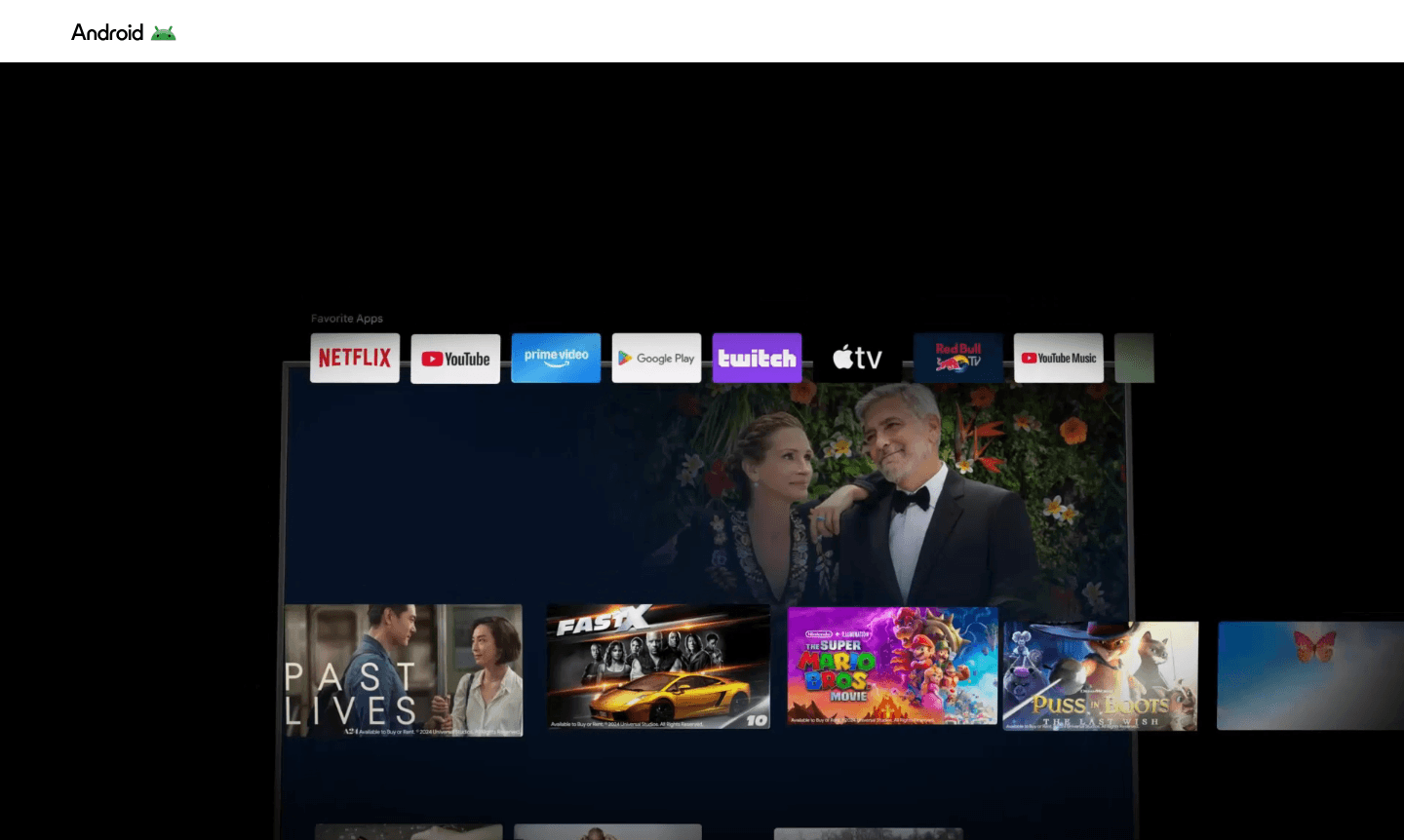
Overview of Android TV
Android TV transforms televisions into smart entertainment hubs powered by Google's Android OS. It provides seamless access to over 700,000 movies and shows, gaming, music streaming, and smart home controls through an intuitive interface. With built-in Google Assistant, users can search content, control playback, and manage devices hands-free.
Available on devices from manufacturers like Sony, TCL, and NVIDIA, Android TV brings the full Android ecosystem to your living room. It supports casting via Google Cast, extensive app selection from Google Play, and personalized recommendations. As a leading Streaming Service and Game Streaming platform, it is perfect for modern households seeking centralized digital experiences.
How to Use Android TV
To use Android TV, connect your device to power and Wi-Fi, then sign in with your Google account to sync data. Customize the home screen with favorite apps like Netflix and Disney+. Use the voice remote with Google Assistant to search, control playback, or manage smart home devices. Cast content from mobile devices via Chromecast for easy sharing.
Core Features of Android TV
- Voice Control Integration – Use Google Assistant to search content, control devices, and get answers hands-free
- Extensive Content Library – Access 700,000+ movies and shows across all major streaming platforms
- Google Cast Built-in – Seamlessly cast content from mobile devices to your television screen
- Customizable Home Screen – Personalize your interface with favorite apps and content recommendations
- Gaming Capabilities – Play thousands of Android games with optional controller support
Use Cases for Android TV
- Streaming movies and TV shows in 4K HDR quality from services like Netflix and Disney+
- Playing casual and hardcore games with dedicated gaming controllers
- Casting photos, videos, and presentations from smartphones and tablets
- Controlling smart home devices like lights and thermostats through voice commands
- Accessing live TV streaming services including YouTube TV and Sling
- Listening to music through Spotify and other audio streaming apps
- Getting weather updates, news briefings, and calendar information on your TV
Support and Contact
For support, contact contact@android.com or visit the Android TV Help page. Manufacturers like Sony, TCL, and NVIDIA offer additional customer service for their devices.
Company Info
Android TV is developed by Google LLC in Mountain View, CA. It integrates with Google services like Assistant, Play, and Chromecast, and is licensed to manufacturers worldwide for a unified smart TV experience.
Login and Signup
Sign in with your Google Account to use Android TV. For streaming services, subscribe directly through the app stores on your TV.
Android TV FAQ
What is the difference between Android TV and regular smart TV platforms?
Android TV runs Google's Android OS with full Google Play store access, voice control via Google Assistant, and seamless casting from mobile devices, unlike proprietary smart TV systems.
Can I install additional apps on Android TV beyond pre-installed ones?
Yes, Android TV provides access to Google Play Store with thousands of additional streaming, gaming, and utility apps you can download and install.
Does Android TV require a separate streaming device to work?
No, Android TV is built directly into compatible televisions, though you can also add it to existing TVs through Android TV streaming boxes or dongles.
How does Android TV voice control work with Google Assistant?
Press the Google Assistant button on your remote to search content, control playback, adjust volume, manage smart home devices, and get information using voice commands.
What streaming services are available on Android TV?
Android TV supports all major services including Netflix, YouTube, Disney+, Prime Video, Hulu, HBO Max, Spotify, and numerous live TV streaming platforms.
Android TV Reviews0 review
Would you recommend Android TV? Leave a comment
Android TV Alternatives
The best modern alternatives to the tool
New Tools Releases
Recently added tools
