
AIPRM
Boost AI productivity with AIPRM's browser extension featuring 4500+ prompts. Streamline ChatGPT and Claude workflows with expert templates and team tools. Trusted by 2M users.
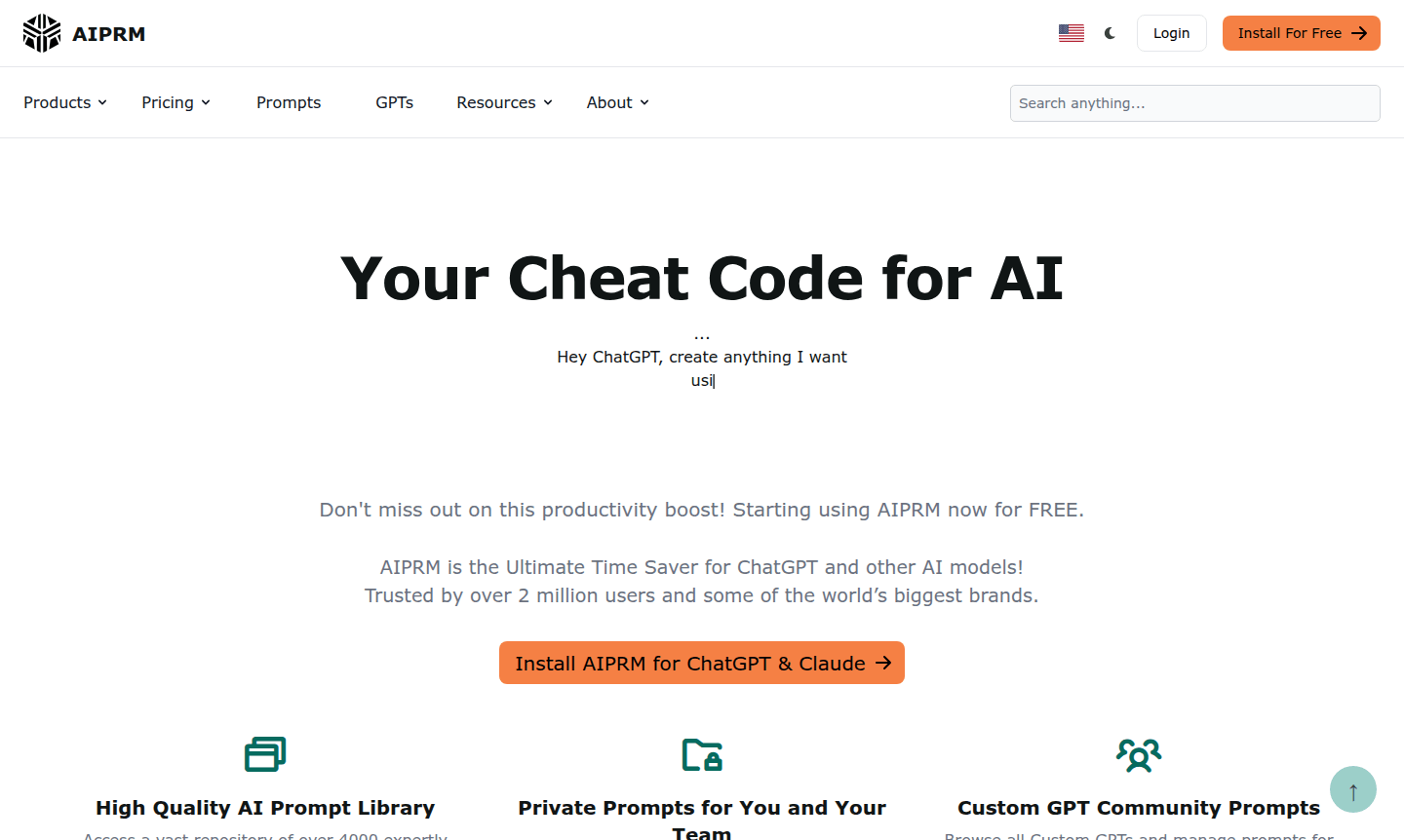
Overview of AIPRM
AIPRM serves as your ultimate AI productivity booster, functioning as a powerful browser extension that supercharges ChatGPT and other AI models with expertly crafted prompts. Trusted by over 2 million users and major global brands, this innovative tool provides immediate access to a vast library of community-vetted prompts that transform your AI interactions from basic queries to professional-grade outputs. Whether you're a content creator, researcher, or business professional, AIPRM dramatically reduces the time spent crafting effective prompts while significantly improving the quality of AI-generated content across various domains and industries.
The platform offers comprehensive prompt management capabilities, allowing users to browse through thousands of pre-built templates or create their own custom prompts for personal and team use. With seamless integration for both ChatGPT and Claude, AIPRM enables efficient AI workflow automation that helps businesses and individuals achieve better results faster. The extensive prompt library covers diverse use cases from marketing content creation to academic research, making it an indispensable tool for anyone looking to maximize their AI productivity and streamline their content generation processes. Explore related tools in categories like AI Prompt Tools and AI Writing Tools.
How to Use AIPRM
Getting started with AIPRM is straightforward – simply install the browser extension and access the prompt library directly within your ChatGPT or Claude interface. Browse through the extensive collection of over 4,500 public prompts organized by category and purpose, then select the most relevant template for your specific needs. For recurring tasks, create private prompts that you can save and organize for quick access, or customize existing community prompts to better suit your workflow requirements. The platform's intuitive interface makes it easy to manage prompts across different AI models and share your most effective templates with team members for collaborative projects.
Core Features of AIPRM
- Massive Prompt Library – Access to 4,500+ community-vetted prompts for diverse AI applications
- Private Prompt Creation – Build and organize custom prompts for personal and team use
- Custom GPT Integration – Seamlessly manage prompts across different GPT configurations
- Team Collaboration Tools – Share and organize prompts with colleagues and team members
- Multi-Platform Support – Compatible with both ChatGPT and Claude AI platforms
Use Cases for AIPRM
- Content creation for marketing campaigns and social media
- Academic research writing and paper composition
- Business document generation and professional correspondence
- Real estate property descriptions and advertising copy
- Email marketing content and campaign development
- Website content optimization and SEO article writing
- Creative writing projects and brainstorming sessions
Support and Contact
For assistance with AIPRM, users can contact support at contact@aiprm.com or visit the official contact page for more options. The platform also offers community resources and documentation for self-help.
Company Info
AIPRM has established itself as a leading AI productivity tool with a growing community of over 2 million active users. The platform continues to expand its prompt library and integration capabilities while maintaining its commitment to helping users achieve maximum efficiency in their AI-powered workflows across various professional domains.
Login and Signup
Users can login or signup for AIPRM through their browser extension marketplace and begin using the free version immediately. The platform offers straightforward installation and setup processes, allowing new users to quickly integrate the tool with their preferred AI platforms.
AIPRM FAQ
What is AIPRM and how does it work with ChatGPT?
AIPRM is a browser extension that adds a massive library of pre-built prompts to ChatGPT, helping users generate better content faster with expert-crafted templates.
Is AIPRM available for free or does it require payment?
AIPRM offers a free plan with access to over 4,500 public prompts for both ChatGPT and Claude, making it accessible to all users without initial cost.
Can I create my own custom prompts in AIPRM?
Yes, AIPRM allows users to create, save, and organize private prompts for personal use or team collaboration alongside the public prompt library.
How do I install the AIPRM browser extension?
You can install AIPRM from the Chrome Web Store or other browser extension marketplaces, then access it directly within ChatGPT or Claude interfaces.
Is there a limit to the number of private prompts I can create?
The free plan allows unlimited private prompt creation, while paid plans may offer additional features and higher limits for advanced users.
AIPRM Pricing
Current prices may vary due to updates
Free
Start for free with access to over 4,500+ public prompts for both ChatGPT and Claude, providing basic AI prompt management and community prompt librar
AIPRM Reviews0 review
Would you recommend AIPRM? Leave a comment
AIPRM Alternatives
The best modern alternatives to the tool
New Tools Releases
Recently added tools
