Meshy AI 3D Model Generator
Meshy AI: Free text and image to 3D model generator. Create production-ready assets for games, design, film, VR/AR, and 3D printing. Export to FBX, GLB, OBJ, STL with enterprise security.
Overview of Meshy
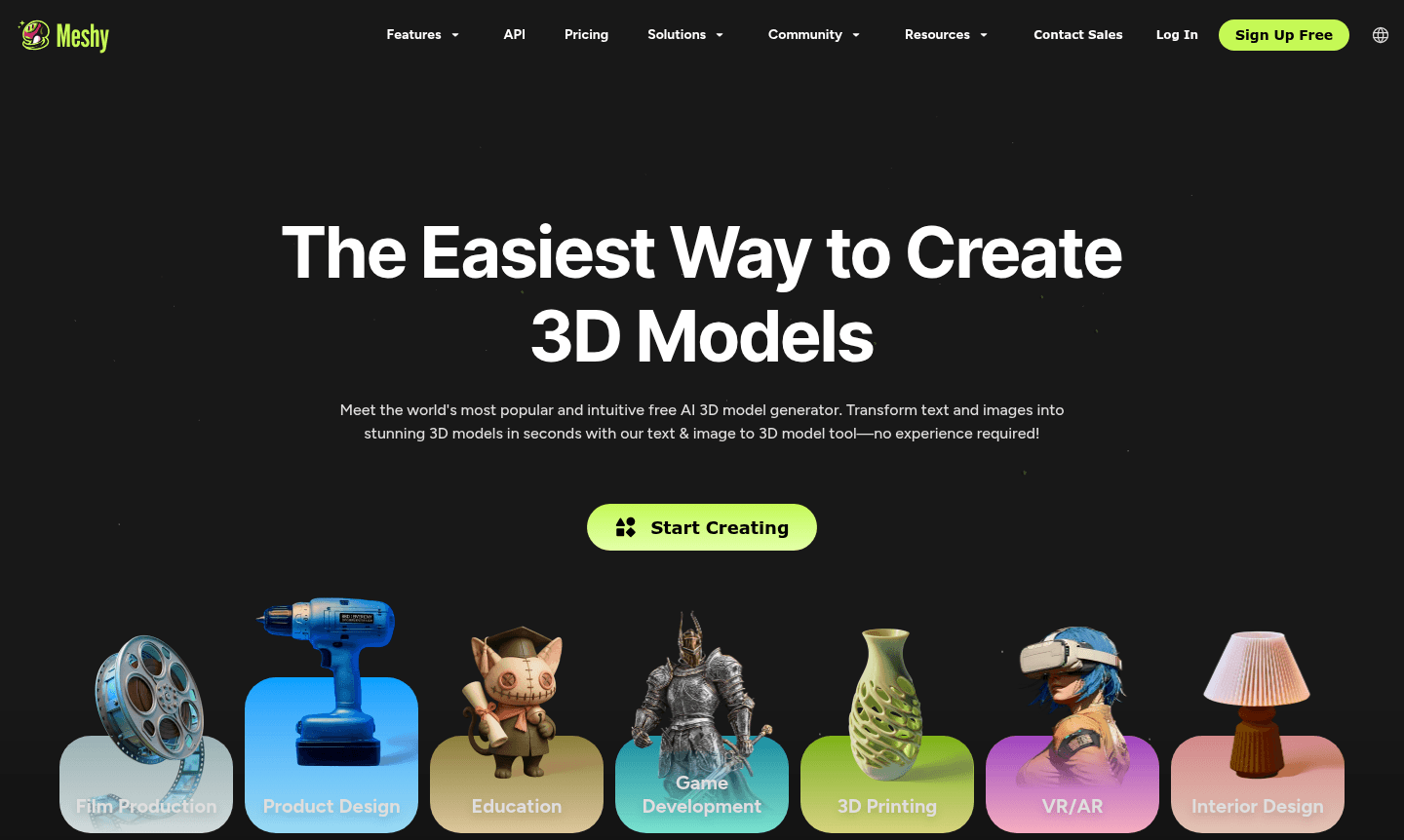
Meshy is the world's most popular free AI 3D model generator that transforms text and images into stunning 3D models in seconds. This tool democratizes 3D content creation by eliminating the need for specialized skills, making professional asset generation accessible to everyone from beginners to enterprises.
The platform serves various industries including 3D Modeling, game development, and product design, with enterprise-grade security certifications like ISO27001 and SOC2 Type II. Meshy's community of over 3 million creators fosters collaboration across sectors such as film production, education, VR/AR, and 3D printing.
How to Use Meshy
Using Meshy is straightforward: upload a clear image or enter a text prompt, and the AI generates a high-quality 3D model in moments. Preview and adjust models in the browser with the AI prompt helper, then download in your preferred format. The platform supports multiple concurrent tasks, enabling bulk generation of up to 50+ models and textures simultaneously.
Core Features of Meshy
- Text to 3D Model – Generate detailed 3D models from simple text descriptions instantly
- Image to 3D Converter – Transform 2D images, sketches, or illustrations into 3D models
- AI Texturing Tool – Create unlimited textures on meshes using text prompts or reference images
- Automatic Rigging & Animation – Easily rig characters and access 500+ game-ready motions
- Smart Remesh & PBR Support – Adjust topology and export PBR maps for industry workflows
Use Cases for Meshy
- Game development with rapid 3D asset creation and animation
- Product design from concept to 3D prototype visualization
- Film production for VFX and previsualization workflows
- 3D printing with printer-ready model generation
- VR/AR development with optimized real-time performance assets
- Interior design transforming sketches into production-ready assets
- Education for 3D printing classes and educational app development
Support and Contact
For support, contact contact@meshy.ai or visit the Meshy website for documentation and community resources.
Company Info
Meshy provides AI-powered 3D modeling solutions through its web-based platform. The company maintains high security standards and serves a global community. For details, visit the official website.
Login and Signup
Access Meshy by visiting the main website. Free basic features are available, with subscriptions for advanced capabilities. Enterprise plans include multi-team management and centralized billing.
Meshy AI 3D Model Generator FAQ
How does Meshy's text to 3D model generator work?
Meshy uses advanced AI to transform text descriptions into detailed 3D models instantly, requiring no 3D modeling experience from users.
What file formats does Meshy support for 3D model export?
Meshy exports models in FBX, GLB, OBJ, STL, 3MF, USDZ, and BLEND formats for seamless integration with popular 3D software and game engines.
Can Meshy handle bulk 3D model generation tasks?
Yes, Meshy can process 50+ concurrent 3D model and texture generation tasks simultaneously, significantly accelerating production workflows.
Is there a free version of Meshy?
Yes, Meshy offers a free plan with basic features, and paid subscriptions for advanced capabilities like bulk generation and enterprise tools.
Meshy AI 3D Model Generator Reviews0 review
Would you recommend Meshy AI 3D Model Generator? Leave a comment
Meshy AI 3D Model Generator Alternatives
The best modern alternatives to the tool
New Tools Releases
Recently added tools